





















A Beginner’s Guide to Diode Laser Engraver

Thinking about stepping into the world of laser engraving?
Diode laser engravers have become a popular choice for hobbyists and small businesses alike.
This guide walks you through how they work, what they can do, and how to choose the right one—so you can get started with confidence.
What Is a Diode Laser Engraver
At its simplest, a diode laser engraver is a machine that uses a concentrated beam of light to engrave, cut, or mark materials with precision.
It turns digital designs into permanent marks—clean lines shaped by light rather than blades—making it a powerful tool for both creativity and control.

Understanding Laser Engraving Technology
Laser engraving is a subtractive process.
A high-energy laser beam is focused onto a surface, where it vaporises, melts, or burns away material to form a lasting mark or cut.
The process is not about brute force, but accuracy—careful control of energy, speed, and focus. Done right, it leaves behind detail that feels intentional, not mechanical.

How a Diode Laser Works
A diode laser generates light using semiconductor diodes, similar in principle to LED technology.
These diodes emit light at specific wavelengths—most commonly blue light around 450 nm.
This wavelength is easily absorbed by many organic and coated materials, which is why diode lasers perform especially well on wood, leather, fabrics, paper, and anodised surfaces.
The energy is efficiently transferred, producing crisp engravings and controlled cuts.
Key Components of a Diode Laser Engraver
While designs and features vary, most diode laser engravers share the same core structure:
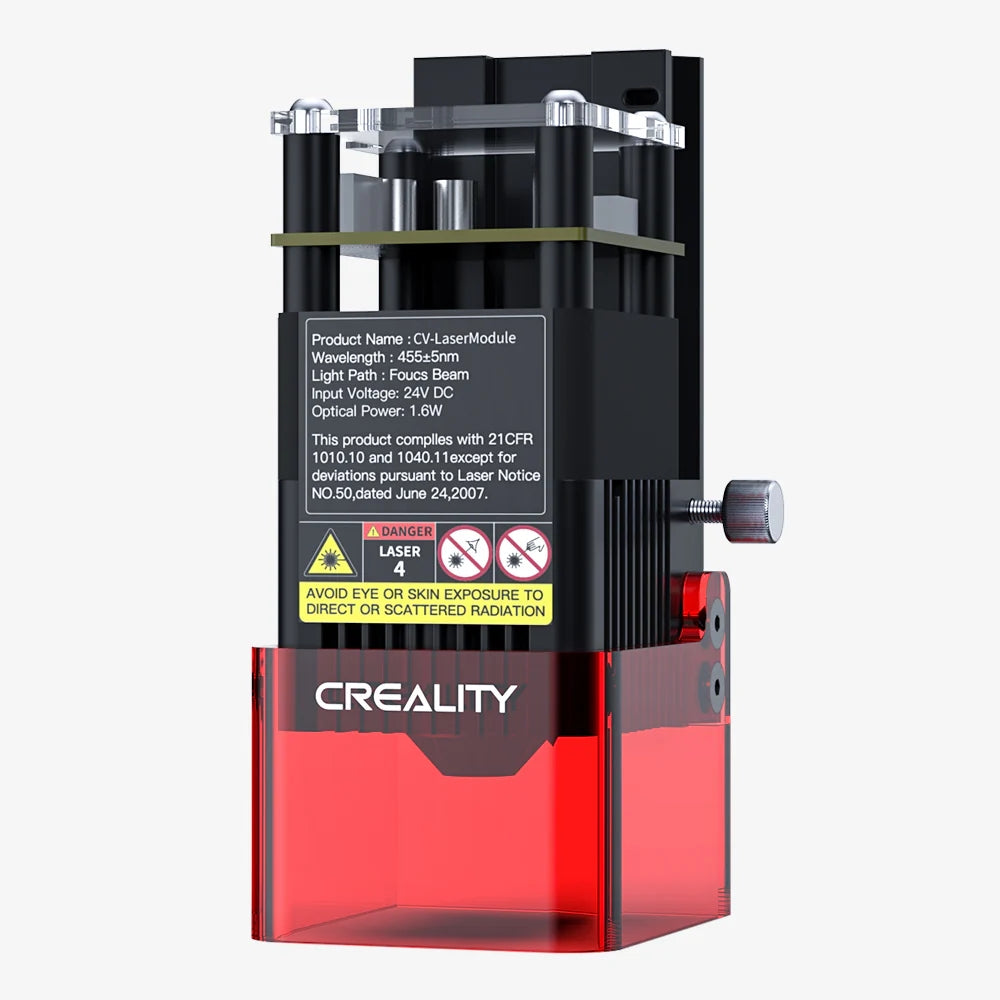
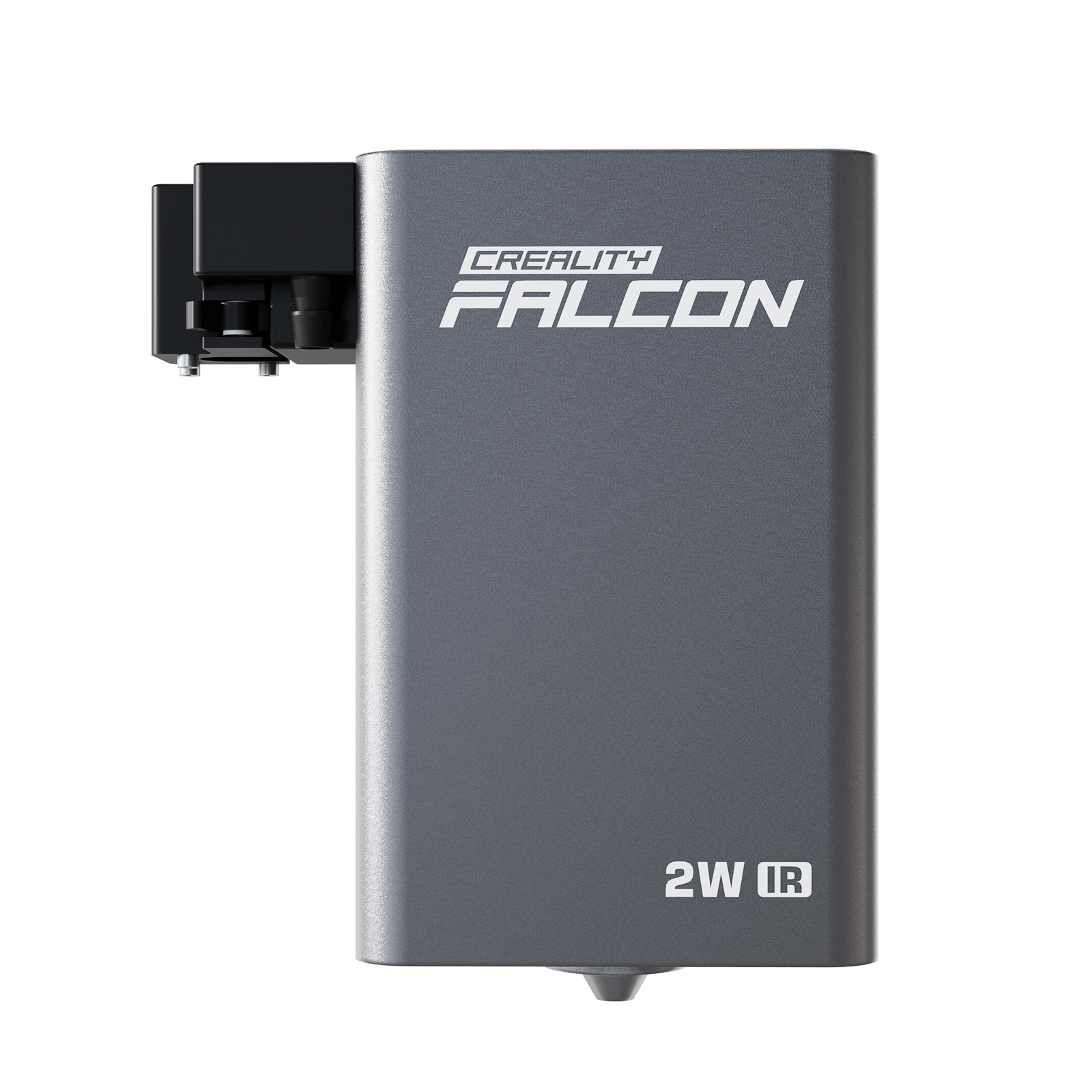
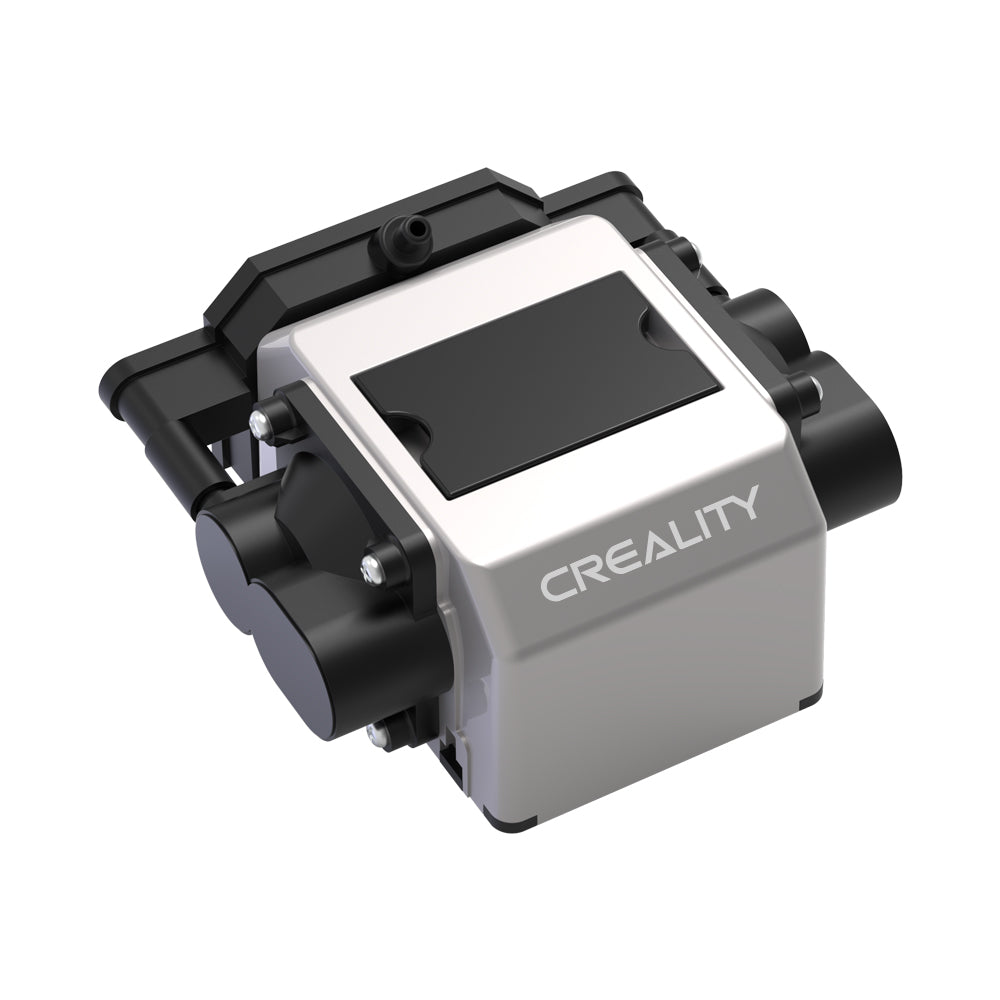
- Laser Module: The heart of the machine, housing the diode and focusing lens that shapes the beam.
- Frame: A rigid structure that maintains stability and accuracy during movement.
- Stepper Motors: Precision motors that guide the laser head along the X and Y axes.
- Control Board: The system’s brain, translating digital designs into motion and laser output.
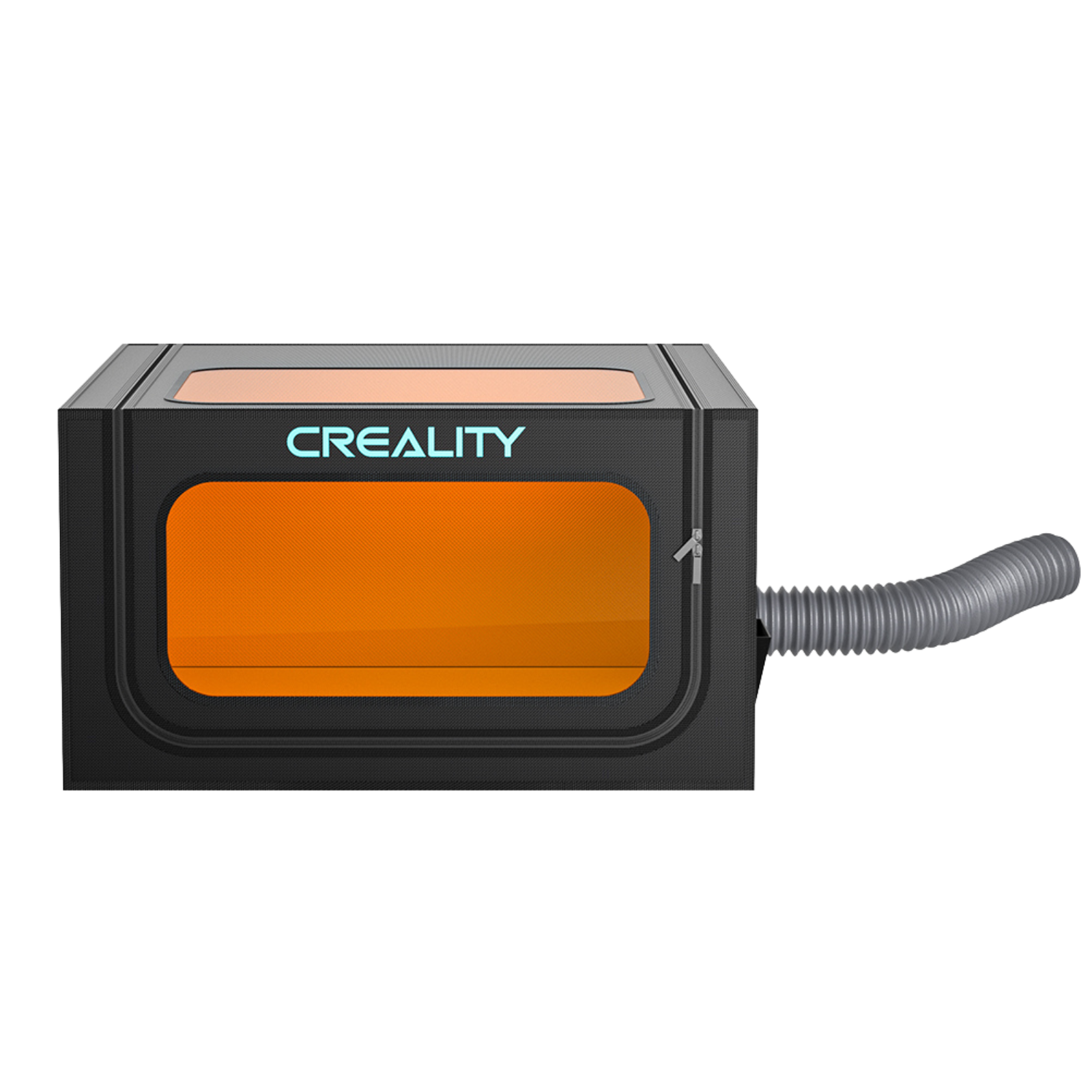
- Safety Features: Emergency stops, protective shielding, and motion sensors designed to reduce risk during operation.
Diode Laser Engraver Pros & Cons
Like any tool, diode laser engravers come with both strengths and limitations.
Understanding both helps set realistic expectations.
Why Choose a Diode Laser Engraver
Diode lasers are popular for good reason:
- Affordability: One of the most accessible entry points into laser engraving.
- Compact Size: Lightweight designs that fit easily into home workshops or classrooms.
- Ease of Use: Straightforward setup and operation, ideal for beginners.
- Low Maintenance: Fewer moving parts and sealed laser modules reduce ongoing upkeep.
- Air-Assist Support: Many models include or support air assist, improving cut quality and reducing burn marks.
Limitations to Keep in Mind
There are trade-offs:
- Lower Power Output: Slower cutting speeds and limited depth compared to CO₂ or fibre lasers.
- Material Restrictions: Not suitable for clear acrylic, bare metals, or highly reflective surfaces without coatings.
- Shorter Module Lifespan: Diode modules wear faster than fibre sources, though replacement is relatively affordable.
What Materials Can a Diode Laser Work With
This is where diode lasers shine. Their versatility opens the door to a wide range of creative projects.
Engraving Capabilities
Diode lasers work well on:
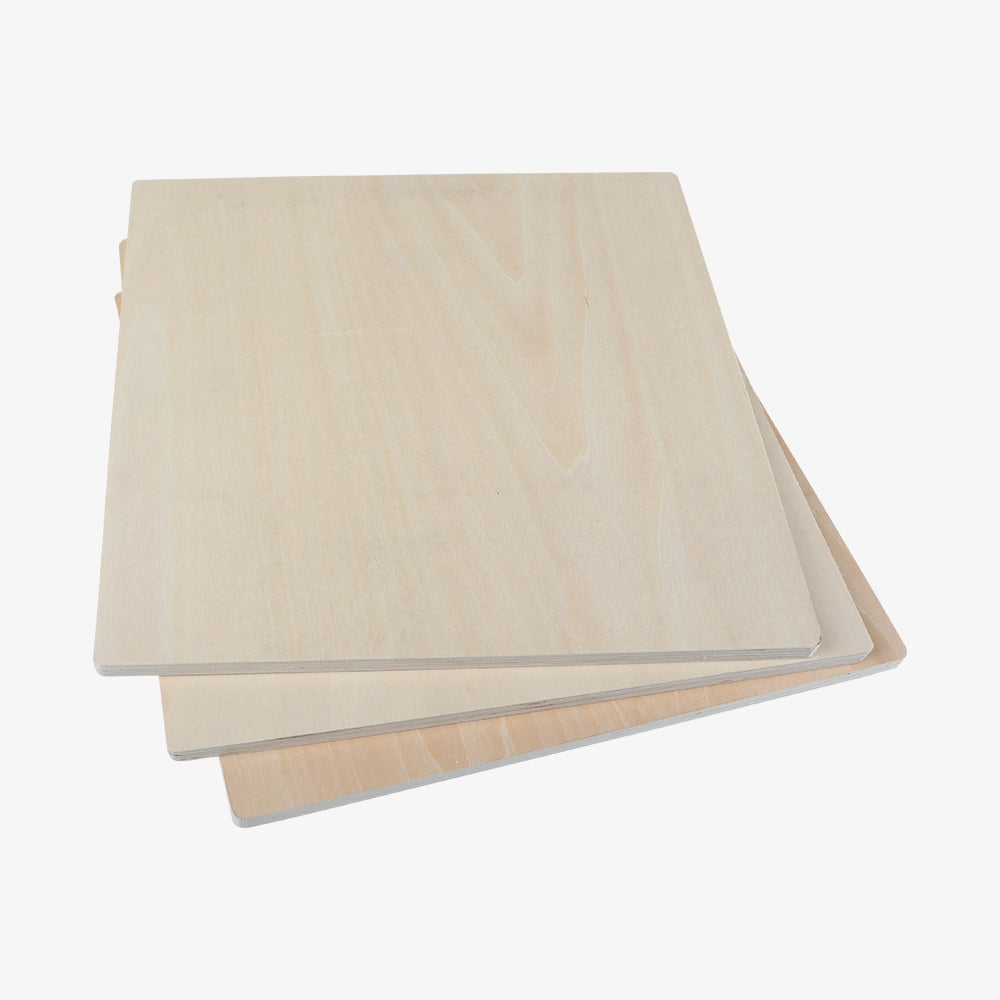
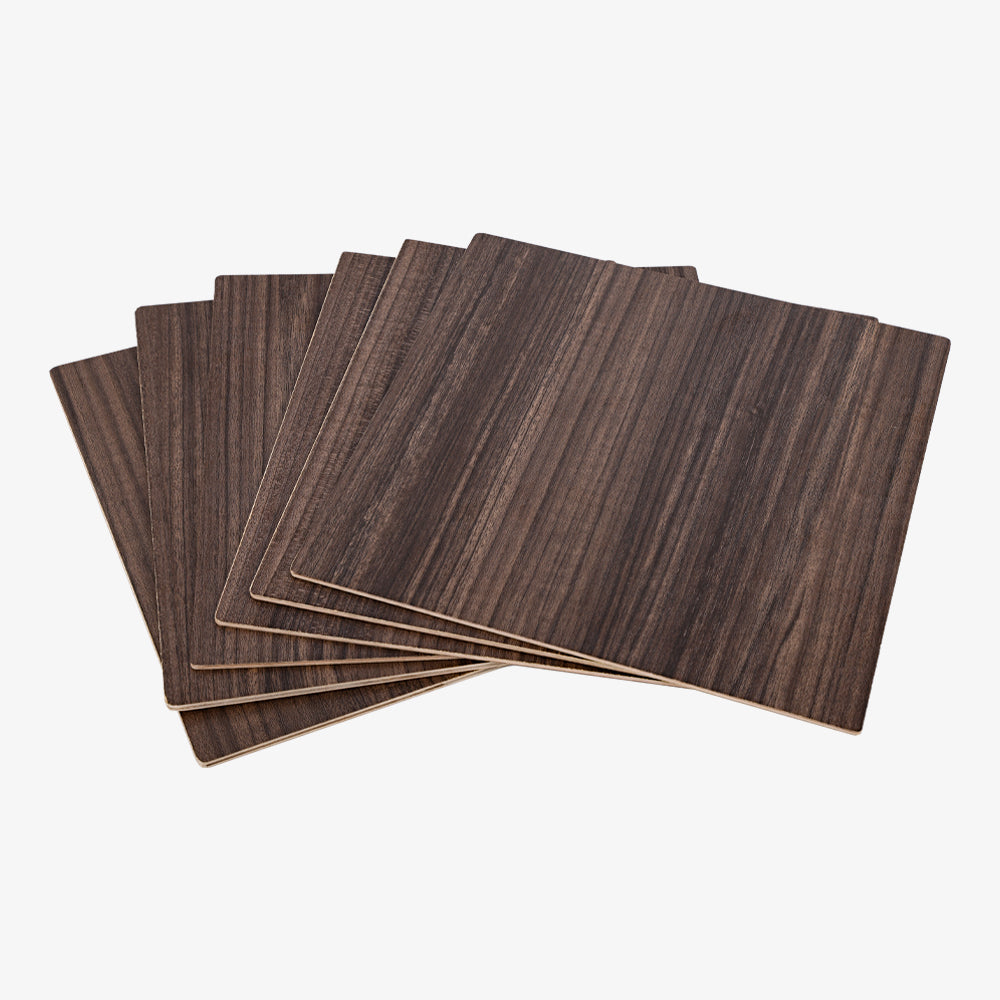
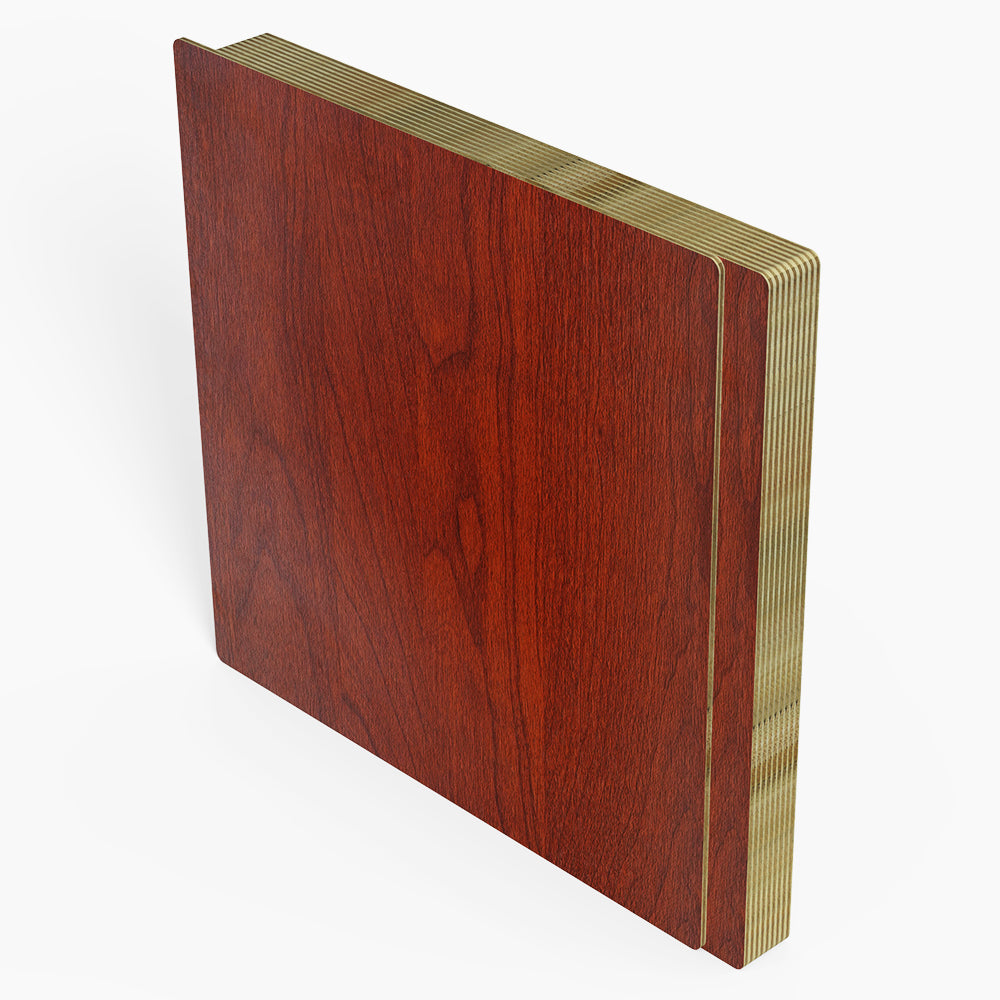
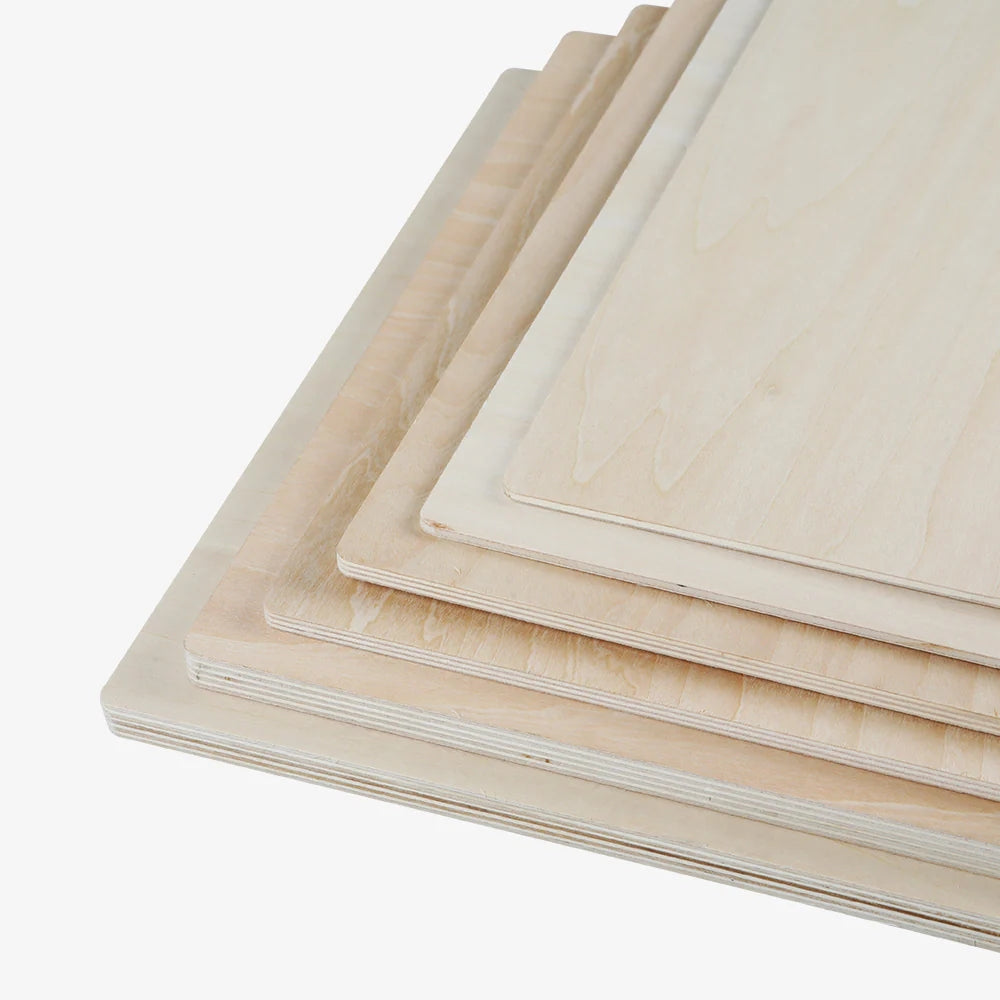
- Wood — Plywood, hardwoods, softwoods, balsa
- Leather — Wallets, belts, accessories
- Paper & Cardstock — Invitations, packaging, stencils
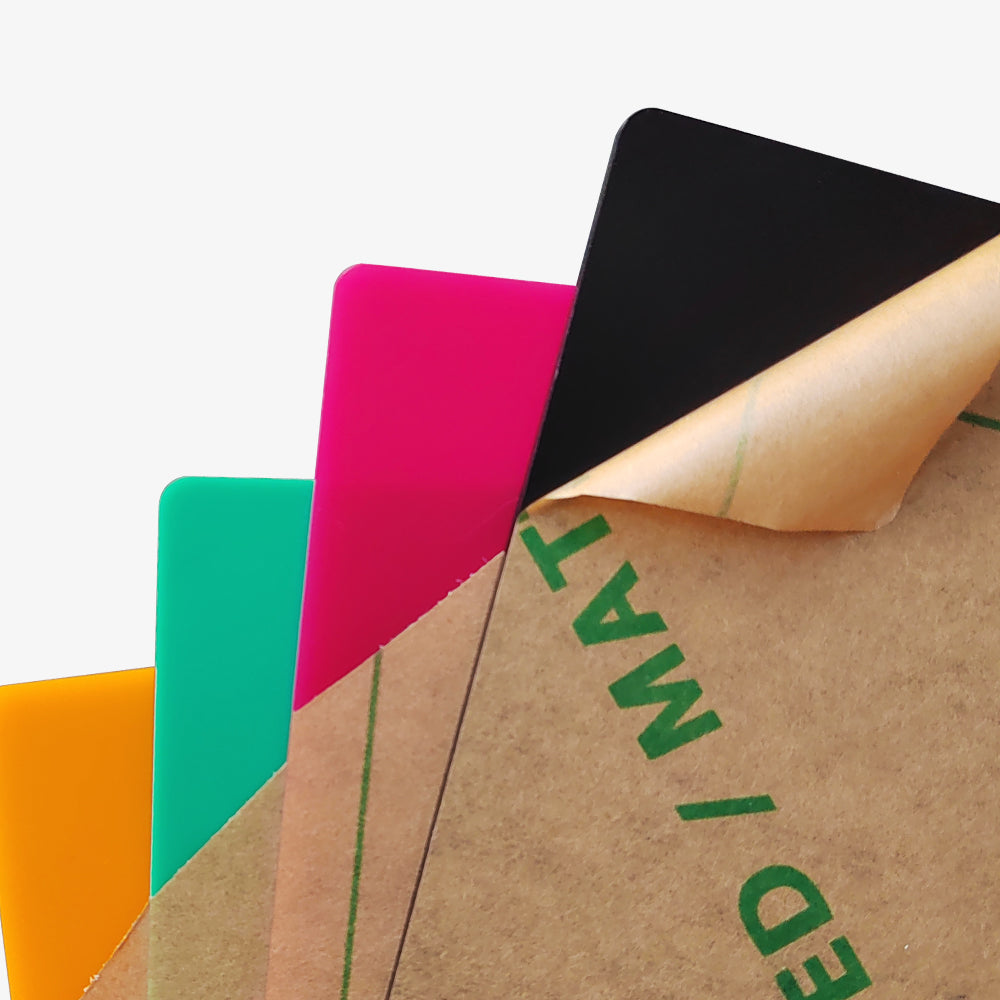
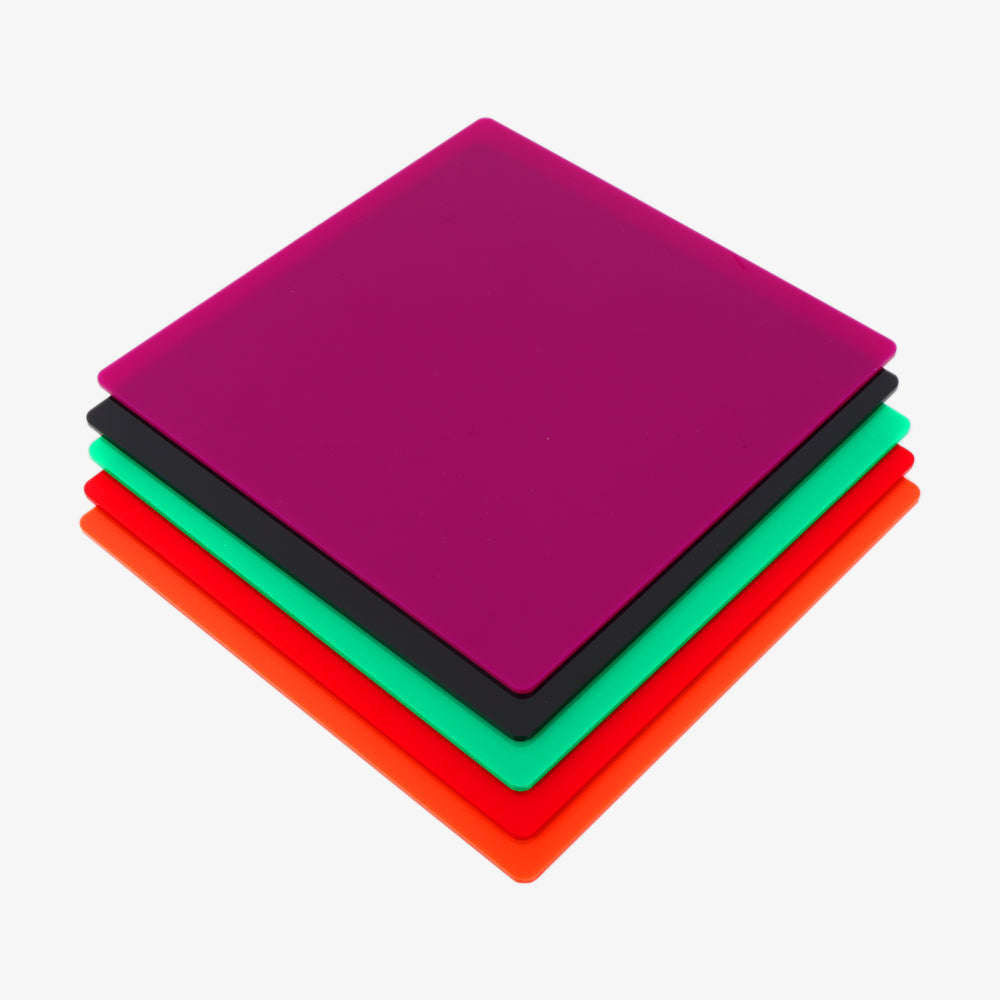
- Certain Plastics — ABS, Delrin, opaque acrylic (test first)
- Fabric — Denim, felt, cotton
- Anodised Aluminium — Surface marking through the anodised layer
- Coated Metals — Engraving the coating rather than the metal itself
- Slate & Ceramics — Permanent surface marks with strong contrast
Cutting Capabilities
Cutting is possible, within limits:
- Thin Wood — Plywood up to 6–8 mm (power dependent)
- Paper & Felt — Clean, detailed cuts
- Opaque Acrylic — Typically 3 mm or thinner, often with multiple passes
- Leather — Thin to moderate thickness
Materials to Avoid or Use With Caution
Some materials are unsafe or ineffective:
- Transparent Materials: Clear acrylic and glass allow the laser to pass through without interaction.
- PVC (Polyvinyl Chloride): Releases toxic chlorine gas when cut or engraved. Never use PVC.
- Bare Reflective Metals: Steel, brass, copper, and aluminium reflect the beam and cannot be engraved directly.
- Unknown Foams & Plastics: Some melt unpredictably or emit harmful fumes—always research first.
Real-World Engraving Examples (Power & Speed Reference)
To ground expectations, here are common beginner-level settings:
|
Material |
Optical Power |
Speed |
Result |
|
Birch plywood |
10W |
3000 mm/min |
Clean engraving |
|
Vegetable-tanned leather |
10W |
4000 mm/min |
Dark, high contrast |
|
Black anodised aluminium |
10W |
2000 mm/min |
Sharp surface mark |
|
Cardboard/paper |
5–10W |
6000 mm/min |
Clean cut |
|
Opaque acrylic (3 mm) |
20W |
300–500 mm/min |
Multiple passes |
Always test on scrap material. Results vary by focus, material quality, and machine.

Quick Decision Guide: Is a Diode Laser Right for You
Choose a diode laser engraver if you:
- Work mainly with wood, leather, paper, fabric, slate, or coated metals
- Are a hobbyist, educator, or small business owner
- Value affordability, compact size, and ease of use
Skip diode lasers if you need to:
- Engrave bare metal
- Cut thick acrylic
- Run high-volume commercial production
In short:
Diode lasers suit light to medium engraving. CO₂ and fibre lasers belong to industrial workflows.
Diode Laser vs. CO₂ and Fiber Lasers
If your focus is non-metal materials, the main question becomes: blue diode or CO₂?
- Blue diode lasers favour flexibility, cost efficiency, and entry-level use.
- CO₂ lasers deliver higher power, faster cutting, and broader material compatibility—at a higher investment.
Diode vs. CO₂ Laser Comparison
|
Feature |
Diode Laser |
CO₂ Laser |
|
Power |
5–40W optical |
40–150W+ |
|
Cost |
Hundreds to low thousands |
Thousands to tens of thousands |
|
Size |
Compact |
Large, enclosed |
|
Maintenance |
Low |
Moderate to high |
|
Material Range |
Wood, leather, opaque acrylic |
Acrylic (all), glass, wood |
|
Speed |
Slower |
Much faster |
Diode vs. Fiber Laser
- Diode lasers: Organic materials, coated metals, plastics
- Fiber lasers: Direct metal engraving, deep etching, industrial use
Common Beginner Mistakes
Most frustrations come from expectations, not machines:
- Expecting to engrave bare metal
- Assuming higher wattage solves everything
- Ignoring ventilation and safety
- Using unsafe materials
- Skipping test runs
Learning these early saves time, money, and materials.
Choosing the Right Diode Laser
Focus on:
- Optical output power, not input wattage
- Working area suited to your projects
- Frame rigidity and precision
- Software compatibility (LightBurn, LaserGRBL)
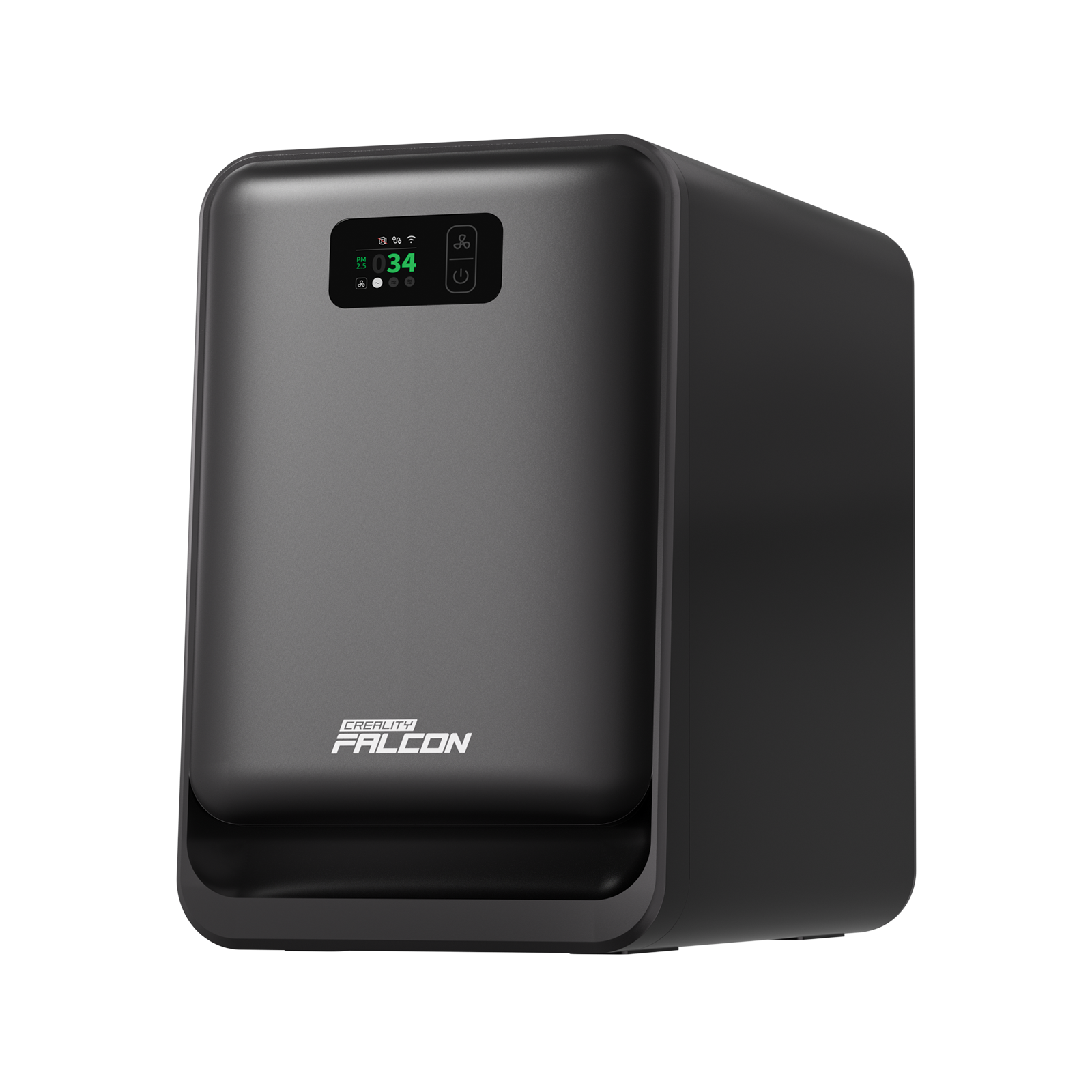
- Safety features and airflow support
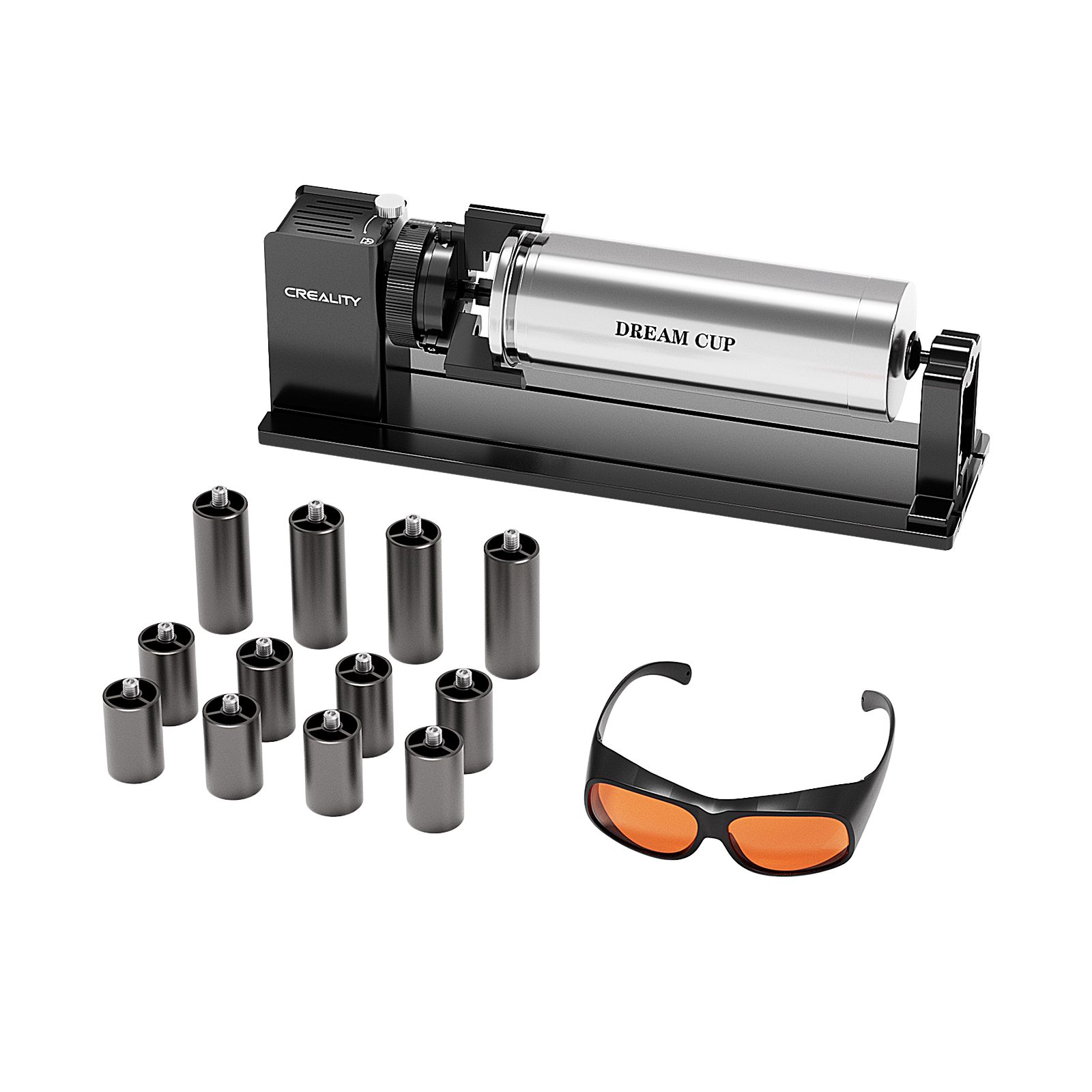
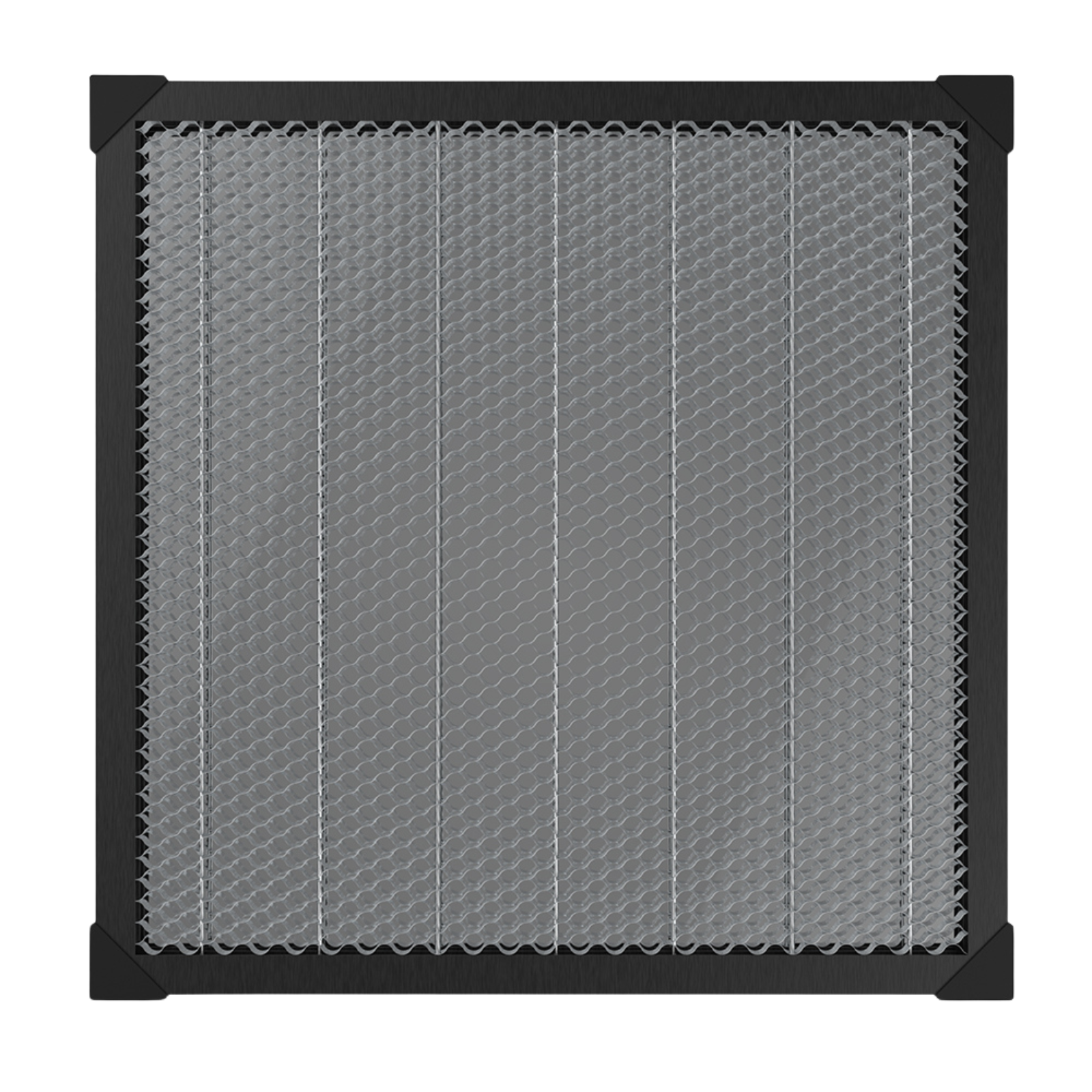
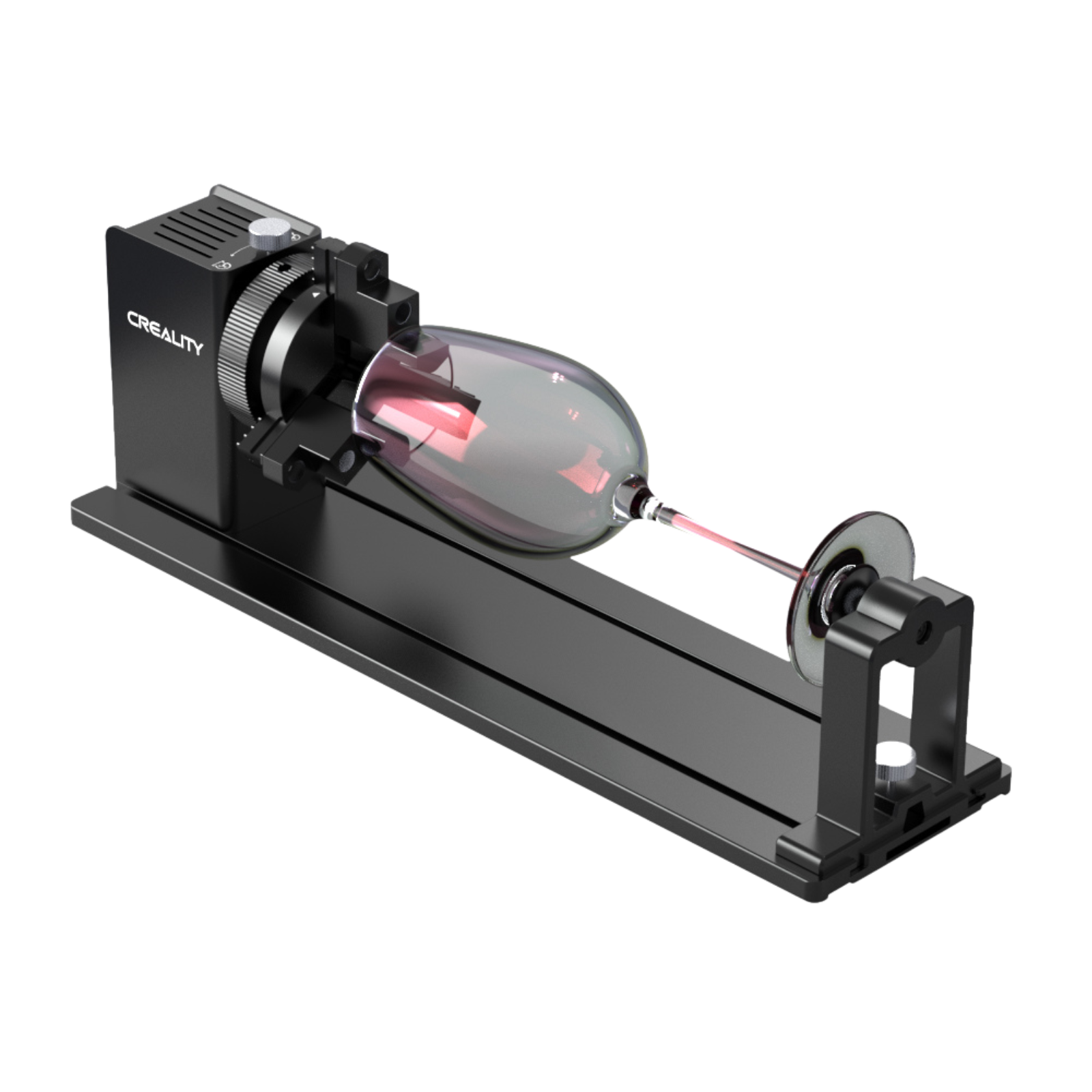
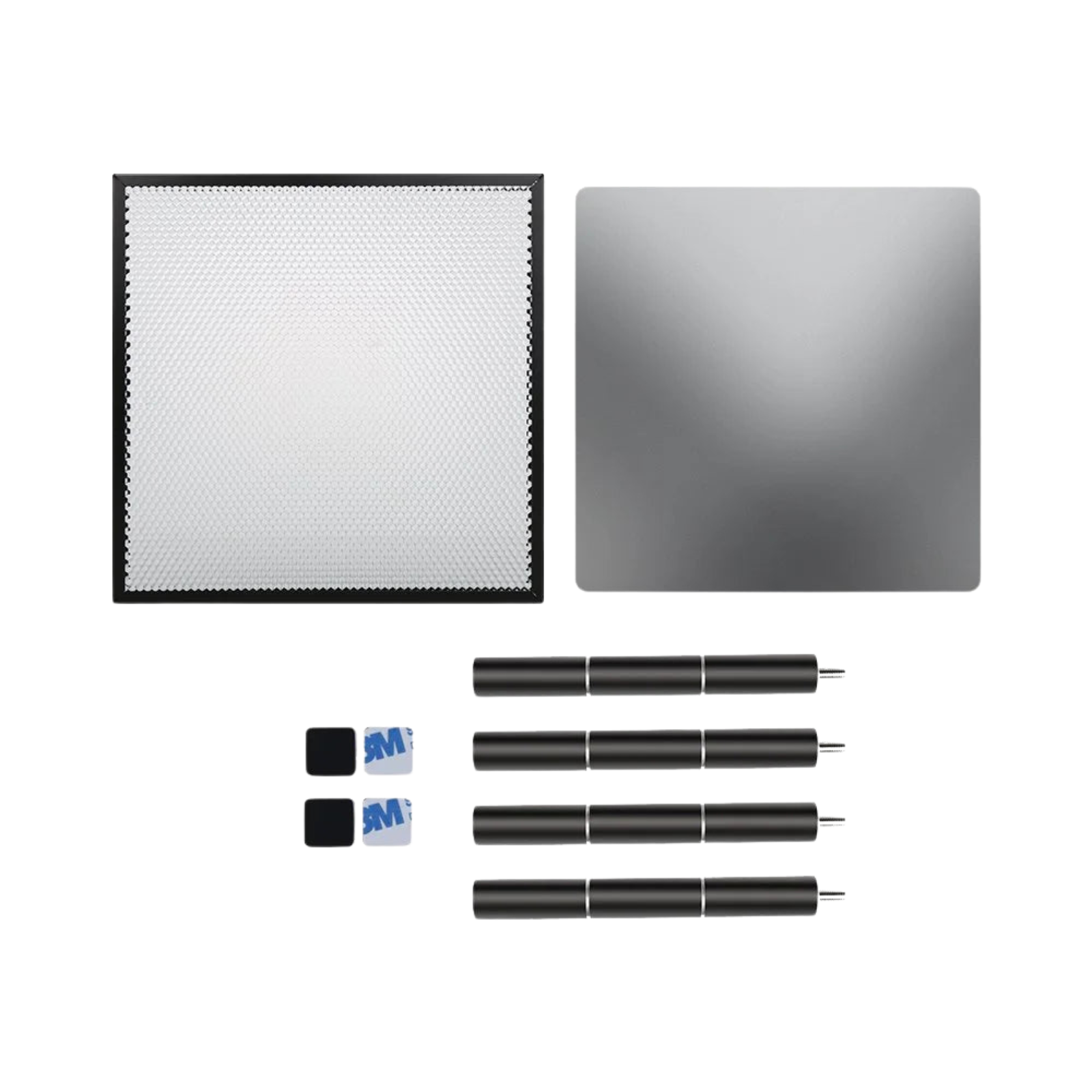
Accessories like air assist and enclosures significantly improve results.
Safety, Lifespan & Maintenance
- Diode lasers are efficient but not toys.
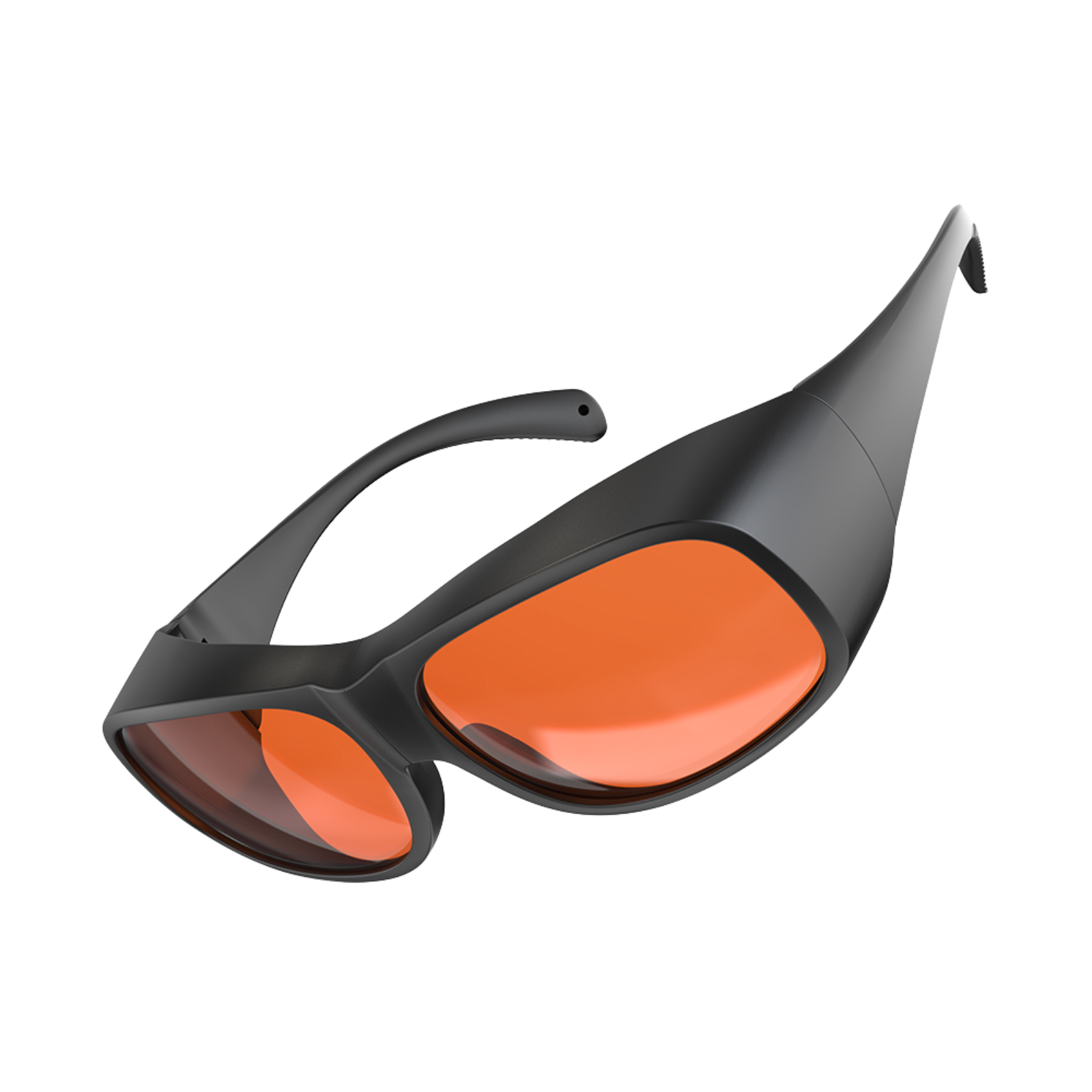
- Always wear certified laser safety glasses
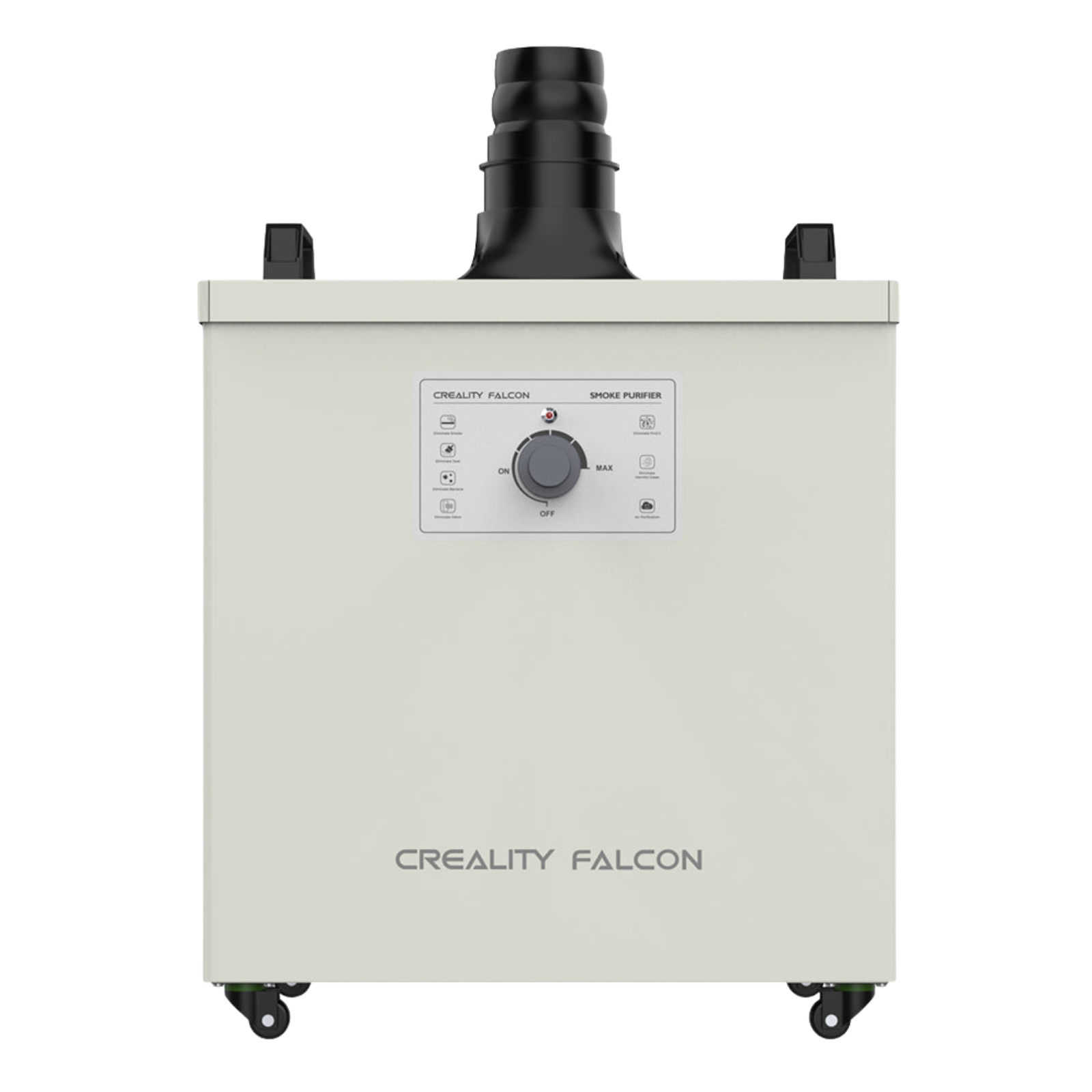
- Use proper ventilation
- Never leave the machine unattended
- Typical diode lifespan is 8,000–10,000 hours, with low replacement cost and minimal maintenance compared to CO₂ systems.
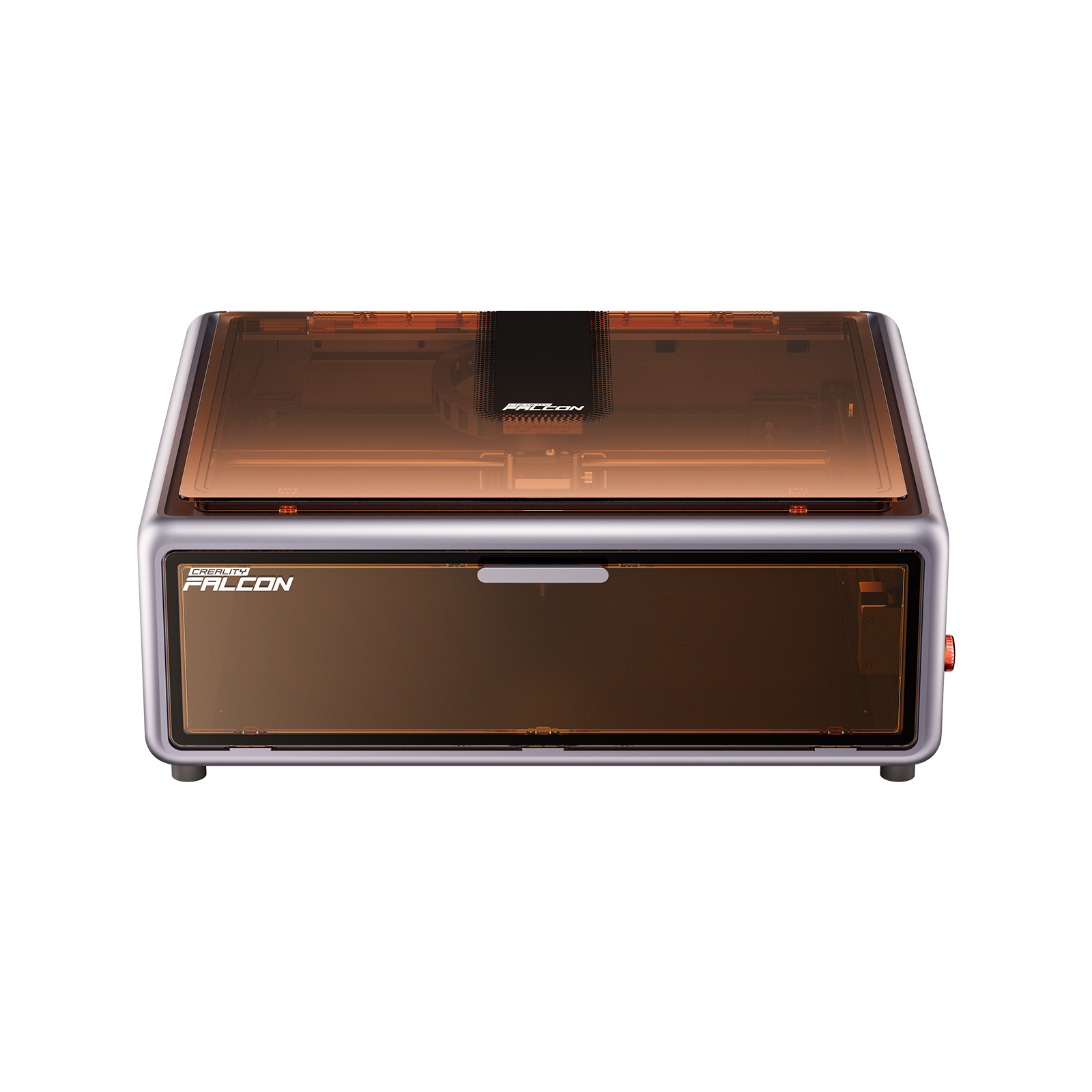
Recommended Brand: Creality Falcon Laser
Among diode laser brands, Creality Falcon Laser stands out for reliability and value.
Backed by Creality’s manufacturing experience and maker community, Falcon machines balance performance with approachability.

They offer:
- Consistent build quality
- Strong diode output with fine spot size
- Beginner-friendly setup with room to scale
- Excellent cost-to-performance ratio
Best suited for: Personalised gifts, small business engraving, DIY signage, education, and non-metal cutting.
Final Thoughts
A diode laser engraver is not about raw power—it’s about accessible precision.
For creators working with non-metal materials, it offers a practical entry into laser engraving without the cost or complexity of industrial systems.
Choose carefully, work safely, and let light do the cutting.
Recent News

Creality Falcon 12th Anniversary Sale: How to Get the Best Deals
Looking to get the best deal on a laser engraver? The Creality Falcon 12th Anniversary Sale (April 20–30) is not...

Troubleshooting Common Issues with Creality Falcon2: Tips and Solutions
Whether you're a novice or an experienced user, encountering issues with your Creality Falcon 2 laser cutter can...

Comprehensive Creality Falcon2 Pro Review
Discover the Creality Falcon2 Pro Laser Cutter: superior cutting power, three adjustable modes, and enhanced safety. Ideal for...


