
























00 Days
:
00 Hours
:
00 Minutes
:
00 Seconds
Free Gifts
On Sale
Super Recommended
Bundle Discount
Halloween Offers
Magic Ideas
Free Gifts
On Sale
Super Recommended
Bundle Discount
Halloween Offers
Magic Ideas
Free Tier Gift By CrealityFalcon
Buy a Falcon Engraver and receive an exclusive gift package (crafting materials or accessories) – perfect for your creative projects.Notice:Shopping cart reaches the relative amount, the gift will be added to the shopping cart automatically.
Falcon Laser Engraver is on sale
Falcon2
|Falcon2 pro
|CR-Laser Falcon
Up to 48%off,down to £269; Come and explore most popular falcon2 laser engraver、super high speed falcon2 pro laser engraver,Budget-friendly CR -Laser falcon engraver!
37% Off

 Best Buy
Creality Falcon2 40W Laser Engraver and Cutter
£509.00£809.00
 (99)
(99)

19% Off

Best Buy
Creality Falcon2 Pro 22W/40W Enclosed Laser Engraver and Cutter
£863.00£1,059.00
(99)
10% Off

Best Buy
Creality Falcon2 Pro 60W Enclosed Laser Engraver & Cutter
£1,823.00£2,019.00
(76)
33% Off

Best Buy
Creality CR-Laser Falcon 10W Laser Engraver
£199.00£299.00
(99)
Super High-Speed Engraving


Creality Falcon2 Pro 22W/40W Enclosed Laser Engraver and Cutter
30 Day Price Guarantee -Ordernow and shop with peace of mind!
22W
- 22W
- 40W+1.6W
Bulk discounts for materials and Falcon accessories
Materials
|Accessories
24% Off

 Best Buy
Stainless Steel Tumbler with Removable Handle
£12.99£16.99
(99)
30% Off

Best Buy
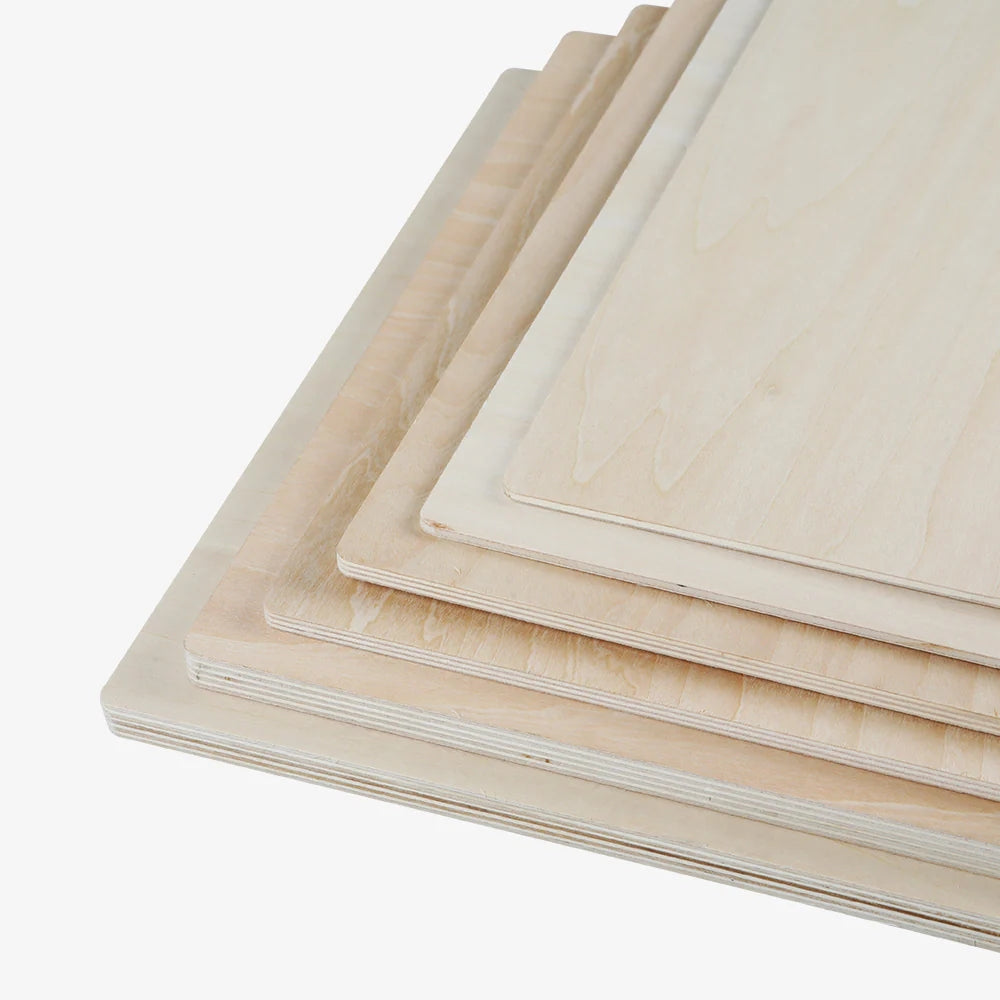
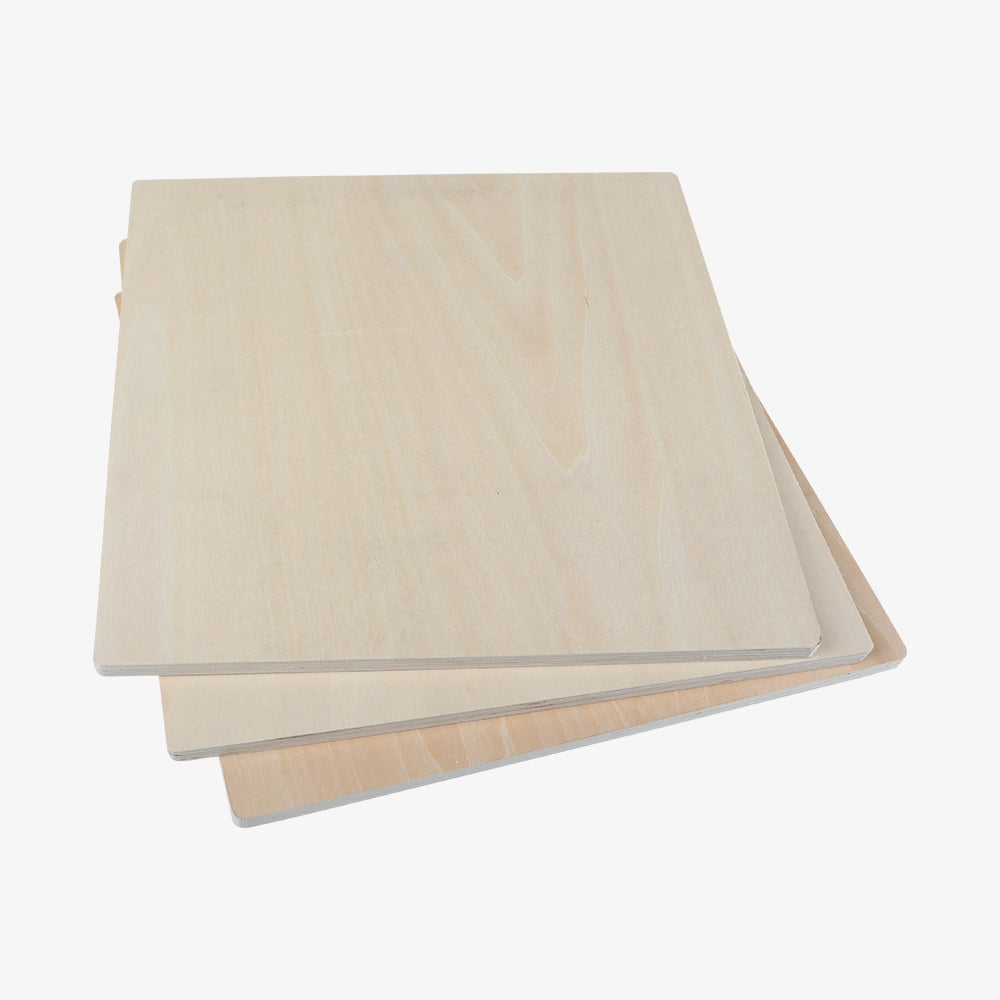
12" x 12" Basswood Plywood Sheets for Laser Engraving
£12.60£18.00
(90)
20% Off

Best Buy
Laser Material Package for Laser Engraver(Intelligent recognition w/ Falcon A1)
£11.99£14.99
(90)
15% Off

Best Buy
12×12'' Laser Module Walnut Plywood Sheets(Intelligent recognition w/ Falcon A1)
£16.99£19.99
(90)
30% Off

Best Buy
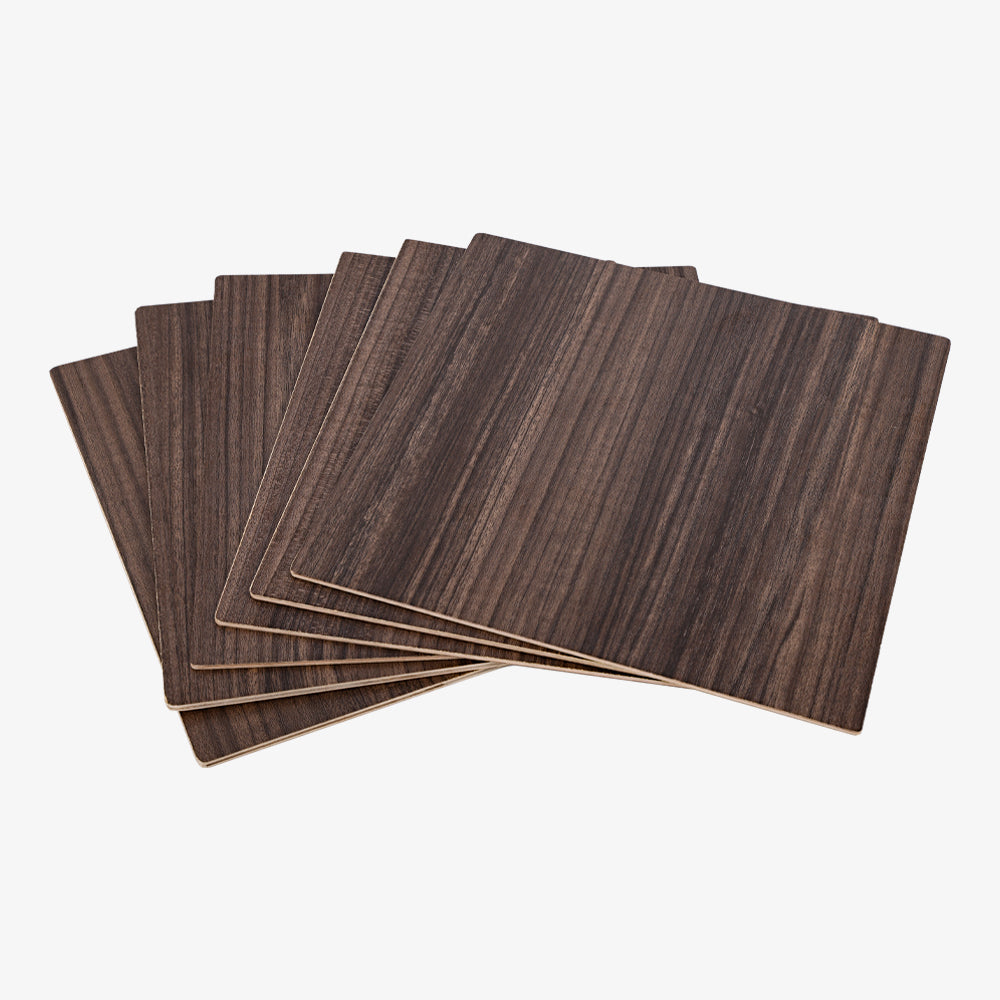
Falcon Series Walnut Plywood Sheets
£19.59£27.99
(90)
23% Off

Best Buy
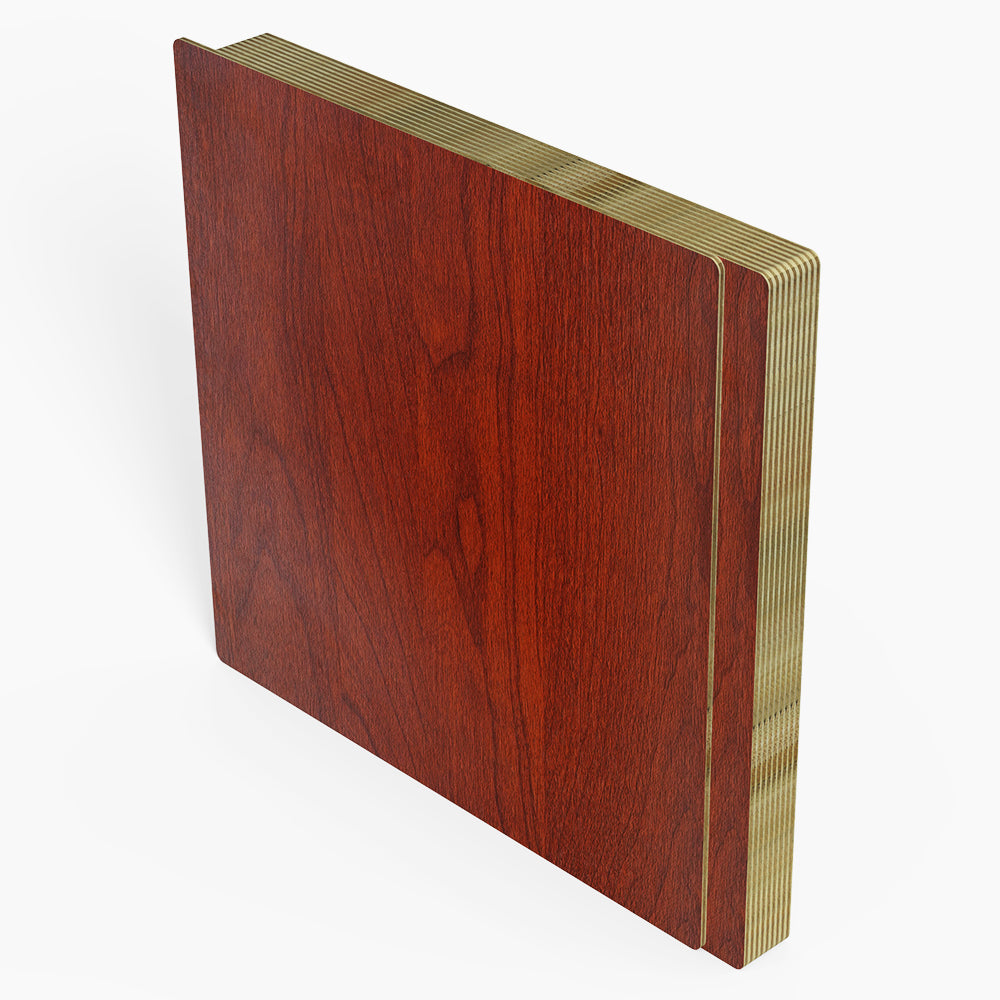
12×12'' Laser Module Rosewood Plywood Sheets(Intelligent recognition w/ Falcon A1)
£19.99£25.90
()
18% Off

Best Buy
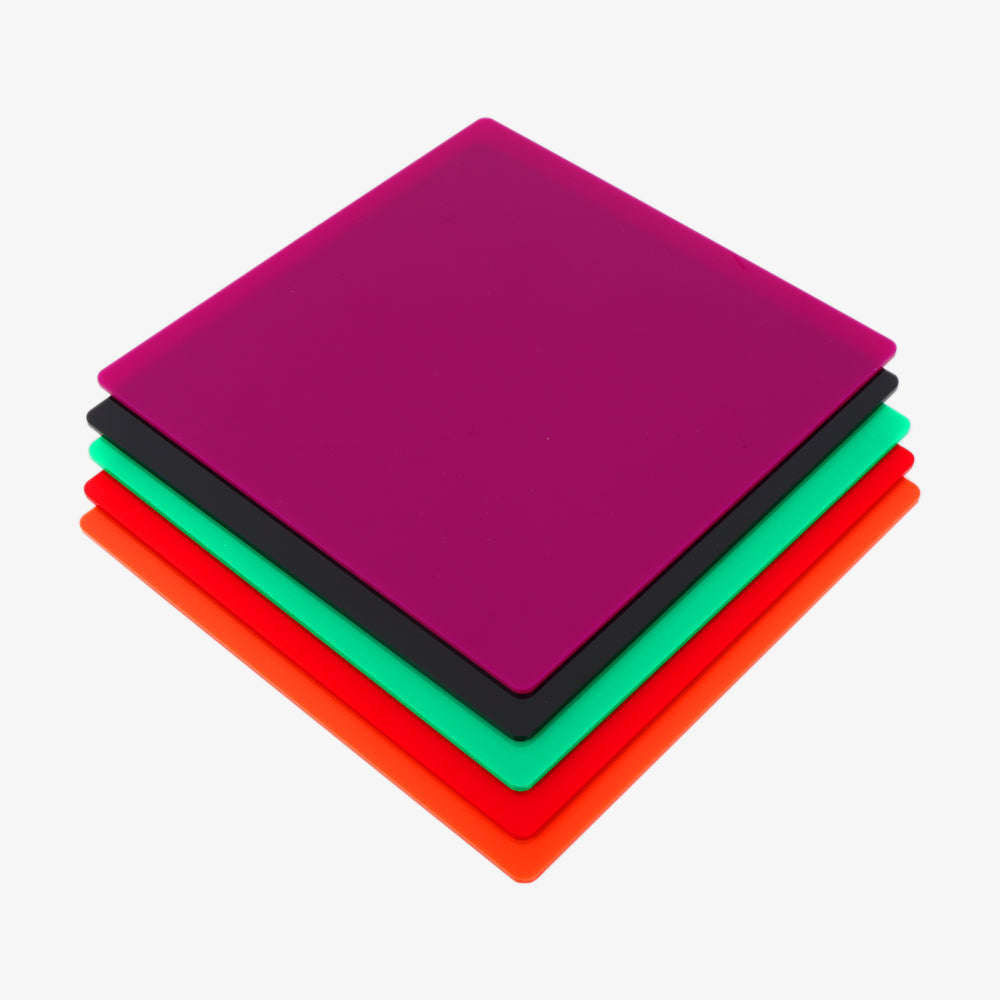
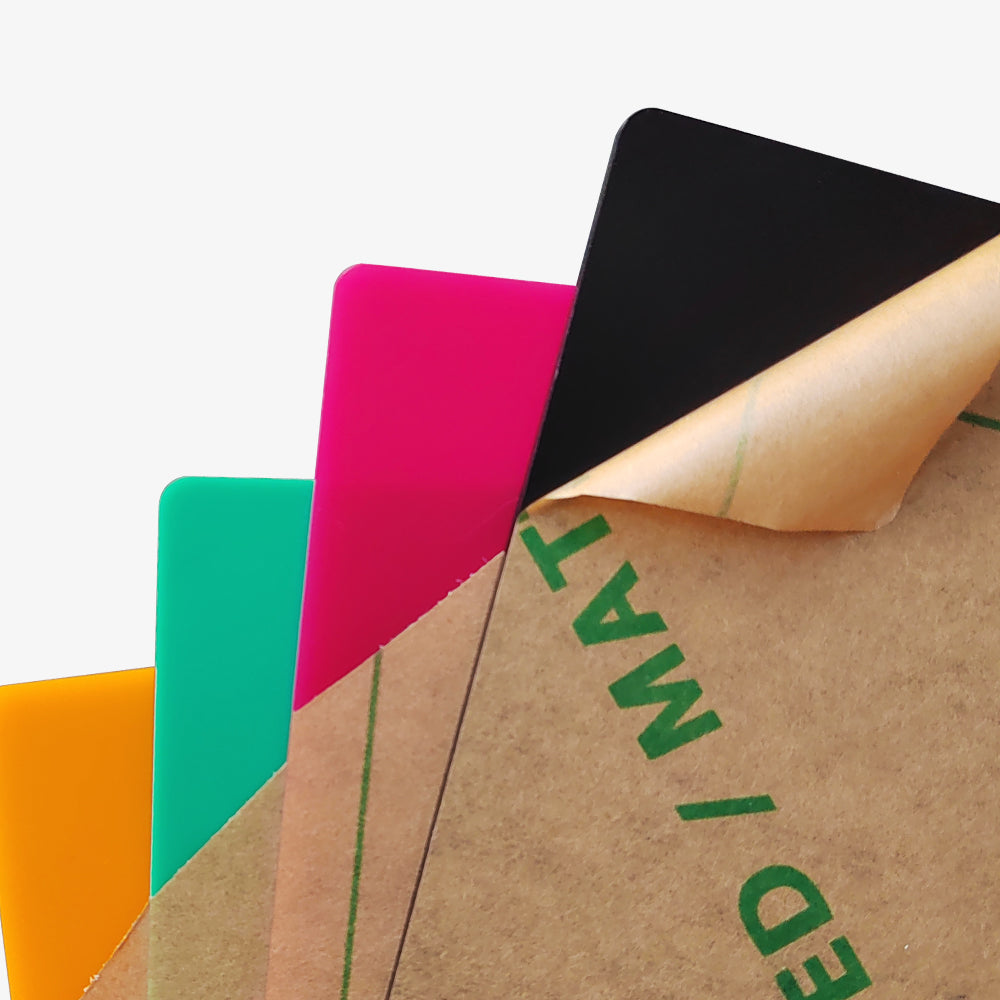
8x8x1/8'' Laser Module Opaque Glossy Colorful Acrylic Sheets(Intelligent recognition w/ Falcon A1)
£17.99£21.99
()
21% Off

Best Buy
8x8x1/8'' Laser Module Frosted Colorful Acrylic Sheets(Intelligent recognition w/ Falcon A1)
£21.99£27.99
()
30% Off
Best Buy
Frosted Colorful Acrylic Sheets for Laser Engraving and Cutting - 10pcs
£26.25£37.50
()
15% Off

Best Buy
8x8x1/8'' Laser Module Natural Bamboo Board(Intelligent recognition w/ Falcon A1)
£16.99£19.99
()
15% Off

Best Buy
12×12'' Laser Module Basswood Plywood Sheets(Intelligent recognition w/ Falcon A1)
£16.99£19.99
()
24% Off

Best Buy
12x12x1/8'' Laser Module Three Colors Transparent Acrylic Sheets(Intelligent recognition w/ Falcon A1)
£27.99£36.99
()
19% Off

Best Buy
Black Square Stone Coasters(5pcs)
£12.99£15.99
()
23% Off

Best Buy
12x12x1/8'' Laser Module Frosted Colorful Acrylic Sheets (Intelligent recognition w/ Falcon A1)
£33.99£43.99
()
29% Off

Best Buy
3-Color Blank Commemorative Coins (6pcs)
£9.90£13.90
()
22% Off

Best Buy
Large Multicolor Anodized Aluminum Dog Tags
£13.99£17.99
()
buy more, save more

Best Buy
HTV Heat Transfer Vinyl Paper for Laser Engraving - Pack of 10pcs
£29.99
()
buy more, save more

Best Buy
Gold and Silver Self-Adhesive Glitter Cardstock Paper A4 for Laser Engraving - 40 Sheets
£14.99
()
buy more, save more

Best Buy
2 pcs Adjustable Men Mesh Trucker Hat with 4pcs Self-adhesive Cap Stickers for Laser Engraving
£29.99
()
buy more, save more

Best Buy
6'' MDF Wood Boards 3mm(20pcs)
£9.90
()
14% Off

Best Buy
Two-Tone ABS Sheets(20pcs)
£42.90£49.90
()
19% Off

Best Buy
K9 Crystal (4pcs)
£22.00£27.00
()
25% Off

Best Buy
Wooden Light Display Stand for Crystal(4pcs)
£14.90£19.90
()
21% Off

Best Buy
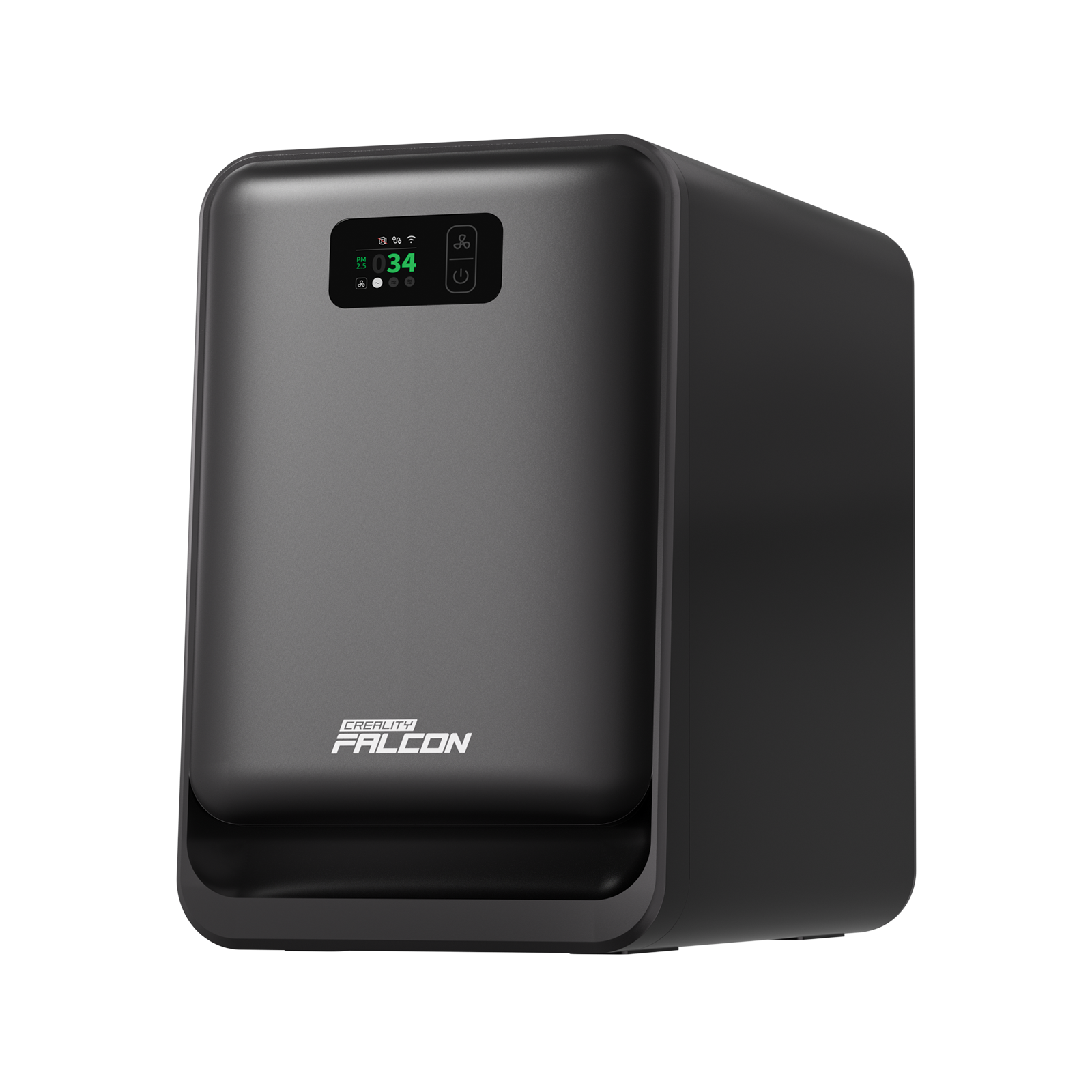
Creality Falcon Smoke Purifier AP1 Mini
£229.00£289.00
(99)
23% Off

Best Buy
Rotary Kit Pro Package for Creality Falcon A1/A1 Pro
£145.00£189.00
(90)
25% Off

Best Buy
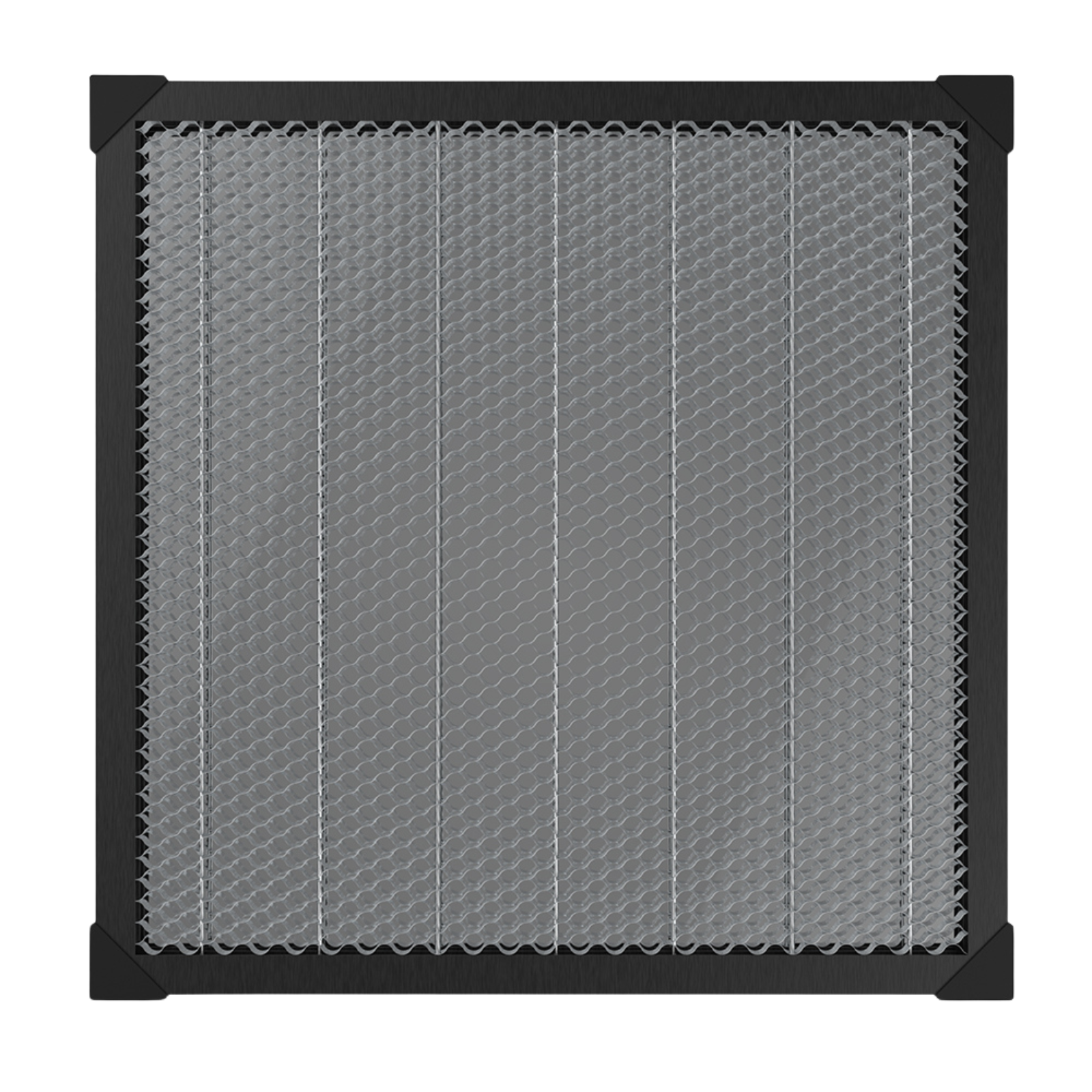
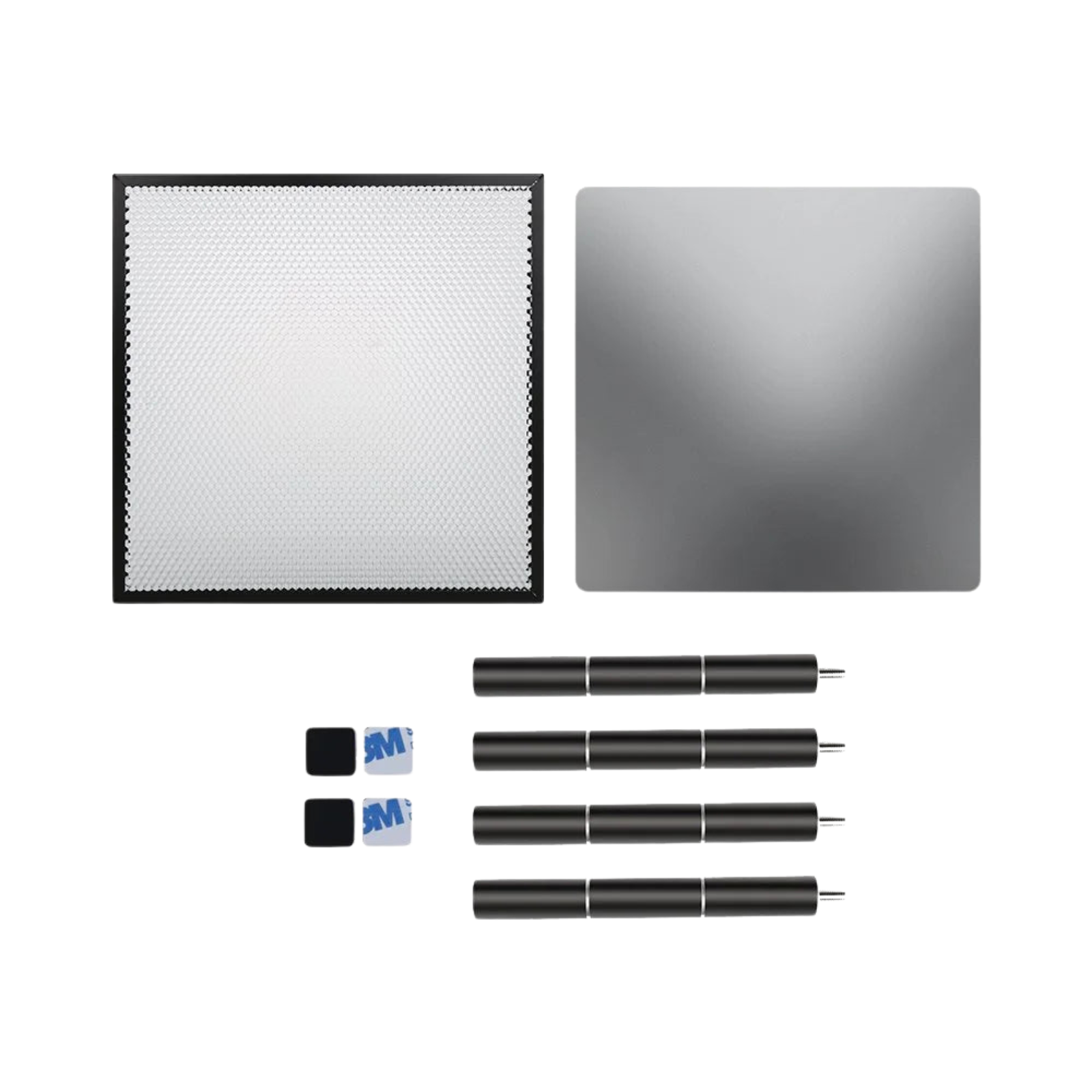
460*346mm Honeycomb Workbench for Falcon A1/A1 Pro
£89.00£119.00
(90)
31% Off

Best Buy
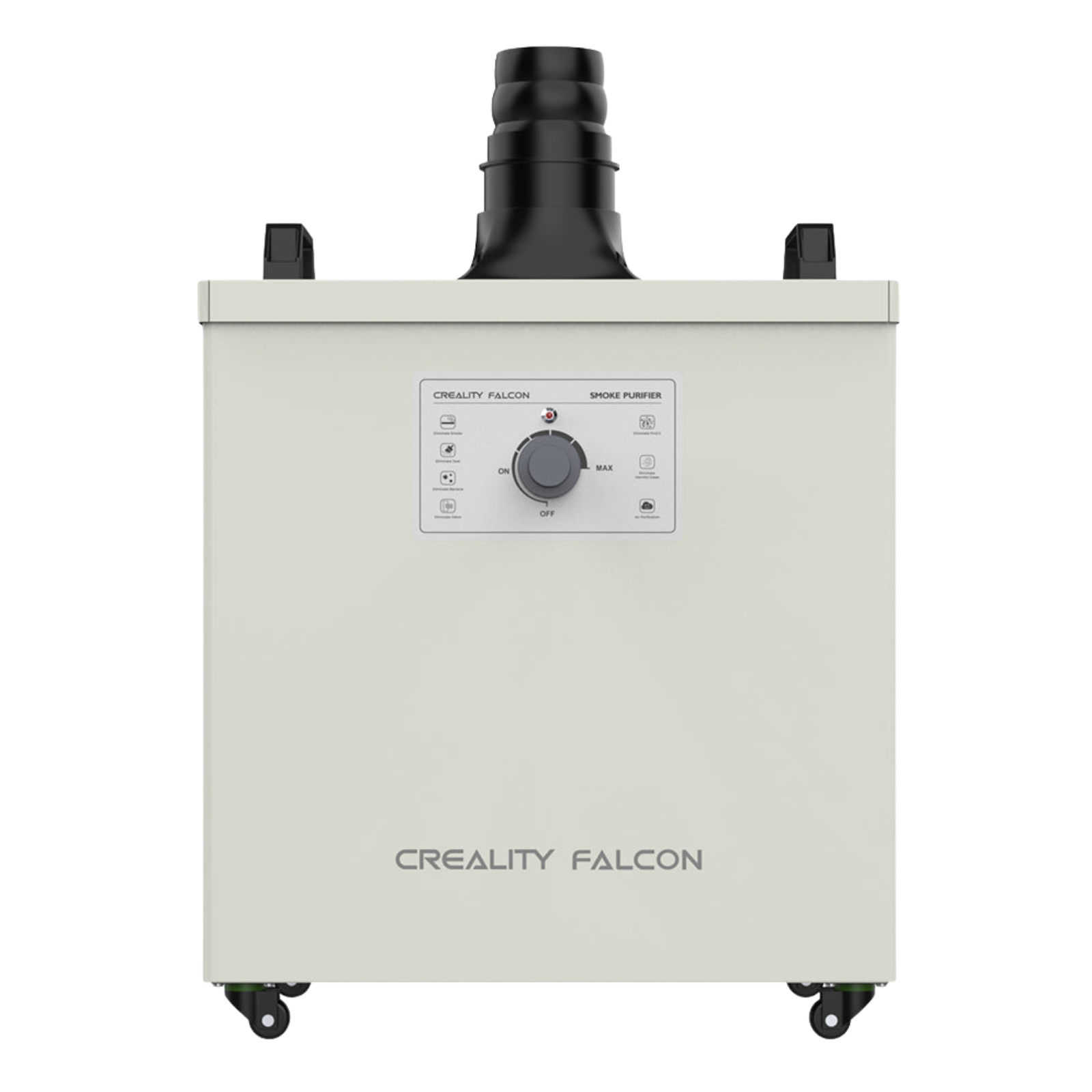
Creality Falcon Smoke Purifier
£449.00£649.00
(90)
21% Off

Best Buy
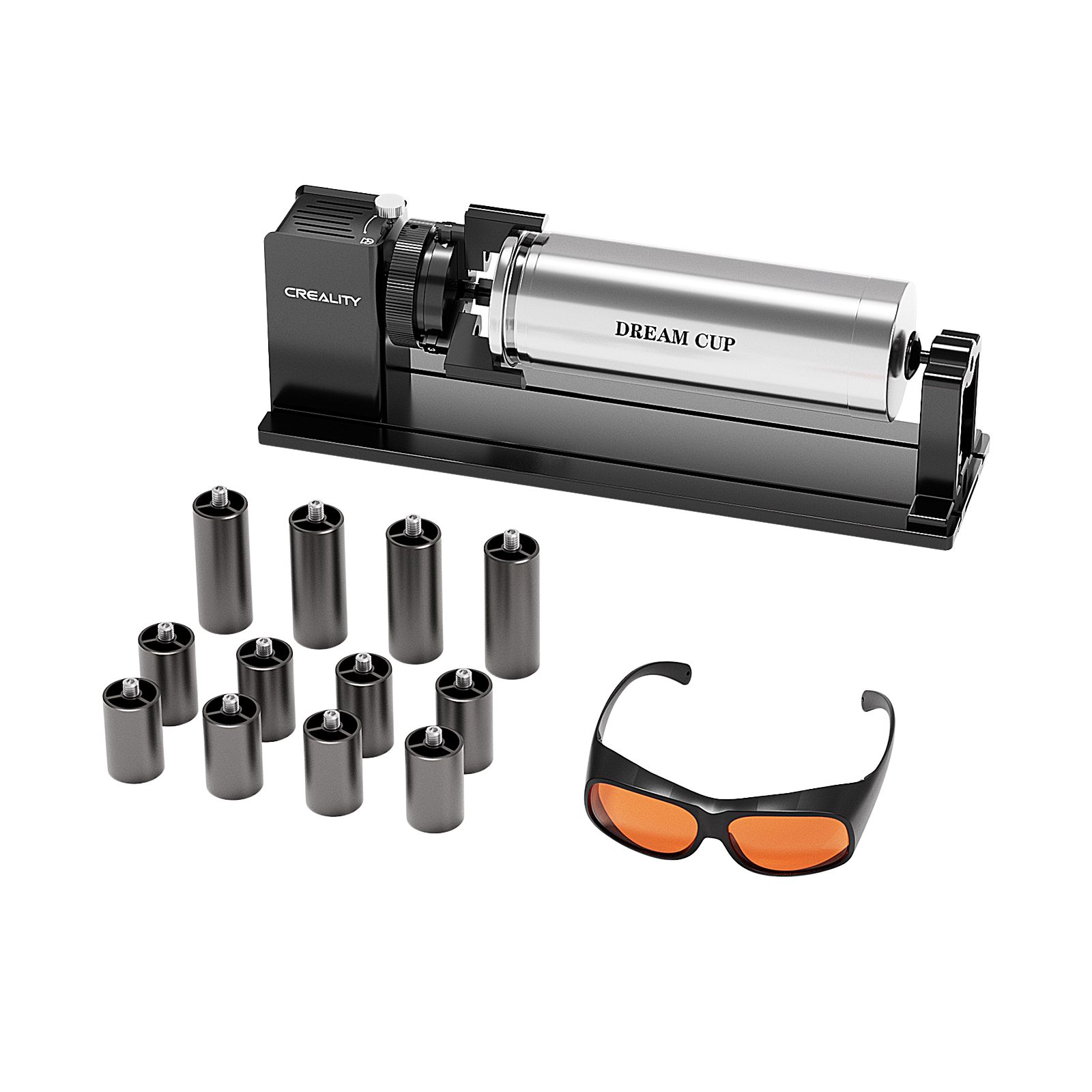
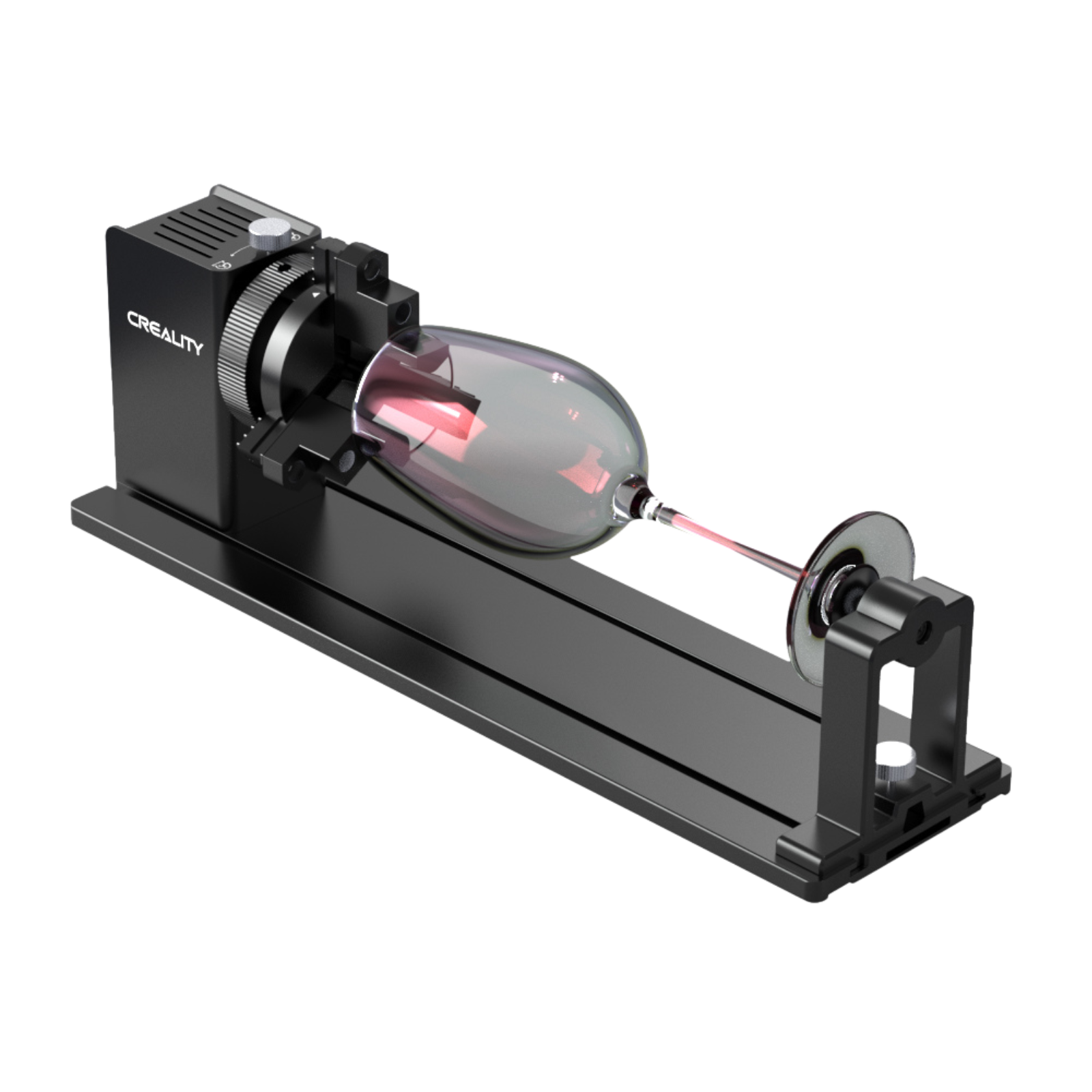
Rotary Kit Pro for Curved Surface Engraving
£149.00£189.00
(90)
20% Off

Best Buy
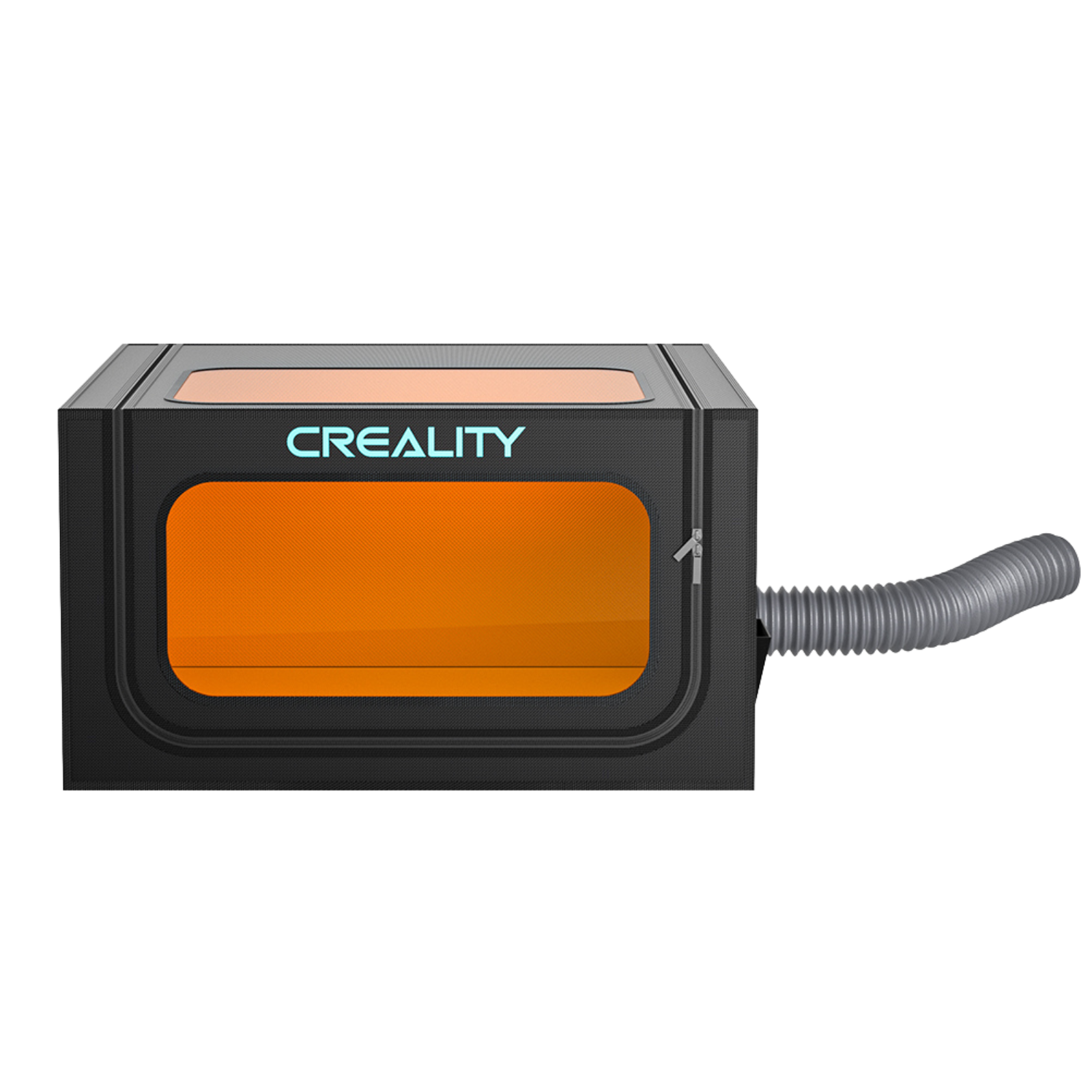
Laser Engraver Enclosure Pro
£79.00£99.00
()
19% Off
Best Buy
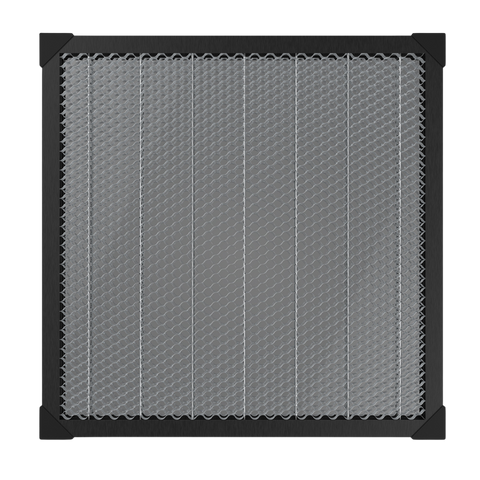
Honeycomb Workbench for Laser Engraver 500mm * 500mm
£72.00£89.00
()
14% Off

Best Buy
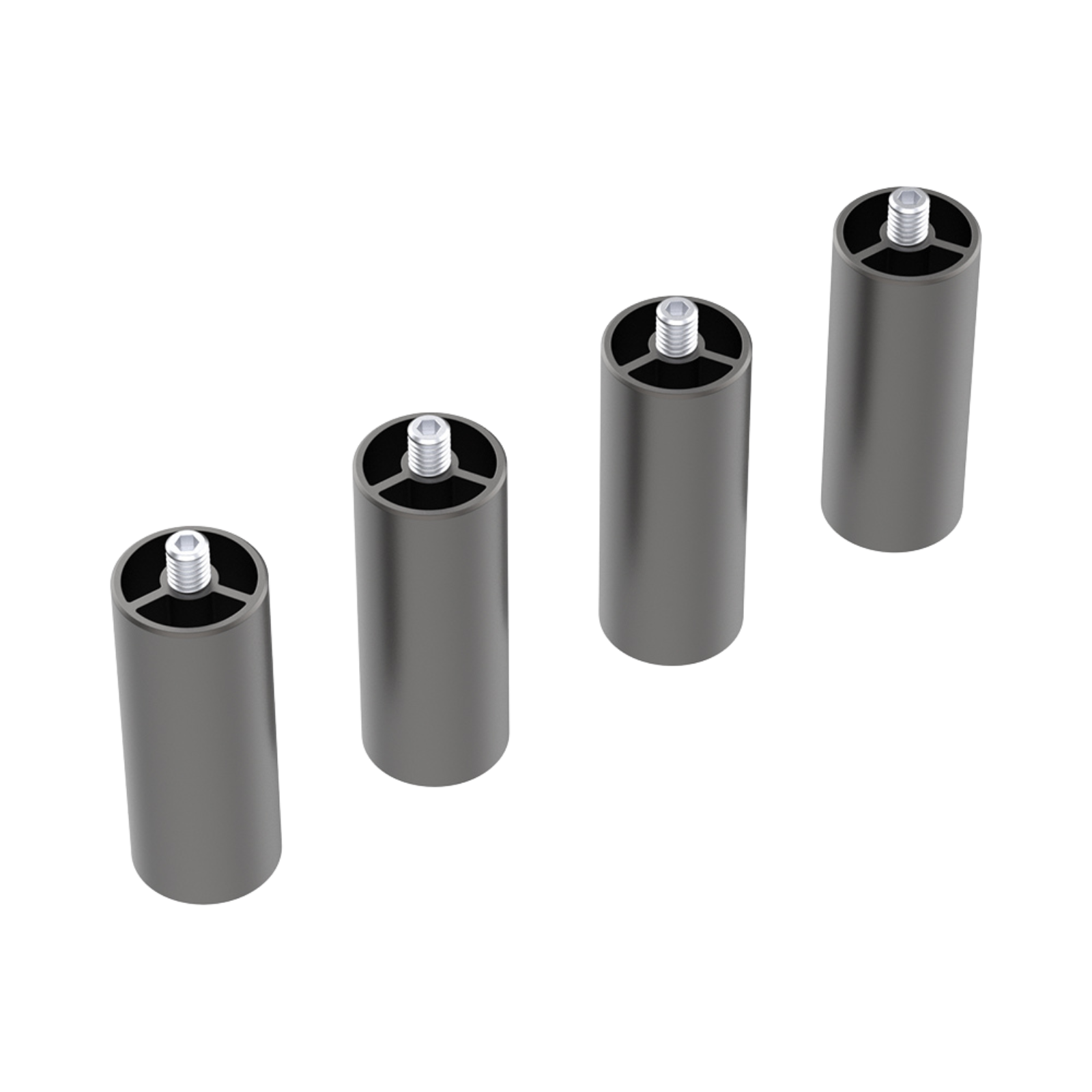
Falcon 2/2 Pro Series Engraver Extra Risers (4 pcs)
£30.00£35.00
()
20% Off

Best Buy
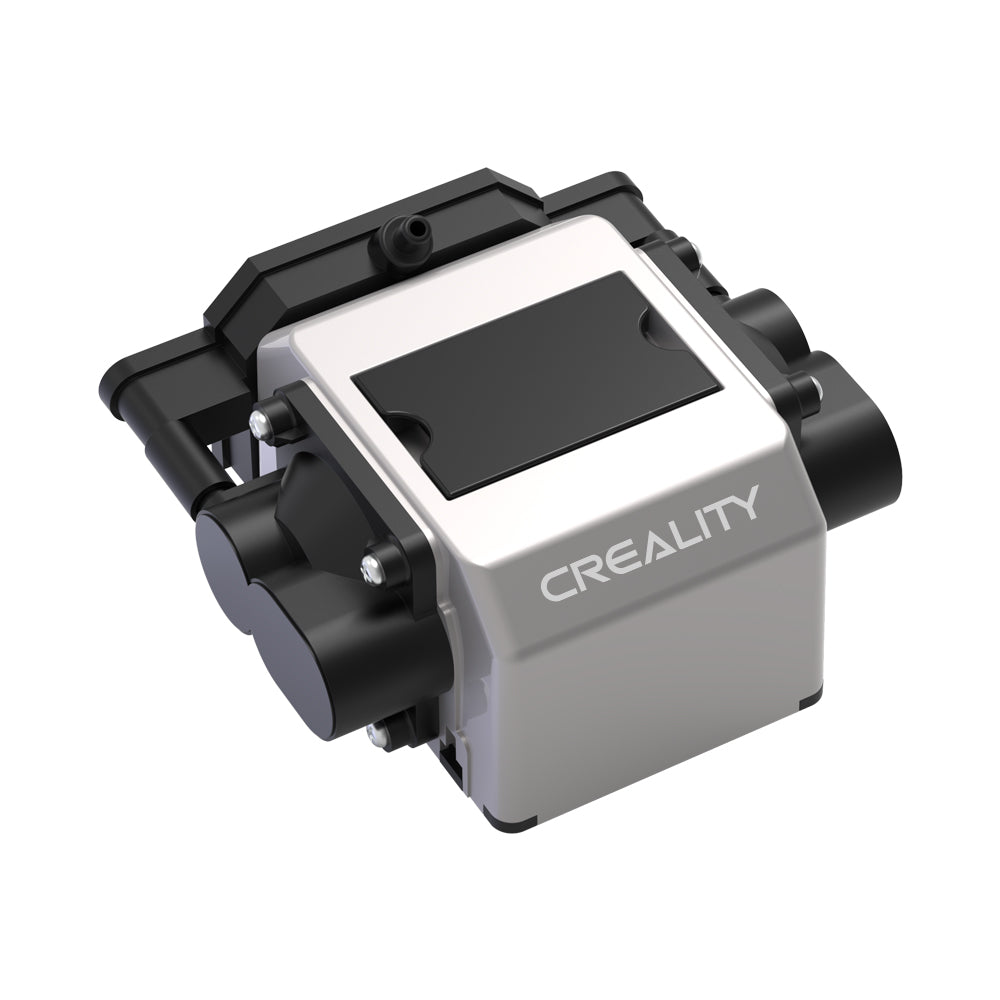
10W CR-Laser Falcon Air Assist
£95.00£119.00
()
14% Off

Best Buy
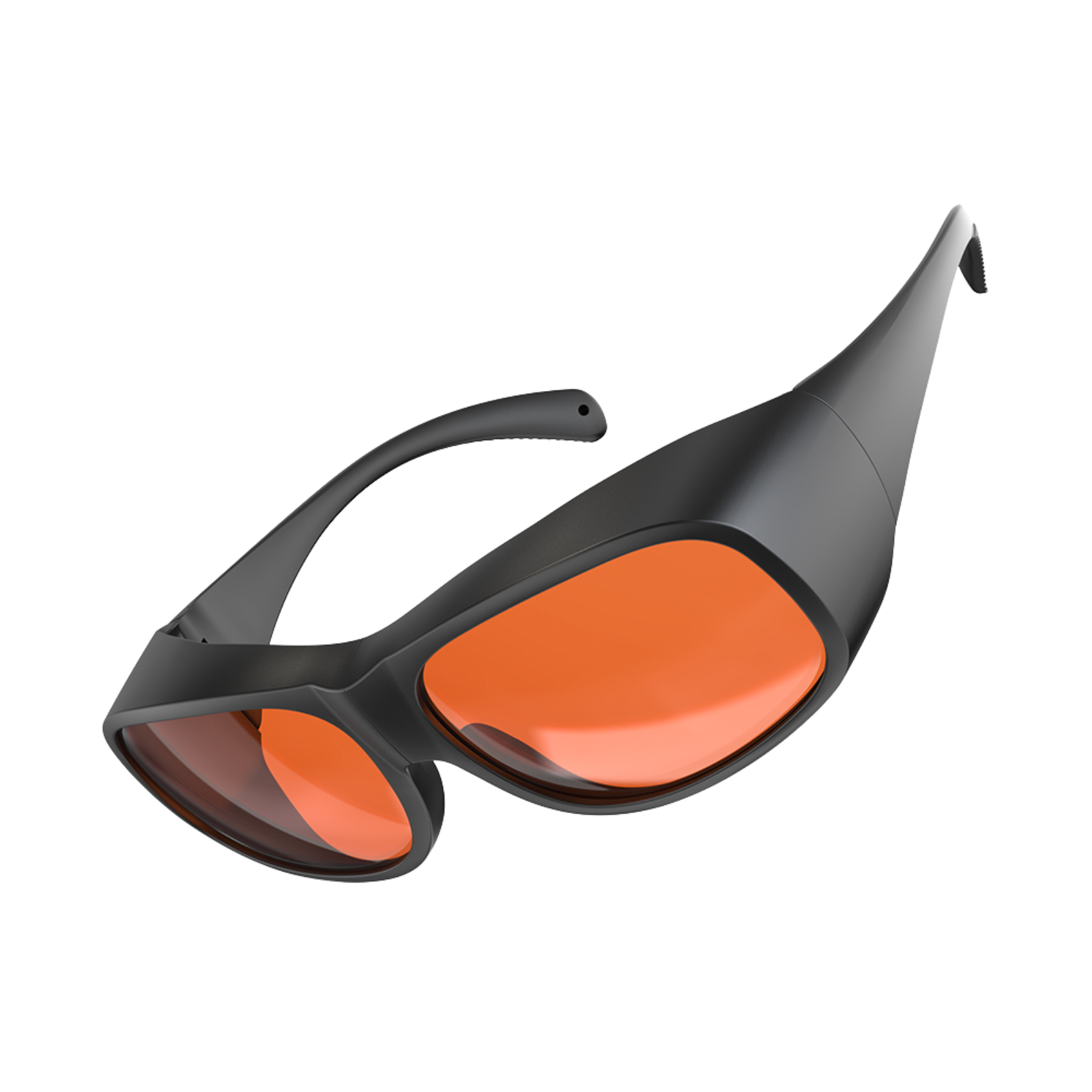
Falcon Laser Safety Glasses_180-534nm
£42.00£49.00
()
15% Off

Best Buy
Cutter Accessory Kit for Falcon 10W/7.5W/5W Engraver
£45.00£52.99
()
12% Off

Best Buy
Creality Falcon Desktop Smoke Purifier for Falcon A1/A1 Pro
£149.99£169.99
()
15% Off
Best Buy
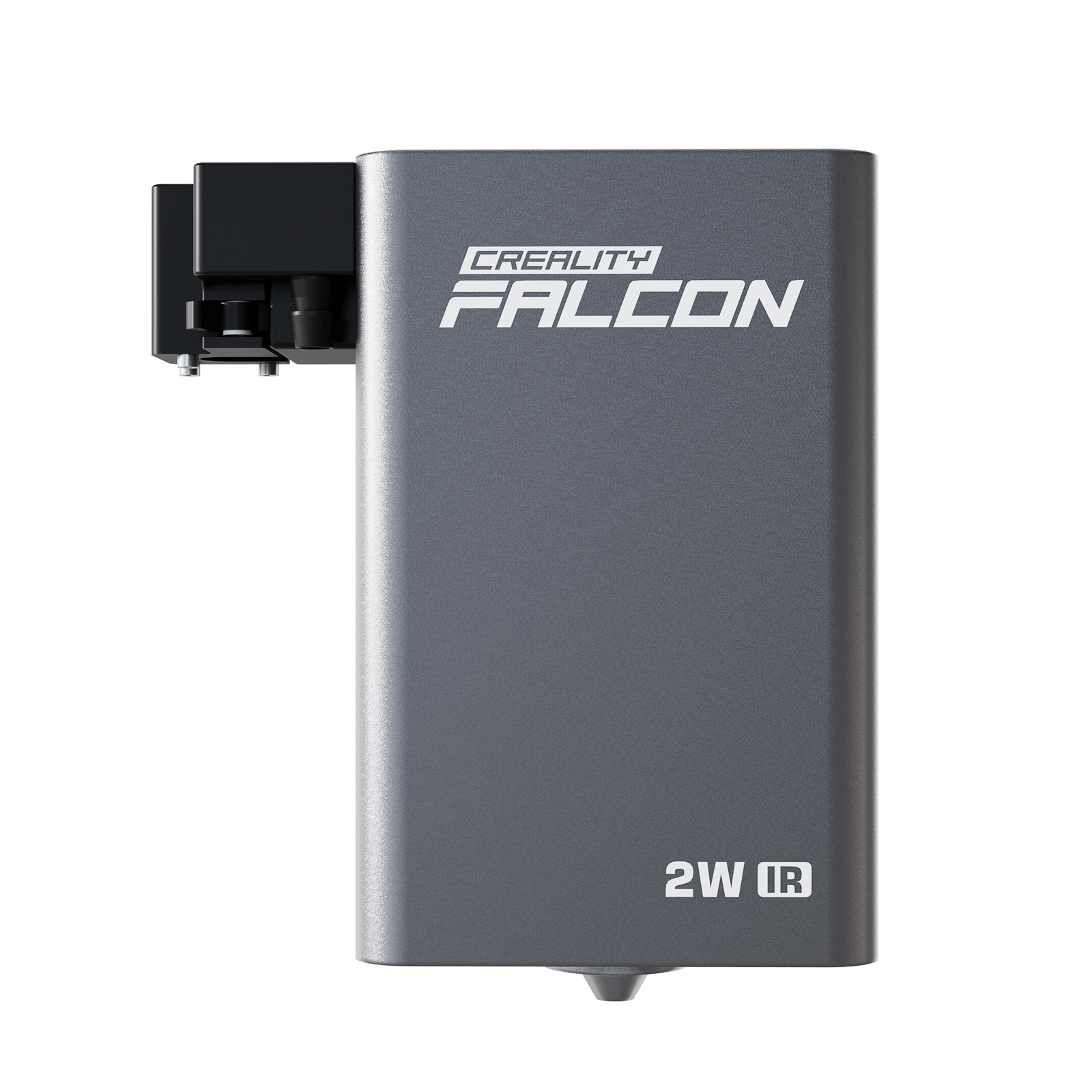
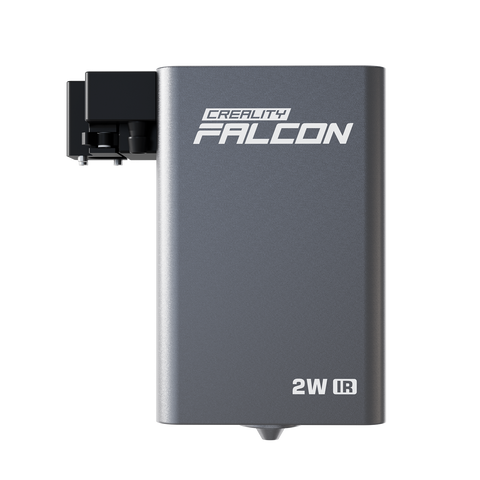
Creality Falcon 2W IR Laser Module for A1 Pro
£409.00£479.00
()
buy more, save more
Best Buy
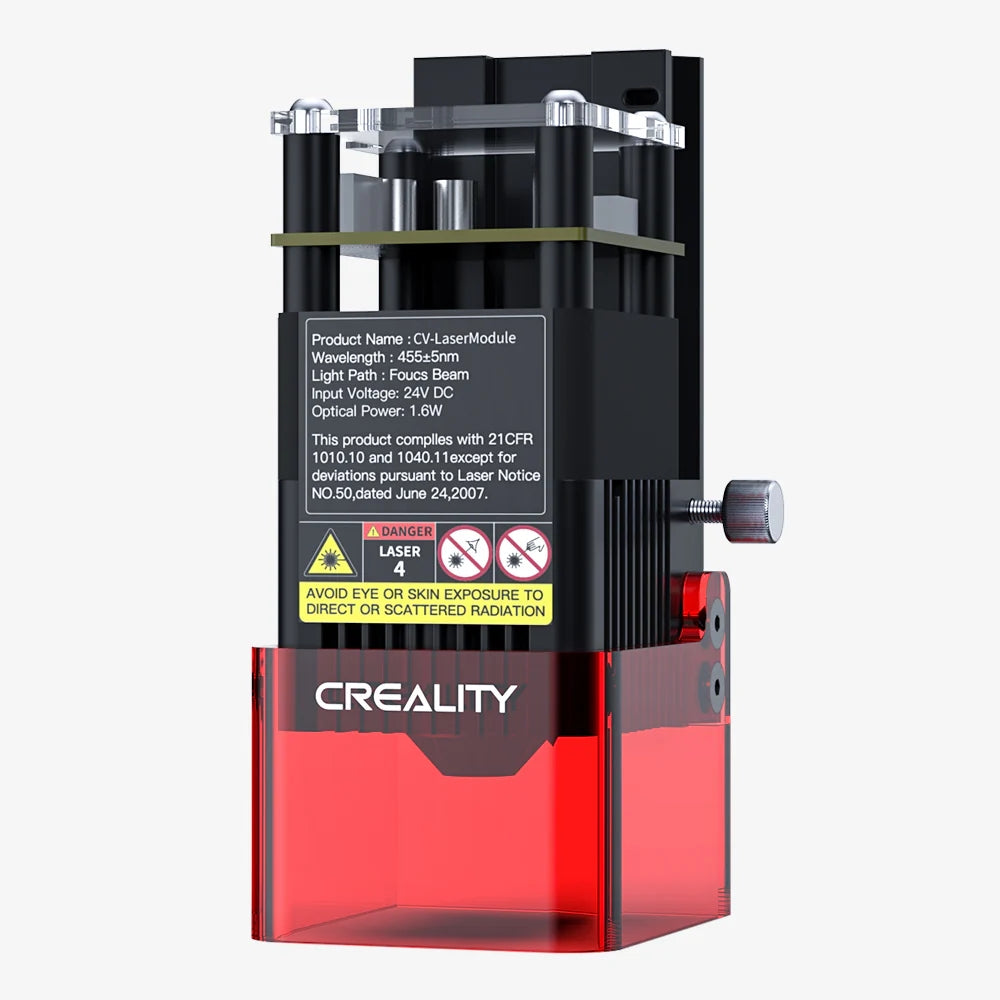
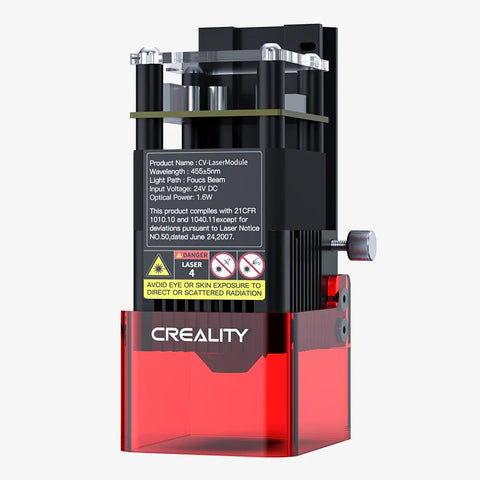
Falcon 1.6W Laser Module for Falcon 2/2 Pro 22W/40W (Excl. Falcon 2 Pro S Series)
£99.00£99.00
()
20% Off

Best Buy
Creality Falcon Desktop Smoke Purifier Filter
£31.99£39.99
()
20% Off

Best Buy
Creality Falcon AP1 Smoke Purifier
£455.00£569.00
()
17% Off

Best Buy
Falcon AP1 Smoke Purifier Filter
£49.00£59.00
()
25% Off

Best Buy
Falcon AP1 Mini High-efficiency Hepa Composite Filter
£59.00£79.00
()
18% Off

Best Buy
Flexible Fixture
£89.00£109.00
()
30% Off

Best Buy
1.2W Infrared Laser Module For Falcon A1C
£229.00£329.00
()
44% Off

Best Buy
10W Diode Laser Module For Falcon A1C
£129.00£229.00
()
Halloween Offers


Magic Halloween ideas for laser engarving and cutting


Setting
Get recommended parameters for setting, including power, speed, and process
Falcon2 Pro 60W
Falcon2 Pro 40W / Falcon2 40W
Falcon2 Pro 22W / Falcon2 22W
Falcon2 12W
CR-Laser Falcon 10W
CR-Laser Falcon 5W
Falcon Laser Module 1.6W
Engraving
Cutting
| Material | Thickness(mm) | Recommended Power(%) | Recommended Work Speed(mm/min) | Passes |
|---|---|---|---|---|
| Basswood | 2 | The laser beam of the 60W laser module can be adjusted by holding on the“Reset Button”on the top of the laser module for 2 seconds. The indicator lights on the laser module can indicate the current mode. It is recommended to switch to Precise mode when engraving and refer to "Recommended Parameters for 22W.pdf" for settings. | ||
| Walnut Plywood | 3 | |||
| Rosewood Plywood | 3 | |||
| Bamboo | 5 | |||
| Kraft Paper | 0.2 | |||
| Red Card Paper | 0.2 | |||
| Red Felt | 0.8 | |||
| Brown Leather | 0.65 | |||
| Black Opaque Glossy Acrylic | 3 | |||
| Purple Opaque Glossy Acrylic | 3 | |||
| Red Opaque Glossy Acrylic | 3 | |||
| Orange Opaque Glossy Acrylic | 3 | |||
| Green Opaque Glossy Acrylic | 3 | |||
| Red Transparent Acrylic | 3 | |||
| Yellow Transparent Acrylic | 3 | |||
| Green Transparent Acrylic | 3 | |||
| Black Frosted Acrylic | 3 | |||
| Orange Frosted Acrylic | 3 | |||
| Green Frosted Acrylic | 3 | |||
| Purple Frosted Acrylic | 3 | |||
| Anodized Aluminum | 3 | |||
| Brushed Stainless Steel | 2 | |||
| White Tile Painted Black | 6 | |||
| Notes |
1.Please ensure that the focal length of the laser
module is correct and the lens of the laser module is
clean when powered off(It can be clean with the dustless
cloth and alcohol). 2.The parameters are for reference only because the color of the material is different and it will lead to a different effect.You can achieve a desired effect by adjusting the parameters: Generally higher power or slower speed make deeper effect; Lower power or faster speed make shallower effect. In addition, engraving on brushed stainless steel can achieve colorful effects by setting different parameters, but the oxidation degree of different materials is different, and slight differences in focal length and power will also affect the actual effect.It is recommended to do some tests on your material. 3.The bottom surface of the cutting place should be suspended(use a honeycomb worktable) when cutting.You should protect the workbench (such as using aluminum plates or other materials that are not easily penetrated by laser).1 4.For reflective materials, the LENS may flash red and the device may stop working during processing. Please connect the machine and enter $155=0 in the software console and press Enter to disable lens contamination alarm before processing on the premise of safety." |
|||
| Material | Thickness(mm) | Recommended Power(%) | Recommended Work Speed(mm/min) | Passes |
|---|---|---|---|---|
| Basswood | 2 | 100 | 1200 | 1 |
| 3 | 100 | 1100 | 1 | |
| 5 | 100 | 900 | 1 | |
| 8 | 100 | 600 | 1 | |
| 10 | 100 | 350 | 1 | |
| 15 | 100 | 250 | 1 | |
| Walnut Plywood | 3 | 100 | 900 | 1 |
| 5 | 100 | 700 | 1 | |
| Rosewood Plywood | 3 | 100 | 900 | 1 |
| 5 | 100 | 700 | 1 | |
| Bamboo | 3 | 100 | 950 | 1 |
| Kraft Paper | 0.2 | 30 | 4000 | 1 |
| Red Card Paper | 0.2 | 28 | 4000 | 1 |
| Red Felt | 0.8 | 29 | 4000 | 1 |
| Brown Leather | 0.65 | 60 | 4000 | 1 |
| Black Acrylic | 4.6 | 100 | 230 | 1 |
| 7.6 | 100 | 160 | 1 | |
| Purple Opaque Glossy Acrylic | 3 | 30 | 140 | 2 |
| Red Opaque Glossy Acrylic | 3 | 30 | 140 | 1 |
| Orange Opaque Glossy Acrylic | 3 | 30 | 140 | 2 |
| Green Opaque Glossy Acrylic | 3 | 30 | 120 | 2 |
| Red Transparent Acrylic | 3 | 30 | 160 | 2 |
| Yellow Transparent Acrylic | 3 | 30 | 140 | 2 |
| Green Transparent Acrylic | 3 | 30 | 120 | 2 |
| Black Frosted Acrylic | 3 | 30 | 230 | 1 |
| Orange Frosted Acrylic | 3 | 30 | 150 | 3 |
| Green Frosted Acrylic | 3 | 30 | 120 | 2 |
| Purple Frosted Acrylic | 3 | 30 | 120 | 2 |
| Notes |
1.Please ensure that the focal length of the laser
module is correct and the lens of the laser module is
clean when powered off(It can be clean with the dustless
cloth and alcohol). 2.The parameters are for reference only because the color of the material is different and it will lead to a different effect.You can achieve a desired effect by adjusting the parameters: Generally higher power or slower speed make deeper effect; Lower power or faster speed make shallower effect. In addition, engraving on brushed stainless steel can achieve colorful effects by setting different parameters, but the oxidation degree of different materials is different, and slight differences in focal length and power will also affect the actual effect.It is recommended to do some tests on your material. 3.The bottom surface of the cutting place should be suspended(use a honeycomb worktable) when cutting.You should protect the workbench (such as using aluminum plates or other materials that are not easily penetrated by laser).1 4.For reflective materials, the LENS may flash red and the device may stop working during processing. Please connect the machine and enter $155=0 in the software console and press Enter to disable lens contamination alarm before processing on the premise of safety." |
|||
Engraving
Cutting
| Material | Thickness(mm) | Recommended Power(%) | Recommended Work Speed(mm/min) | Passes |
|---|---|---|---|---|
| Basswood | 2 | 25 | 6000 | 1 |
| Walnut Plywood | 3 | 20 | 6000 | 1 |
| Rosewood Plywood | 3 | 20 | 6000 | 1 |
| Bamboo | 3 | 25 | 6000 | 1 |
| Kraft Paper | 0.15 | 12 | 6000 | 1 |
| Red Card Paper | 0.2 | 8 | 6000 | 1 |
| Red Felt | 0.8 | 7 | 6000 | 1 |
| Brown Leather | 0.65 | 12 | 6000 | 1 |
| Black Opaque Glossy Acrylic | 3 | 26 | 4000 | 1 |
| Purple Opaque Glossy Acrylic | 3 | 26 | 6000 | 1 |
| Red Opaque Glossy Acrylic | 3 | 26 | 6000 | 1 |
| Orange Opaque Glossy Acrylic | 3 | 26 | 6000 | 1 |
| Green Opaque Glossy Acrylic | 3 | 26 | 6000 | 1 |
| Red Transparent Acrylic | 3 | 12 | 3000 | 1 |
| Yellow Transparent Acrylic | 3 | 12 | 3000 | 1 |
| Green Transparent Acrylic | 3 | 12 | 3000 | 1 |
| Black Frosted Acrylic | 3 | 22 | 3000 | 1 |
| Orange Frosted Acrylic | 3 | 30 | 1200 | 1 |
| Green Frosted Acrylic | 3 | 30 | 1200 | 1 |
| Purple Frosted Acrylic | 3 | 30 | 1000 | 1 |
| Anodized Aluminum | 3 | 30 | 6000 | 1 |
| Brushed Stainless Steel | 2 | 40 | 6000 | 1 |
| White Tile Painted Black | 6 | 28 | 4000 | 1 |
| Notes |
1.Please ensure that the focal length of the laser
module is correct and the lens of the laser module is
clean when powered off(It can be clean with the dustless
cloth and alcohol).
2.The parameters are for reference only because the color of the material is different and it will lead to a different effect.You can achieve a desired effect by adjusting the parameters: Generally higher power or slower speed make deeper effect; Lower power or faster speed make shallower effect.In addition, engraving on brushed stainless steel can achieve colorful effects by setting different parameters, but the oxidation degree of different materials is different, and slight differences in focal length and power will also affect the actual effect.It is recommended to do some tests on your material. 3.The bottom surface of the cutting place should be suspended(use a honeycomb worktable) when cutting.You should protect the workbench (such as using aluminum plates or other materials that are not easily penetrated by laser)." |
|||
| Material | Thickness(mm) | Recommended Power(%) | Recommended Work Speed(mm/min) | Passes |
|---|---|---|---|---|
| Basswood | 2 | 100 | 1000 | 1 |
| 3 | 100 | 850 | 1 | |
| 5 | 100 | 700 | 1 | |
| 8 | 100 | 400 | 1 | |
| 10 | 100 | 300 | 1 | |
| 15 | 100 | 150 | 1 | |
| Walnut Plywood | 3 | 100 | 750 | 1 |
| 5 | 100 | 600 | 1 | |
| Rosewood Plywood | 3 | 100 | 750 | 1 |
| 5 | 100 | 600 | 1 | |
| Bamboo | 5 | 100 | 800 | 1 |
| Kraft Paper | 0.2 | 40 | 4000 | 1 |
| Red Card Paper | 0.2 | 30 | 4000 | 1 |
| Red Felt | 0.8 | 35 | 4000 | 1 |
| Brown Leather | 0.65 | 70 | 4000 | 1 |
| Black Acrylic | 4.6 | 100 | 180 | 1 |
| 7.6 | 100 | 120 | 2 | |
| Purple Opaque Glossy Acrylic | 3 | 30 | 120 | 2 |
| Red Opaque Glossy Acrylic | 3 | 30 | 120 | 1 |
| Orange Opaque Glossy Acrylic | 3 | 30 | 120 | 2 |
| Green Opaque Glossy Acrylic | 3 | 30 | 120 | 3 |
| Red Transparent Acrylic | 3 | 30 | 120 | 3 |
| Yellow Transparent Acrylic | 3 | 30 | 120 | 2 |
| Green Transparent Acrylic | 3 | 30 | 120 | 3 |
| Black Frosted Acrylic | 3 | 30 | 180 | 1 |
| Orange Frosted Acrylic | 3 | 30 | 130 | 3 |
| Green Frosted Acrylic | 3 | 30 | 120 | 3 |
| Purple Frosted Acrylic | 3 | 30 | 120 | 3 |
| Notes |
1.Please ensure that the focal length of the laser
module is correct and the lens of the laser module is
clean when powered off(It can be clean with the dustless
cloth and alcohol).
2.The parameters are for reference only because the color of the material is different and it will lead to a different effect.You can achieve a desired effect by adjusting the parameters: Generally higher power or slower speed make deeper effect; Lower power or faster speed make shallower effect.In addition, engraving on brushed stainless steel can achieve colorful effects by setting different parameters, but the oxidation degree of different materials is different, and slight differences in focal length and power will also affect the actual effect.It is recommended to do some tests on your material. 3.The bottom surface of the cutting place should be suspended(use a honeycomb worktable) when cutting.You should protect the workbench (such as using aluminum plates or other materials that are not easily penetrated by laser)." |
|||
Engraving
Cutting
| Material | Thickness(mm) | Recommended Power(%) | Recommended Work Speed(mm/min) | Passes |
|---|---|---|---|---|
| Basswood | 2 | 40 | 6000 | 1 |
| Walnut Plywood | 3 | 35 | 6000 | 1 |
| Rosewood Plywood | 3 | 35 | 6000 | 1 |
| Bamboo | 3 | 40 | 6000 | 1 |
| Kraft Paper | 0.15 | 18 | 6000 | 1 |
| Red Card Paper | 0.2 | 15 | 6000 | 1 |
| Red Felt | 0.8 | 13 | 6000 | 1 |
| Brown Leather | 0.65 | 18 | 6000 | 1 |
| Black Opaque Glossy Acrylic | 3 | 50 | 4000 | 1 |
| Purple Opaque Glossy Acrylic | 3 | 50 | 6000 | 1 |
| Red Opaque Glossy Acrylic | 3 | 50 | 6000 | 1 |
| Orange Opaque Glossy Acrylic | 3 | 50 | 6000 | 1 |
| Green Opaque Glossy Acrylic | 3 | 50 | 6000 | 1 |
| Red Transparent Acrylic | 3 | 20 | 3000 | 1 |
| Yellow Transparent Acrylic | 3 | 20 | 3000 | 1 |
| Green Transparent Acrylic | 3 | 20 | 3000 | 1 |
| Black Frosted Acrylic | 3 | 40 | 3000 | 1 |
| Orange Frosted Acrylic | 3 | 60 | 1200 | 1 |
| Green Frosted Acrylic | 3 | 60 | 1200 | 1 |
| Purple Frosted Acrylic | 3 | 60 | 1000 | 1 |
| Anodized Aluminum | 3 | 60 | 6000 | 1 |
| Brushed Stainless Steel | 2 | 80 | 6000 | 1 |
| White Tile Painted Black | 6 | 50 | 4000 | 1 |
| Notes |
1.Please ensure that the focal length of the laser
module is correct and the lens of the laser module is
clean when powered off(It can be clean with the dustless
cloth and alcohol).
2.The parameters are for reference only because the color of the material is different and it will lead to a different effect.You can achieve a desired effect by adjusting the parameters: Generally higher power or slower speed make deeper effect; Lower power or faster speed make shallower effect.In addition, engraving on brushed stainless steel can achieve colorful effects by setting different parameters, but the oxidation degree of different materials is different, and slight differences in focal length and power will also affect the actual effect.It is recommended to do some tests on your material. 3.The bottom surface of the cutting place should be suspended(use a honeycomb worktable) when cutting.You should protect the workbench (such as using aluminum plates or other materials that are not easily penetrated by laser)." |
|||
| Material | Thickness(mm) | Recommended Power(%) | Recommended Work Speed(mm/min) | Passes |
|---|---|---|---|---|
| Basswood | 2 | 100 | 700 | 1 |
| 3 | 100 | 550 | 1 | |
| 5 | 100 | 400 | 1 | |
| 8 | 100 | 240 | 1 | |
| 10 | 100 | 120 | 1 | |
| Walnut Plywood | 3 | 100 | 450 | 1 |
| 5 | 100 | 350 | 1 | |
| Rosewood Plywood | 3 | 100 | 450 | 1 |
| 5 | 100 | 350 | 1 | |
| Bamboo | 3 | 100 | 450 | 1 |
| Kraft Paper | 0.2 | 80 | 4000 | 1 |
| Red Card Paper | 0.2 | 50 | 4000 | 1 |
| Red Felt | 0.8 | 55 | 4000 | 1 |
| Brown Leather | 0.65 | 100 | 2000 | 1 |
| Black Acrylic | 4.6 | 100 | 120 | 1 |
| 7.6 | 100 | 120 | 2 | |
| Purple Opaque Glossy Acrylic | 3 | 55 | 120 | 2 |
| Red Opaque Glossy Acrylic | 3 | 55 | 120 | 1 |
| Orange Opaque Glossy Acrylic | 3 | 55 | 120 | 2 |
| Green Opaque Glossy Acrylic | 3 | 55 | 120 | 3 |
| Red Transparent Acrylic | 3 | 55 | 120 | 3 |
| Yellow Transparent Acrylic | 3 | 55 | 120 | 2 |
| Green Transparent Acrylic | 3 | 55 | 120 | 3 |
| Black Frosted Acrylic | 3 | 55 | 180 | 1 |
| Orange Frosted Acrylic | 3 | 55 | 120 | 3 |
| Green Frosted Acrylic | 3 | 55 | 120 | 3 |
| Purple Frosted Acrylic | 3 | 55 | 120 | 3 |
| Notes |
1.Please ensure that the focal length of the laser
module is correct and the lens of the laser module is
clean when powered off(It can be clean with the dustless
cloth and alcohol).
2.The parameters are for reference only because the color of the material is different and it will lead to a different effect.You can achieve a desired effect by adjusting the parameters: Generally higher power or slower speed make deeper effect; Lower power or faster speed make shallower effect.In addition, engraving on brushed stainless steel can achieve colorful effects by setting different parameters, but the oxidation degree of different materials is different, and slight differences in focal length and power will also affect the actual effect.It is recommended to do some tests on your material. 3.The bottom surface of the cutting place should be suspended(use a honeycomb worktable) when cutting.You should protect the workbench (such as using aluminum plates or other materials that are not easily penetrated by laser)." |
|||
Engraving
Cutting
| Material | Thickness(mm) | Recommended Power(%) | Recommended Work Speed(mm/min) | Passes |
|---|---|---|---|---|
| Basswood | 2 | 40 | 4000 | 1 |
| Walnut Plywood | 3 | 35 | 4000 | 1 |
| Rosewood Plywood | 3 | 35 | 4000 | 1 |
| Bamboo | 3 | 40 | 4000 | 1 |
| Kraft Paper | 0.15 | 15 | 4000 | 1 |
| Red Card Paper | 0.2 | 15 | 4000 | 1 |
| Red Felt | 0.8 | 15 | 4000 | 1 |
| Brown Leather | 0.65 | 20 | 4000 | 1 |
| Black Opaque Glossy Acrylic | 3 | 80 | 4000 | 1 |
| Purple Opaque Glossy Acrylic | 3 | 50 | 4000 | 1 |
| Red Opaque Glossy Acrylic | 3 | 50 | 4000 | 1 |
| Orange Opaque Glossy Acrylic | 3 | 50 | 4000 | 1 |
| Green Opaque Glossy Acrylic | 3 | 50 | 4000 | 1 |
| Red Transparent Acrylic | 3 | 40 | 3000 | 1 |
| Yellow Transparent Acrylic | 3 | 40 | 3000 | 1 |
| Green Transparent Acrylic | 3 | 40 | 3000 | 1 |
| Black Frosted Acrylic | 3 | 80 | 3000 | 1 |
| Orange Frosted Acrylic | 3 | 90 | 1200 | 1 |
| Green Frosted Acrylic | 3 | 90 | 1200 | 1 |
| Purple Frosted Acrylic | 3 | 90 | 1000 | 1 |
| Anodized Aluminum | 3 | 100 | 250 | 1 |
| Brushed Stainless Steel | 2 | 100 | 800 | 1 |
| White Tile Painted Black | 6 | 85 | 4000 | 1 |
| Notes |
"1.Please ensure that the focal length of the laser
module is correct and the lens of the laser module is
clean when powered off(It can be clean with the dustless
cloth and alcohol).
2.The parameters are for reference only because the color of the material is different and it will lead to a different effect.You can achieve a desired effect by adjusting the parameters: Generally higher power or slower speed make deeper effect; Lower power or faster speed make shallower effect. In addition, engraving on brushed stainless steel can achieve colorful effects by setting different parameters, but the oxidation degree of different materials is different, and slight differences in focal length and power will also affect the actual effect.It is recommended to do some tests on your material. 3.The bottom surface of the cutting place should be suspended(use a honeycomb worktable) when cutting.You should protect the workbench (such as using aluminum plates or other materials that are not easily penetrated by laser)." |
|||
| Material | Thickness(mm) | Recommended Power(%) | Recommended Work Speed(mm/min) | Passes |
|---|---|---|---|---|
| Basswood | 2 | 100 | 400 | 1 |
| 3 | 100 | 300 | 1 | |
| 5 | 100 | 200 | 1 | |
| 8 | 100 | 250 | 2 | |
| 10 | 100 | 180 | 3 | |
| Walnut Plywood | 3 | 100 | 280 | 1 |
| 5 | 100 | 150 | 1 | |
| Rosewood Plywood | 3 | 100 | 280 | 1 |
| 5 | 100 | 150 | 1 | |
| Bamboo | 3 | 100 | 280 | 1 |
| Kraft Paper | 0.2 | 100 | 4000 | 1 |
| Red Card Paper | 0.2 | 100 | 4000 | 1 |
| Red Felt | 0.8 | 100 | 3800 | 1 |
| Brown Leather | 0.65 | 100 | 2000 | 1 |
| Black Acrylic | 4.6 | 100 | 300 | 2 |
| 7.6 | 100 | 250 | 3 | |
| Purple Opaque Glossy Acrylic | 3 | 95 | 120 | 2 |
| Red Opaque Glossy Acrylic | 3 | 95 | 120 | 1 |
| Orange Opaque Glossy Acrylic | 3 | 95 | 120 | 2 |
| Green Opaque Glossy Acrylic | 3 | 95 | 120 | 3 |
| Red Transparent Acrylic | 3 | 95 | 120 | 3 |
| Yellow Transparent Acrylic | 3 | 95 | 120 | 2 |
| Green Transparent Acrylic | 3 | 95 | 120 | 3 |
| Black Frosted Acrylic | 3 | 95 | 200 | 1 |
| Orange Frosted Acrylic | 3 | 95 | 120 | 3 |
| Green Frosted Acrylic | 3 | 95 | 120 | 3 |
| Purple Frosted Acrylic | 3 | 95 | 120 | 3 |
| Notes |
"1.Please ensure that the focal length of the laser
module is correct and the lens of the laser module is
clean when powered off(It can be clean with the dustless
cloth and alcohol).
2.The parameters are for reference only because the color of the material is different and it will lead to a different effect.You can achieve a desired effect by adjusting the parameters: Generally higher power or slower speed make deeper effect; Lower power or faster speed make shallower effect. In addition, engraving on brushed stainless steel can achieve colorful effects by setting different parameters, but the oxidation degree of different materials is different, and slight differences in focal length and power will also affect the actual effect.It is recommended to do some tests on your material. 3.The bottom surface of the cutting place should be suspended(use a honeycomb worktable) when cutting.You should protect the workbench (such as using aluminum plates or other materials that are not easily penetrated by laser)." |
|||
Engraving
Cutting
| Material | Thickness(mm) | Recommended Power(%) | Recommended Work Speed(mm/min) | Passes |
|---|---|---|---|---|
| Basswood | 2 | 40 | 3000 | 1 |
| Bamboo | 5 | 40 | 3000 | 1 |
| Kraft paper | 0.2 | 25 | 3000 | 1 |
| Red card paper | 0.2 | 25 | 3000 | 1 |
| Red felt | 0.8 | 15 | 3000 | 1 |
| Brown leather | 0.65 | 20 | 3000 | 1 |
| Black acrylic | 4.5 | 50 | 3500 | 1 |
| Anodized aluminum | 3 | 100 | 200 | 1 |
| Stainless steel | 2 | 100 | 500 | 1 |
| White tile painted black | 6 | 95 | 3800 | 1 |
| Notes |
1.Please ensure that the focal length of the laser
module is correct and the lens of the laser module is
clean when powered off(It can be clean with the dustless
cloth and alcohol).
2.The parameters are for reference only because the color of the material is different and it will lead to a different effect.You can achieve a desired effect by adjusting the parameters: Generally higher power or slower speed make deeper effect; Lower power or faster speed make shallower effect. 3.The bottom surface of the cutting place should be suspended when cutting.You should protect the workbench (such as using steel plates or other materials that are not easily penetrated by laser). |
|||
| Material | Thickness(mm) | Recommended Power(%) | Recommended Work Speed(mm/min) | Passes |
|---|---|---|---|---|
| Basswood | 2 | 100 | 350 | 1 |
| 4 | 100 | 200 | 1 | |
| 5 | 100 | 150 | 1 | |
| 8 | 100 | 230 | 3 | |
| Bamboo | 5 | 100 | 230 | 3 |
| Black acrylic | 4.5 | 100 | 120 | 2 |
| Kraft paper | 0.2 | 100 | 3500 | 1 |
| Red card paper | 0.2 | 100 | 3500 | 1 |
| Red felt | 0.8 | 100 | 3500 | 1 |
| Brown leather | 0.65 | 100 | 1500 | 1 |
| Notes |
1.Please ensure that the focal length of the laser
module is correct and the lens of the laser module is
clean when powered off(It can be clean with the dustless
cloth and alcohol).
2.The parameters are for reference only because the color of the material is different and it will lead to a different effect.You can achieve a desired effect by adjusting the parameters: Generally higher power or slower speed make deeper effect; Lower power or faster speed make shallower effect. 3.The bottom surface of the cutting place should be suspended when cutting.You should protect the workbench (such as using steel plates or other materials that are not easily penetrated by laser). |
|||
Engraving
Cutting
| Material | Thickness(mm) | Recommended Power(%) | Recommended Work Speed(mm/min) | Passes |
|---|---|---|---|---|
| Basswood | 2 | 75 | 3000 | 1 |
| Bamboo | 5 | 75 | 3000 | 1 |
| Kraft paper | 0.2 | 28 | 3000 | 1 |
| Red card paper | 0.2 | 28 | 3000 | 1 |
| Red felt | 0.8 | 20 | 3000 | 1 |
| Brown leather | 0.65 | 30 | 3000 | 1 |
| Black acrylic | 4.5 | 95 | 3500 | 1 |
| Anodized aluminum | 3 | 100 | 100 | 1 |
| White tile painted black | 6 | 95 | 2000 | 1 |
| Notes |
1.Please ensure that the focal length of the laser
module is correct and the lens of the laser module is
clean when powered off(It can be clean with the dustless
cloth and alcohol).
2.The parameters are for reference only because the color of the material is different and it will lead to a different effect.You can achieve a desired effect by adjusting the parameters: Generally higher power or slower speed make deeper effect; Lower power or faster speed make shallower effect. 3.The bottom surface of the cutting place should be suspended when cutting.You should protect the workbench (such as using steel plates or other materials that are not easily penetrated by laser). |
|||
| Material | Thickness(mm) | Recommended Power(%) | Recommended Work Speed(mm/min) | Passes |
|---|---|---|---|---|
| Basswood | 2 | 100 | 250 | 1 |
| 4 | 100 | 220 | 3 | |
| 5 | 100 | 220 | 4 | |
| Bamboo | 5 | 100 | 220 | 4 |
| Black acrylic | 4.5 | 100 | 120 | 4 |
| Kraft paper | 0.2 | 100 | 2000 | 1 |
| Red card paper | 0.2 | 100 | 2000 | 1 |
| Red felt | 0.8 | 100 | 1800 | 1 |
| Brown leather | 0.65 | 100 | 800 | 1 |
| Notes |
1.Please ensure that the focal length of the laser
module is correct and the lens of the laser module is
clean when powered off(It can be clean with the dustless
cloth and alcohol).
2.The parameters are for reference only because the color of the material is different and it will lead to a different effect.You can achieve a desired effect by adjusting the parameters: Generally higher power or slower speed make deeper effect; Lower power or faster speed make shallower effect. 3.The bottom surface of the cutting place should be suspended when cutting.You should protect the workbench (such as using steel plates or other materials that are not easily penetrated by laser). |
|||
Engraving
Cutting
| Material | Thickness(mm) | Recommended Power(%) | Recommended Work Speed(mm/min) | Passes |
|---|---|---|---|---|
| Linden plywood | 2 | 81 | 1500 | 1 |
| Kraft paper | 0.2 | 2600 | 1 | |
| Red card paper | 0.2 | 4300 | 1 | |
| Orange card paper | 2300 | 1 | ||
| Yellow card paper | 2300 | 1 | ||
| Green card paper | 2300 | 1 | ||
| Cyan card paper | 1200 | 1 | ||
| Blue card paper | 1200 | 1 | ||
| Purple card paper | 3900 | 1 | ||
| Red asphalt felt | 0.8 | Engraving is not recommended but cutting is recommended (such as window grilles). | ||
| Orange asphalt felt | ||||
| Yellow asphalt felt | ||||
| Green asphalt felt | ||||
| Cyan asphalt felt | ||||
| Blue asphalt felt | ||||
| Purple asphalt felt | ||||
| Notes |
1.Please ensure that the focal length of the laser module is correct and the lens of the laser module is clean when powered off(It can be clean with the dustless cloth and alcohol).
2.The parameters are for reference only because the color of the material is different and it will lead to a different effect.You can achieve a desired effect by adjusting the parameters: Generally higher power or slower speed make deeper effect; Lower power or faster speed make shallower effect. 3.The bottom surface of the cutting place should be suspended when cutting.You should protect the workbench (such as using steel plates or other materials that are not easily penetrated by laser)." |
|||
| Material | Thickness(mm) | Recommended Power(%) | Recommended Work Speed(mm/min) | Passes |
|---|---|---|---|---|
| Kraft paper | 0.2 | 81 | 200 | 1 |
| Red card paper | 0.2 | 200 | 1 | |
| Orange card paper | 1 | |||
| Yellow card paper | 1 | |||
| Green card paper | 1 | |||
| Cyan card paper | 1 | |||
| Blue card paper | 1 | |||
| Purple card paper | 1 | |||
| Red asphalt felt | 0.8 | 400 | 1 | |
| Orange asphalt felt | 1 | |||
| Yellow asphalt felt | 1 | |||
| Green asphalt felt | 1 | |||
| Purple asphalt felt | 1 | |||
| Cyan asphalt felt | 200 | 1 | ||
| Blue asphalt felt | 150 | 1 | ||
| Notes |
1.Please ensure that the focal length of the laser module is correct and the lens of the laser module is clean when powered off(It can be clean with the dustless cloth and alcohol).
2.The parameters are for reference only because the color of the material is different and it will lead to a different effect.You can achieve a desired effect by adjusting the parameters: Generally higher power or slower speed make deeper effect; Lower power or faster speed make shallower effect. 3.The bottom surface of the cutting place should be suspended when cutting.You should protect the workbench (such as using steel plates or other materials that are not easily penetrated by laser)." |
|||
Free shipping Over £49.99
Fast shipping with local delivery
14-Day Money-Back Guarantee
Support a return within 14 natural days
12-Month Warranty Offer
Up to 1-year warranty
Payment Flexibility
10 secure payment methods& install- ment payments.
24/7 Expert Service
E-mail us at: uk.support @crealityfalcon.com
Event FAQs
Q1: How can I get all the free gifts during the Halloween 2024 event?
If your order qualifies for our Halloween 2024 promotion, the free spooky gifts will be automatically added to your cart at checkout. If you don't see them, contact our customer service team for help. Email: uk.support@crealityfalcon.com.
Q2: What payment methods do you accept?
We accept multiple payment options, including credit cards, Shop Pay, PayPal, Klarna, and more. Choose the payment method that suits you best during checkout.
Q3: How long does shipping take?
Due to the Halloween 2024 event rush, we ship orders within 48 hours. Delivery from our UK warehouse typically takes 3-5 working days.
Q4: Will Falcon provide free Halloween 2024 laser engraving files?
Yes! Download free Halloween 2024 laser engraving files from the "Laser Software" section in the navigation bar. Ideal for spooky decorations and custom projects with your Falcon laser engraver.
Q5: How do I create Halloween 2024 designs with a laser engraver?
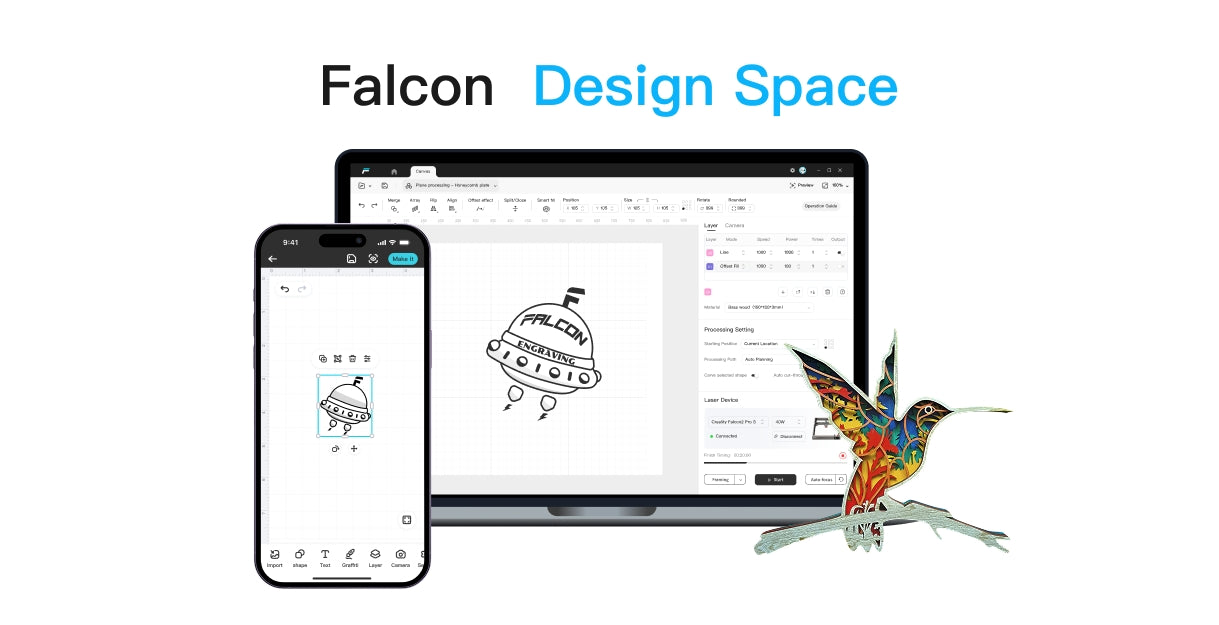
Use our free, easy-to-use laser engraving software—simpler than Lightburn. Follow the steps to craft Halloween 2024 designs like pumpkins, ghosts, and more using your Falcon laser engraver.


