






















Best Desktop Laser Engraver UK: Buyer Guide and Product Picks

Quick Answer: The best desktop laser engraver UK buyers should choose depends on material, safety, and workspace. For most home studios, an enclosed diode laser is the easiest starting point. For clear acrylic, choose CO2. For metal marking, choose fibre, IR, or MOPA. Always check UK availability, ventilation needs, and final checkout cost before buying.
What UK Buyers Should Look For First
A desktop laser engraver is not just a small machine. It is a workflow decision. In the UK, most buyers are working from a spare room, garage, small studio, maker space, or compact workshop, so the best choice should balance material compatibility, enclosure safety, ventilation, software, and real UK product availability.
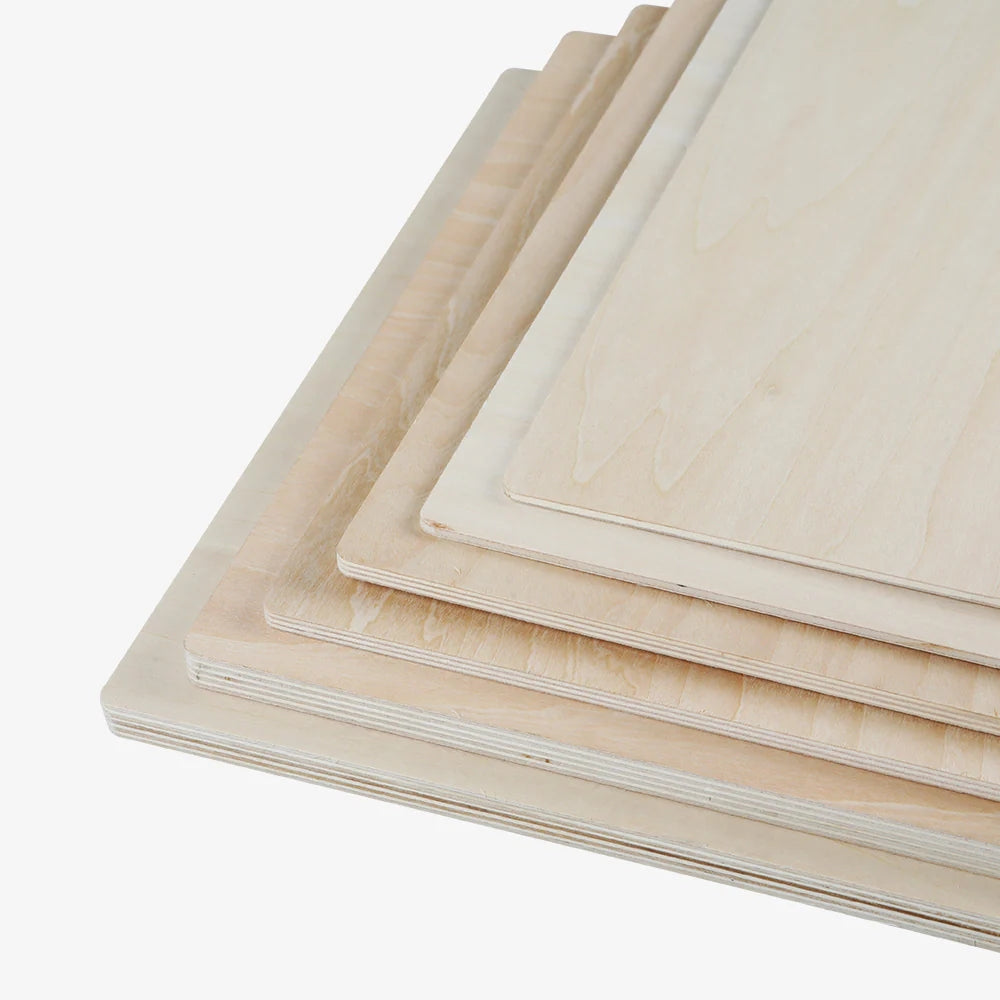
If this is your first laser engraver, do not start by chasing the highest wattage. Start with the materials you will use 80% of the time. Wood, leather, card, slate, and coated metals usually suit diode machines. Clear acrylic usually points towards CO2. Stainless steel, aluminium tags, jewellery, tools, and production marking require fibre, IR, or MOPA capability.
Best 3 Desktop Laser Engravers in the UK
1. Creality Falcon A1 Pro
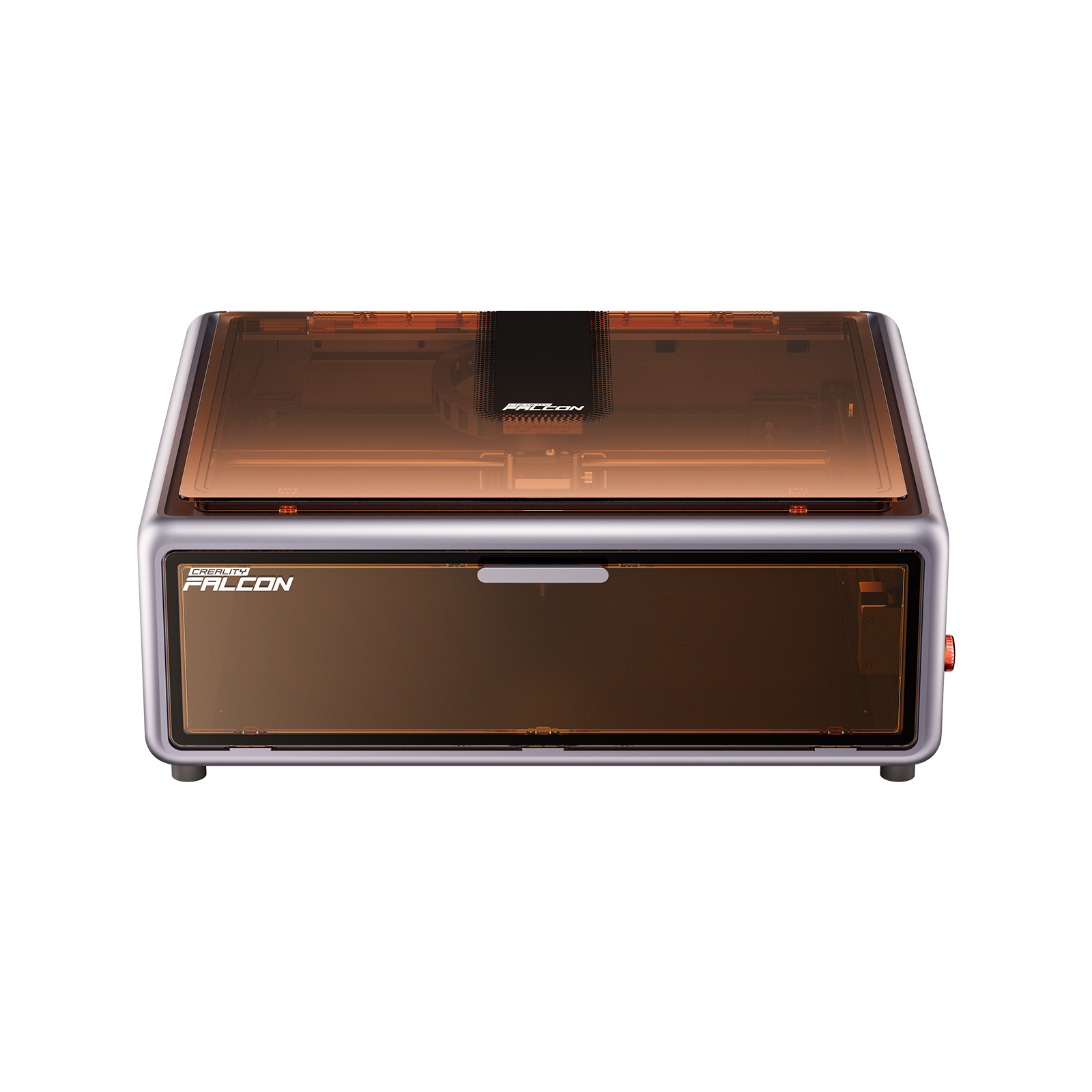
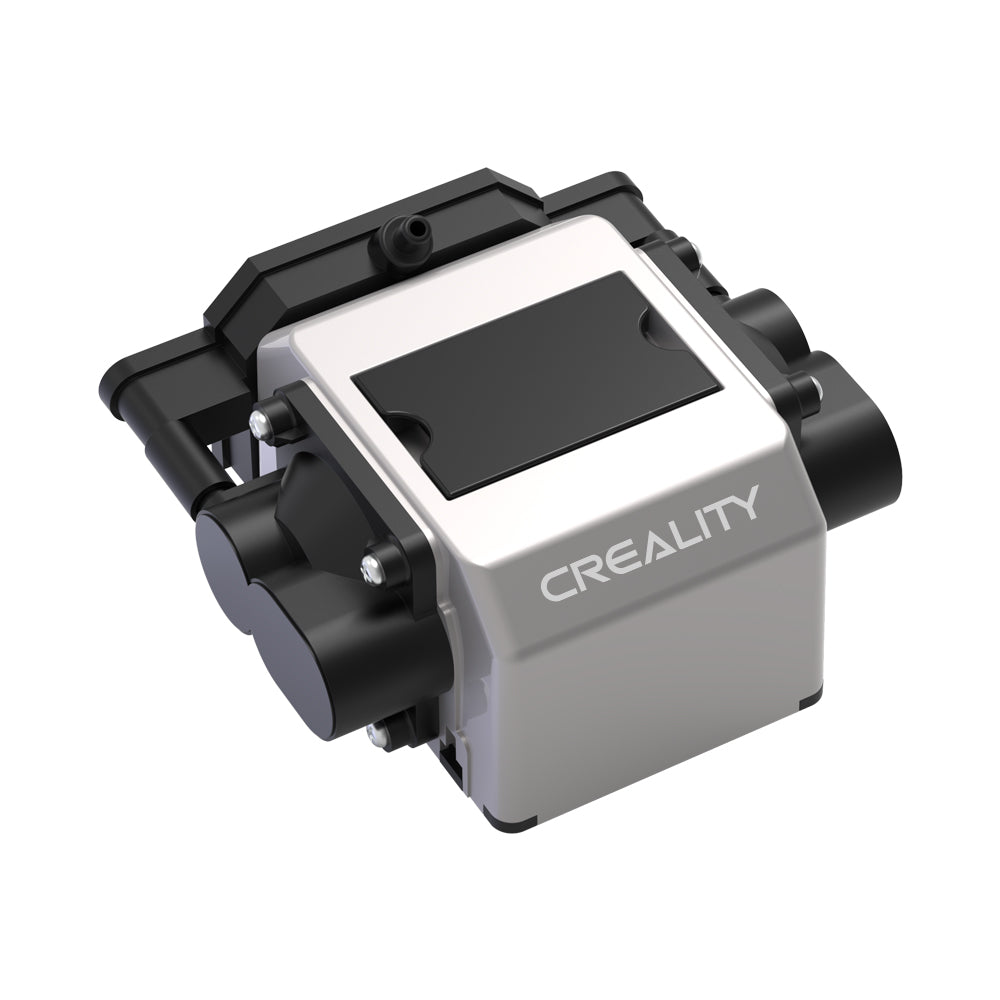
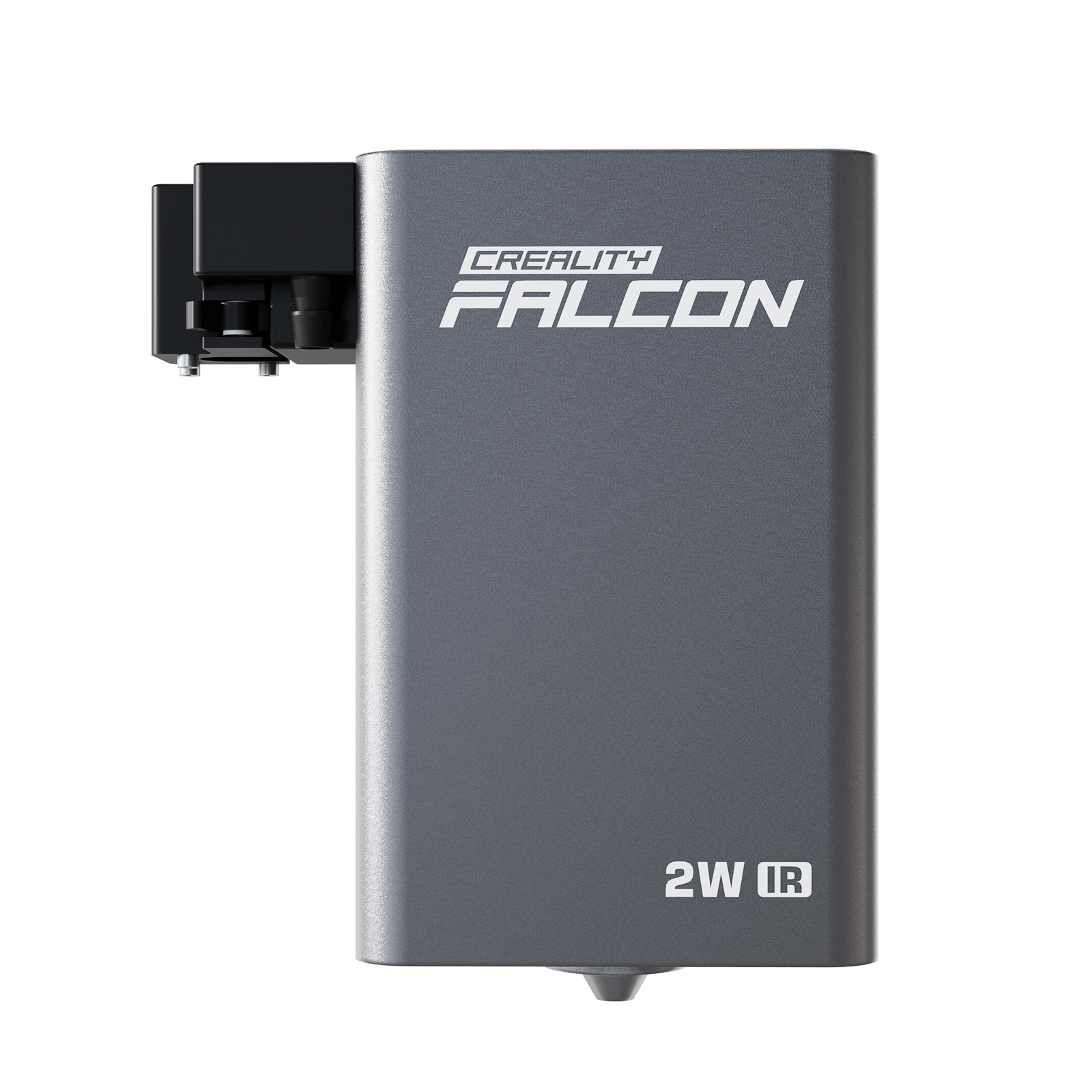
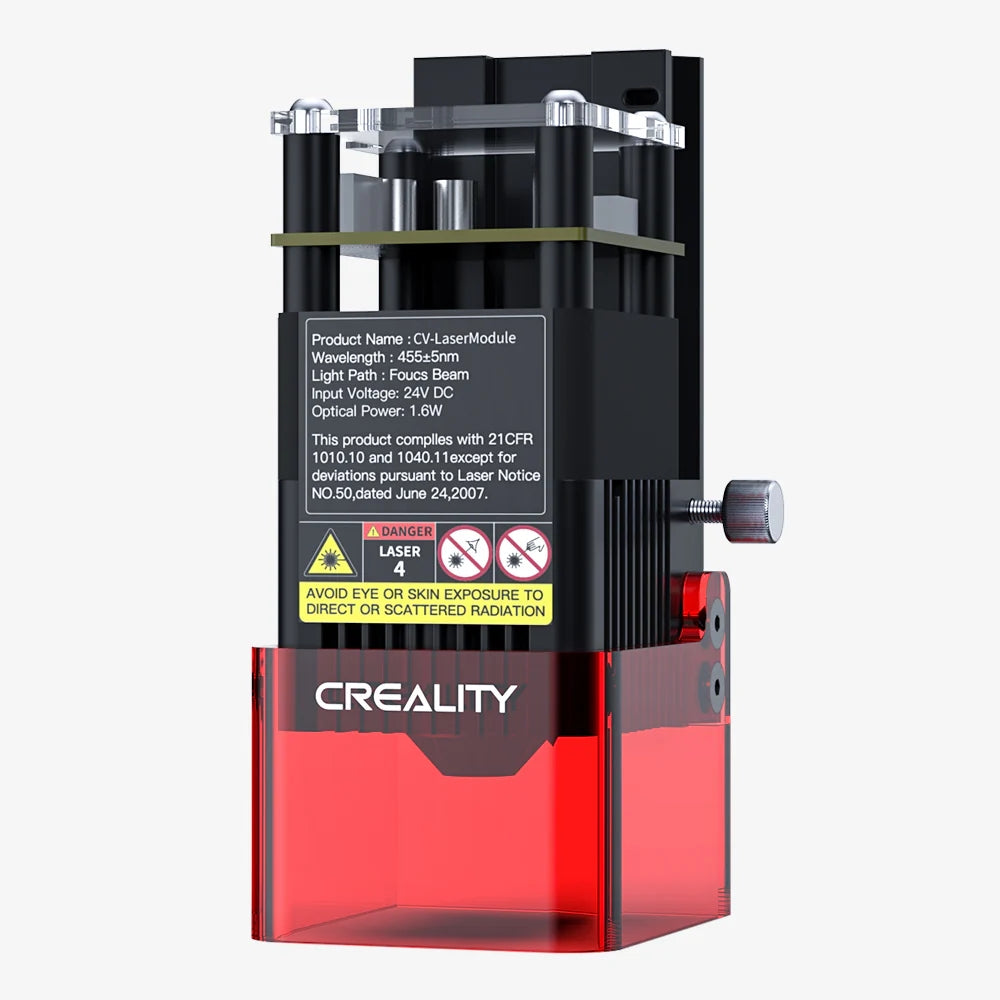
Why Choose This Product: Creality Falcon A1 Pro is one of the strongest UK-friendly picks for beginners and small studios that want an enclosed desktop diode workflow. Its 20W diode module is suitable for common materials such as wood, leather, paper, card, coated metal, slate, and opaque acrylic, while the optional 2W IR module expands light metal marking options. The built-in camera, autofocus, and enclosed Class 1 design make it easier to use in a home or studio setting than open-frame diode machines.
2. xTool S1
Why Choose This Product: xTool S1 is a strong enclosed diode option for UK users who want a larger desktop bed and flexible diode power choices. It is suitable for hobby businesses, craft sellers, and workshops making wood signs, leather patches, coasters, ornaments, and personalised gifts. Its enclosed format is a practical advantage for home use, although users should still plan proper extraction and avoid unsafe materials such as PVC and vinyl.
3. Ortur H20
Why Choose This Product: Ortur H20 is another enclosed diode option worth comparing if you want a UK-accessible machine with multiple power configurations. It can fit hobby and small business projects across wood, leather, dark acrylic, paper, coated materials, and general engraving. As with any diode engraver, buyers should be realistic about clear acrylic and bare metal limits. For UK home use, the enclosure is helpful, but ventilation is still required.
How to Choose the Right Desktop Laser Engraver
1. Match the Laser Type to Your Materials
For wood, leather, card, slate, and coated metals, an enclosed diode machine is usually the most practical starting point. For clear acrylic, choose CO2. For bare metal marking, look for fibre, IR, or MOPA capability. This matters more than brand preference because wavelength and material absorption decide the real result.

2. Prioritise Enclosure and Extraction
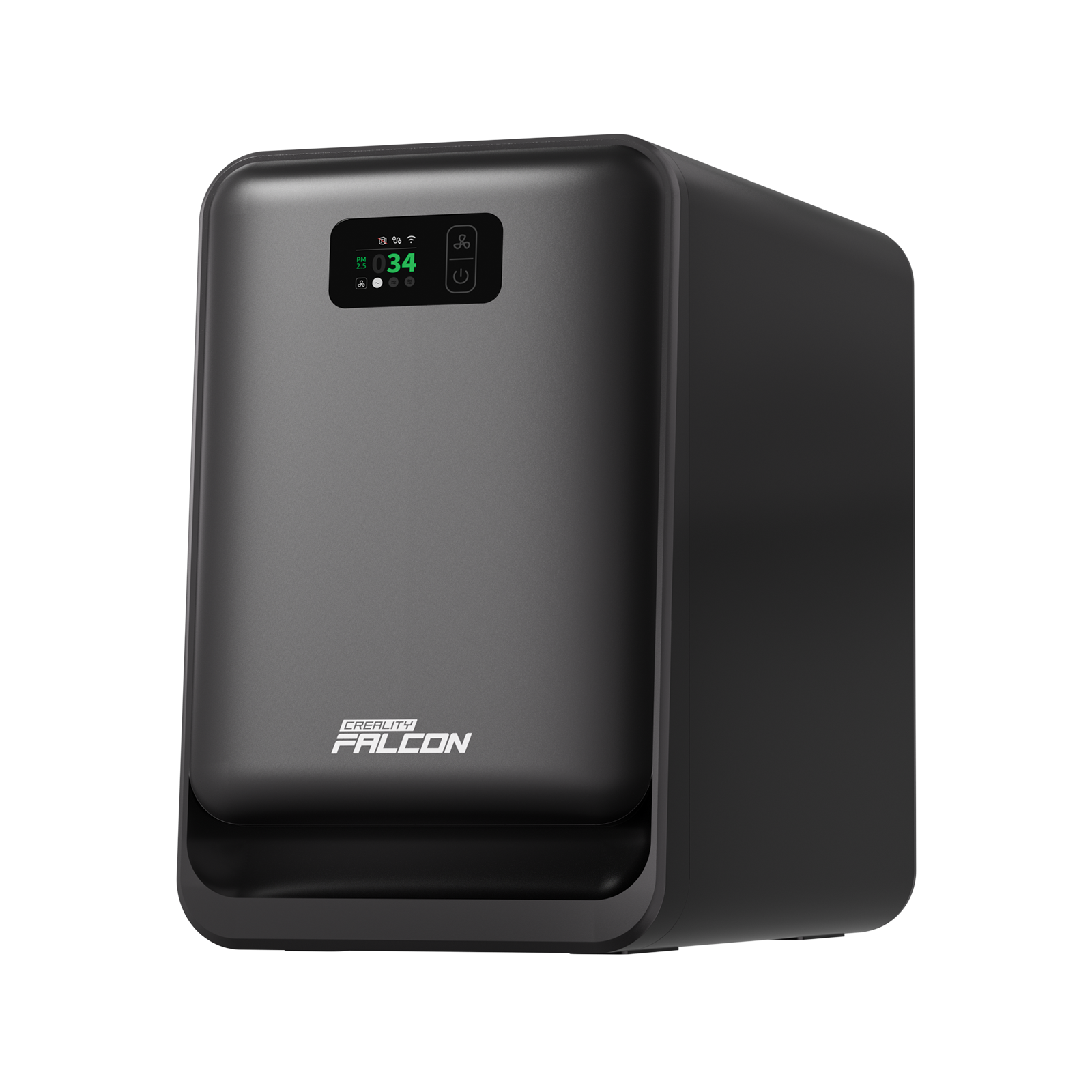
UK buyers often work indoors or in small garages, so fumes and safety are not minor details. A Class 1 enclosed machine is easier to manage, but it still needs extraction or filtration. Never cut PVC, vinyl, unknown plastics, or materials that may release corrosive or toxic fumes.
3. Check Software and Design Workflow
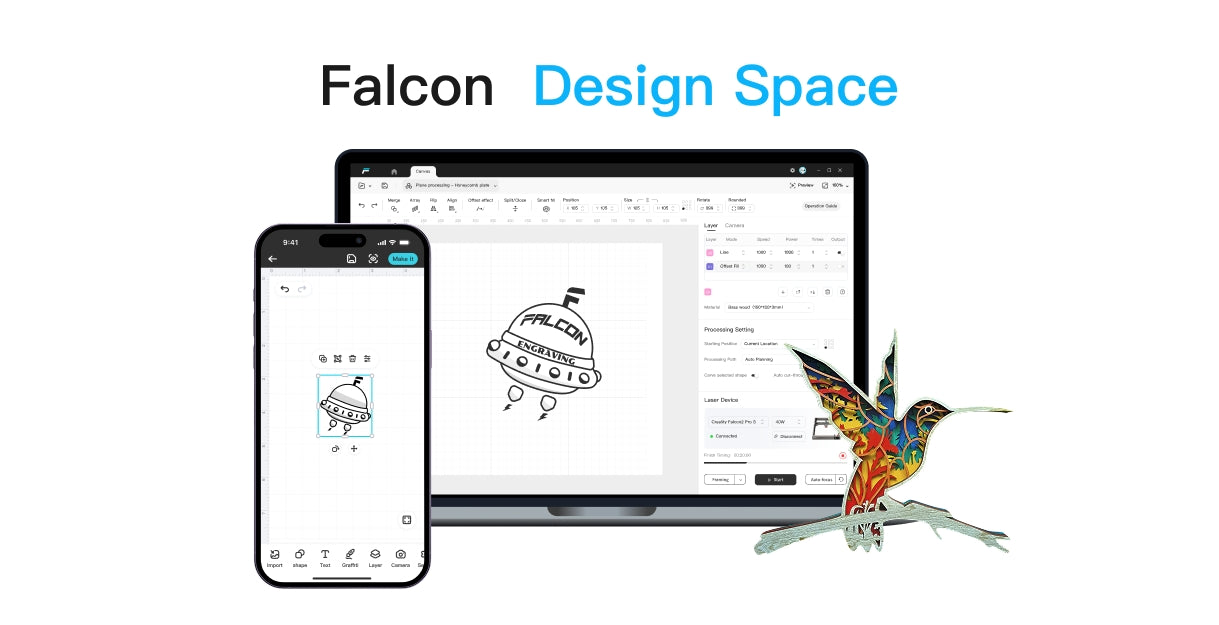
Beginners should look for simple software, camera positioning, autofocus, and reliable presets. Creality Falcon users can also explore Falcon Design Space for setup and workflow guidance. If you need project inspiration or downloadable designs, CraftSeek can help with idea discovery.
What Reddit and Forum Users Ask About Desktop Laser Engravers
1. Can I safely use a laser engraver at home in the UK
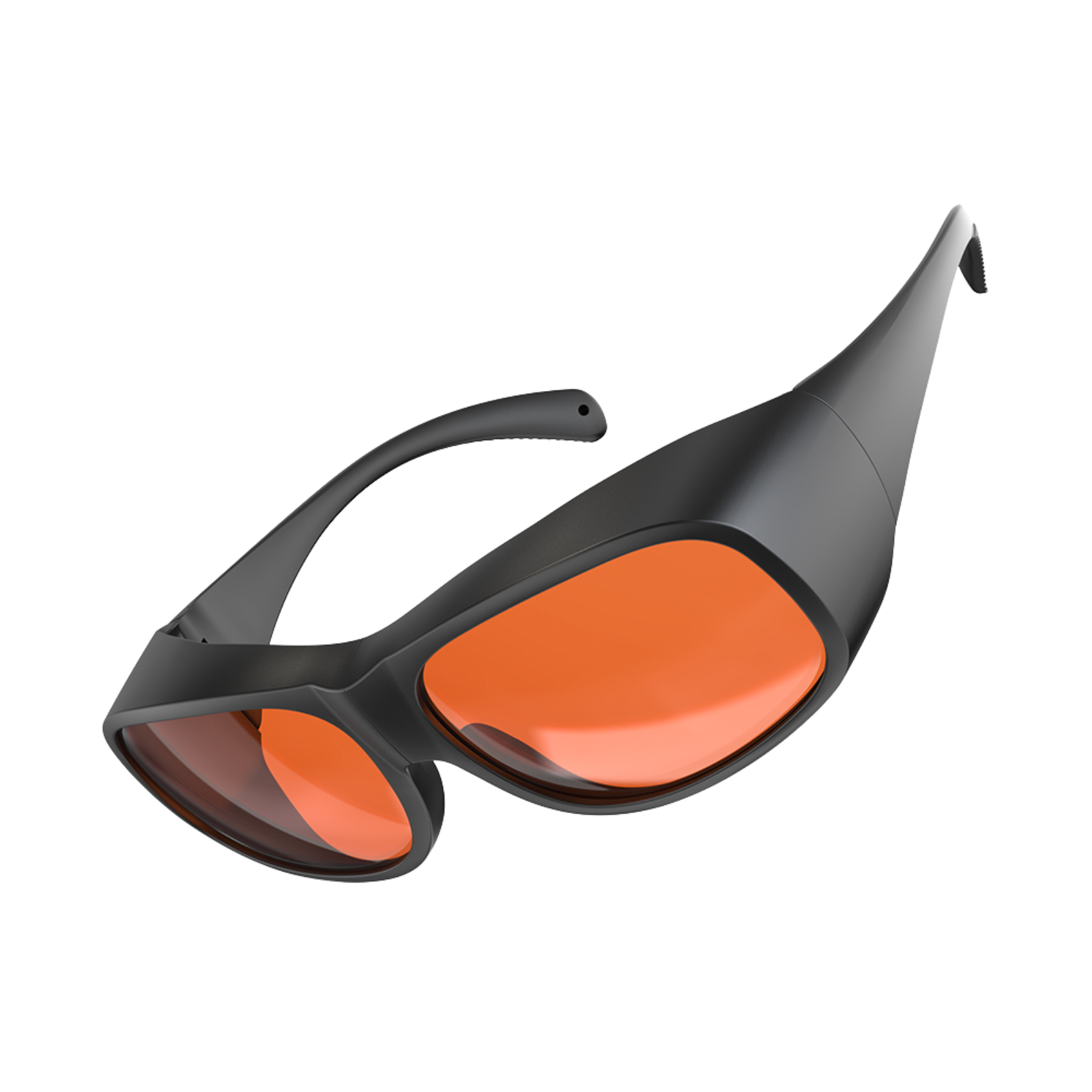
Yes, but only if you treat ventilation, fire safety, and eye protection seriously. Enclosed machines are better for home use, but smoke extraction is still essential.
2. Should I buy diode, CO2, or fibre first
Buy diode first for wood, leather, and craft products. Buy CO2 first for clear acrylic and non-metal cutting. Buy fibre or MOPA first if your business is mainly metal marking.
3. Why do people regret buying cheap open-frame lasers
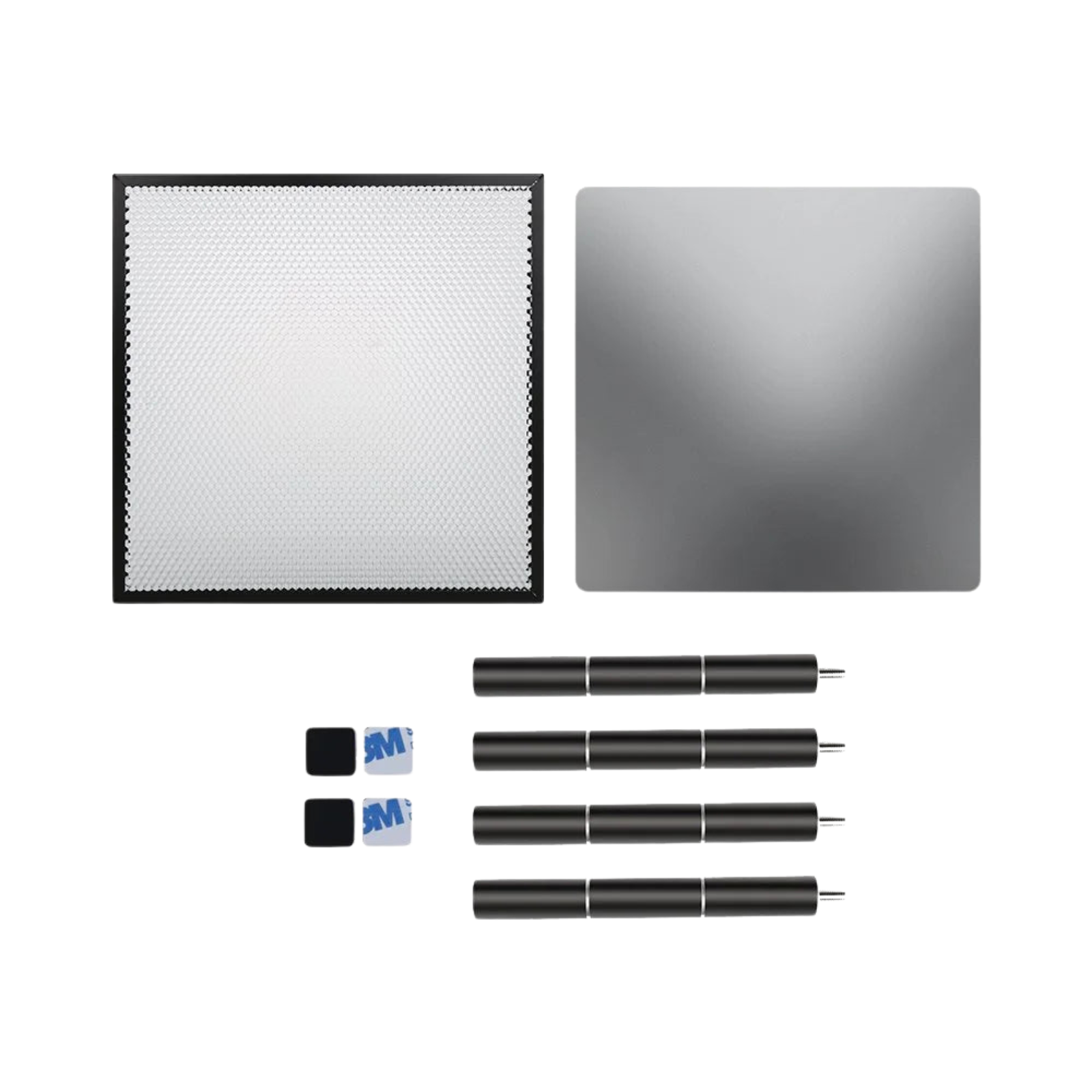
The common complaints are smoke control, alignment, safety, weaker software, inconsistent support, and needing extra accessories immediately. A cheaper machine can become expensive once enclosure, air assist, extraction, and materials are added.
FAQ
1. What is the best desktop laser engraver UK beginners should buy
For most beginners, an enclosed diode laser such as Creality Falcon A1 Pro or xTool S1 is the most practical starting point.
2. Can a desktop laser engraver cut metal
Most diode and CO2 desktop machines are not true metal cutters. For metal marking, choose IR, fibre, or MOPA. For metal cutting, you need a dedicated metal cutting setup.
3. Is CO2 better than diode for desktop use
CO2 is better for clear acrylic and many non-metal cutting jobs. Diode is usually more affordable and easier for wood, leather, slate, and hobby engraving.
4. Do UK laser engravers need ventilation
Yes. Even enclosed machines need extraction or filtration because wood, leather, acrylic, and coated materials can produce smoke and odour.
5. Should I include OMTech in my shortlist
OMTech is relevant in CO2 and workshop discussions, but only use a specific OMTech product recommendation after confirming a current UK product page, stock status, and support route.
Conclusion
The best desktop laser engraver for UK buyers is the one that fits your real materials, space, and safety setup. Choose an enclosed diode machine for everyday craft engraving, CO2 for clear acrylic and non-metal cutting, and fibre or MOPA for professional metal marking. For most UK home studios, start with safety and materials before comparing wattage.

Recent News

4 Best Home Laser Cutter Machines in the UK
Quick Answer: The best home laser cutter machine UK buyers should choose is usually an enclosed diode laser...

5 Best Hobby Laser Engraving Machines in the UK
Find the best hobby laser engraving machine UK buyers can use for crafts, Etsy products, home studios, safe...

6 Laser Cutting Material Groups UK Makers Should Know
Learn laser cutting materials UK makers can use safely, what to avoid, and which UK laser machines fit...


