





















Choosing the Best CO2 Laser Engraver: Buyer’s Guide

Considering a CO₂ laser engraver? You’re in the right place.
While laser engraving may seem complex at first, CO₂ lasers are known for their versatility, power, and reliability.
This guide isn’t just a product list—it breaks down how CO₂ laser engravers work, what features truly matter, and how to choose the right machine based on your projects, budget, and long-term goals, so you can invest with confidence.
What Is a CO2 Laser Engraver
A CO2 laser engraver is a powerful tool that uses a highly concentrated beam of light to cut, engrave, or mark materials.
- The laser beam is generated by exciting CO₂ gas inside a sealed tube.
- The beam travels through mirrors, passes a focusing lens, and then contacts the material.
- This focused energy vaporises or melts the surface, producing precise engravings or clean cuts.
Its versatility makes CO2 lasers popular among both hobbyists and professionals.

Question: Do I Need to Refill the CO2 Gas
CO₂ laser engravers do not require gas refilling during use.
The CO₂ gas is permanently sealed inside the laser tube and is excited by electricity to generate the laser beam.
The gas is not consumed in operation, so users never need to handle or recharge it.
When laser power decreases over time, it’s due to tube ageing, and the solution is replacing the laser tube—not refilling gas.
Why Choose a CO2 Laser? (CO2 vs. Other Lasers)
CO2 lasers strike a balance between power, speed, and material compatibility that other laser types often cannot.
Advantages of CO2 Lasers
- Material Versatility: Excellent for wood, acrylic, leather, fabric, paper, and glass
- Speed & Power: Faster and more powerful than diode lasers for non-metals
- Precision: Capable of fine details and clean cuts
Disadvantages to Consider
- Size & Cost: Larger footprint and higher cost than diode lasers
- Maintenance: Laser tubes have a finite lifespan
- Metal Limitation: Cannot cut bare metals (only coated or anodised metals)

Quick Comparison: CO2 vs. Fiber vs. Diode
|
Feature |
CO2 Laser |
Fiber Laser |
Diode Laser |
|
Best For |
Organic materials, acrylic, glass |
Metals, some plastics |
Thin materials, beginners |
|
Power / Speed |
High |
Very high |
Low–mid |
|
Cost |
Mid–high |
High |
Low |
|
Maintenance |
Tube replacement |
Very low |
Very low |
|
Footprint |
Large |
Small–large |
Small–mid |
Essential Features to Consider Before Buying
If you are considering a CO₂ laser engraver purchase, the following guidance will help you select the right machine for your requirements.
1. Laser Power (Wattage)
Laser power, measured in wattage, directly affects engraving speed and cutting thickness.
Choosing the right wattage ensures your machine can handle your materials efficiently without unnecessary limitations.
- 30–50W: Suitable for hobby use, light engraving, and cutting thinner materials
- 60–100W: Ideal for small businesses that require faster processing and the ability to cut thicker materials
- 100W+: Designed for industrial-grade production and high-volume workloads
Advice: It’s generally better to choose a machine with higher wattage and dial the power down when needed, rather than outgrowing an underpowered laser too quickly.
2. Work Area / Bed Size
The work area (bed size) determines the maximum size of material you can process in a single job.
Choosing the right size depends on the scale of your projects, available workspace, and future growth plans.
- Small (e.g. 300 × 200 mm / 12" × 8"): Best for crafts, small custom items, and compact workspaces. Ideal for keychains, tags, small plaques, and hobby projects.
- Medium (e.g. 500 × 300 mm to 700 × 500 mm / 20" × 12" to 28" × 20"): A well-balanced option for small businesses, offering flexibility for signage, panels, and batch engraving without taking up excessive space.
- Large (e.g. 900 × 600 mm and above / 36" × 24"+): Ideal for batch processing, large-format materials, signage, furniture parts, and production-focused workflows.
Advice: Don’t size your machine only for what you make today. A slightly larger bed provides greater flexibility and can prevent the need for an early upgrade as your project scope expands.
3. Software Compatibility & User Interface
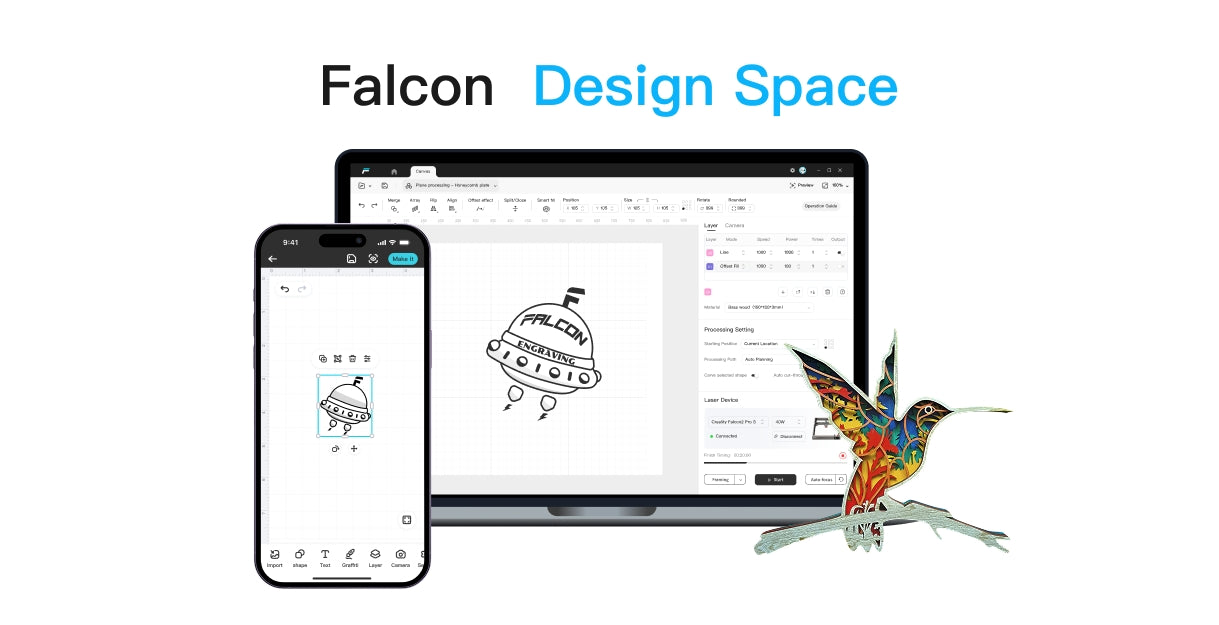
A laser engraver’s performance is closely tied to its software.
Even powerful hardware can feel limiting if the software is difficult to use or lacks flexibility.
Common options include LightBurn, RDWorks, and CorelLaser
- LightBurn is widely recommended due to its intuitive interface, advanced control, and active user community
- For many users, investing in better software significantly improves workflow efficiency and overall results.
4. Cooling System
CO₂ laser tubes generate substantial heat during operation, making an effective cooling system essential for stable performance and tube longevity.
- Water pump: Basic cooling, typically found on entry-level machines
- Chiller (CW-3000 / CW-5000): Strongly recommended for consistent temperature control, especially for higher wattage or long-running jobs
Advice: A proper chiller is not an accessory—it’s an investment that protects your laser tube and ensures consistent output.
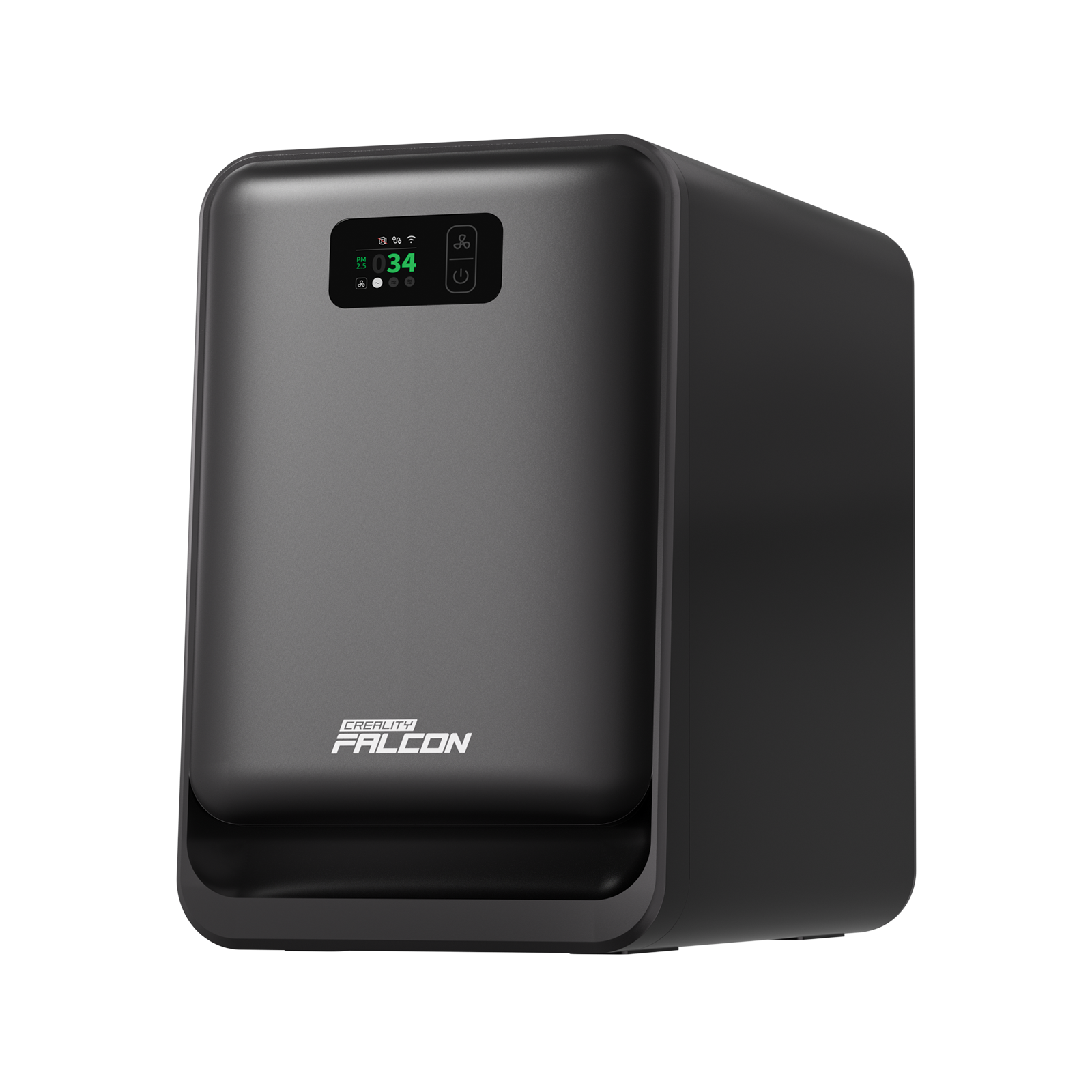
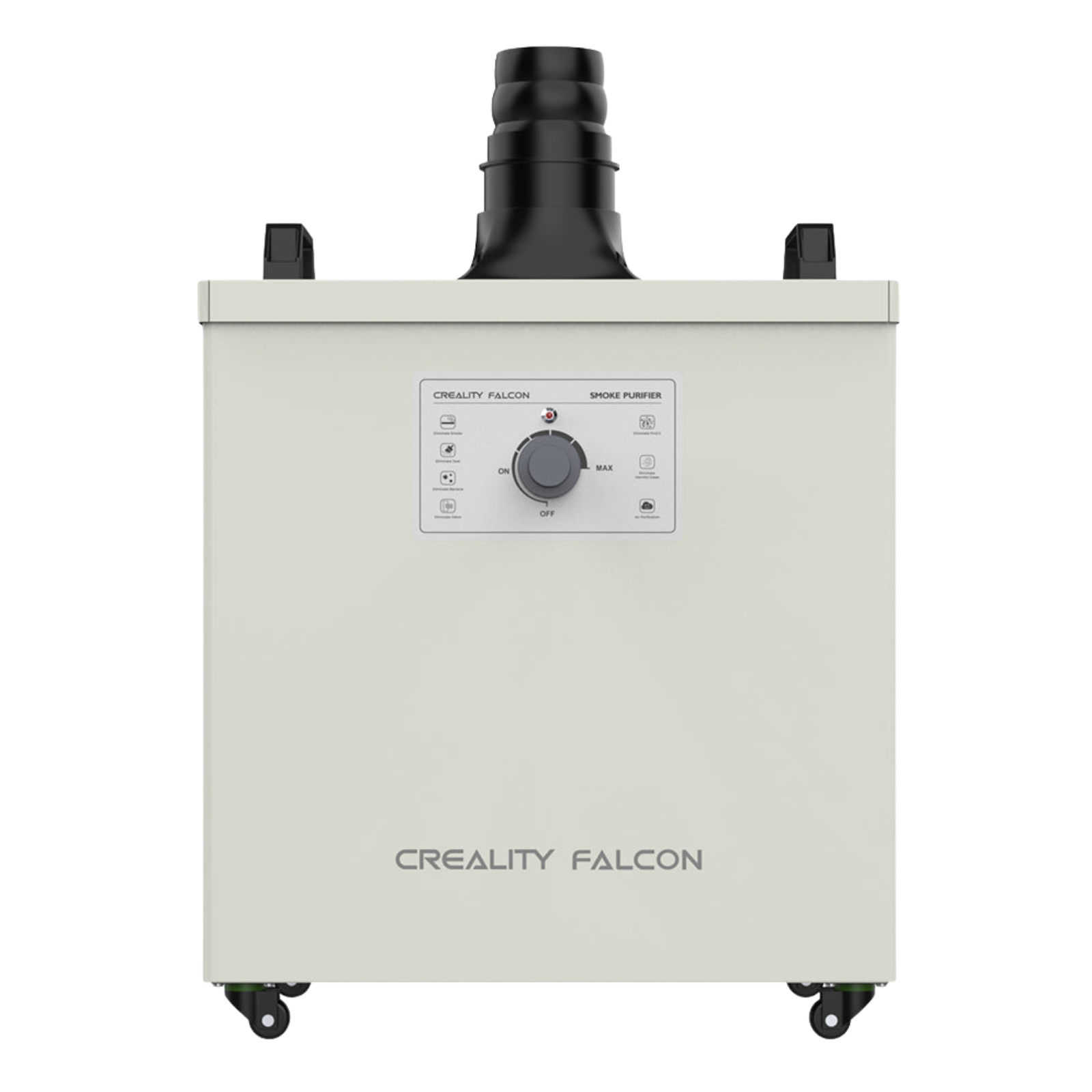
5. Ventilation & Safety Features
Ventilation and safety features are non-negotiable.
CO₂ lasers produce smoke, fumes, and potential fire risks that must be properly managed.
Key features to look for include:
- Exhaust fan for removing smoke and fumes
- Air assist to improve cut quality and reduce flare-ups
- Safety interlocks that disable the laser when the lid is opened
- Emergency stop button for immediate shutdown
Advice: Never compromise on ventilation. A safe workspace protects both your health and your equipment.
Top CO2 Laser Engraver Brands & Models
Choosing the right CO₂ laser engraver often comes down to balancing budget, ease of use, performance, and long-term support.
Below is a practical breakdown of well-known brands and machine types, grouped by user level.
1. Entry-Level / Hobbyist Options
These machines are best suited for beginners, makers, and hobbyists who want to explore CO₂ laser engraving without a large upfront investment.
- K40 Variants: Typically unbranded or generically branded 40W CO₂ lasers
- Very low entry cost, widely available online
- Often require DIY upgrades (controller board, air assist, ventilation)
Best for: Tinkerers who enjoy upgrading hardware and learning how CO₂ lasers work from the ground up.
2. Mid-Range / Small Business Solutions
This category is where most serious hobbyists and small businesses land. These machines balance power, usability, and cost.
- Glowforge: Known for exceptional ease of use and clean industrial design
- Cloud-based software with minimal setup required
Best for: Users who prioritise simplicity, design, and minimal setup over deep customisation.
Materials You Can Use with a CO₂ Laser
One of the biggest advantages of a CO₂ laser engraver is its versatility with non-metal materials.
However, not all materials behave the same, so it’s important to understand what can be cut, engraved, or should be avoided entirely.
Can Cut & Engrave
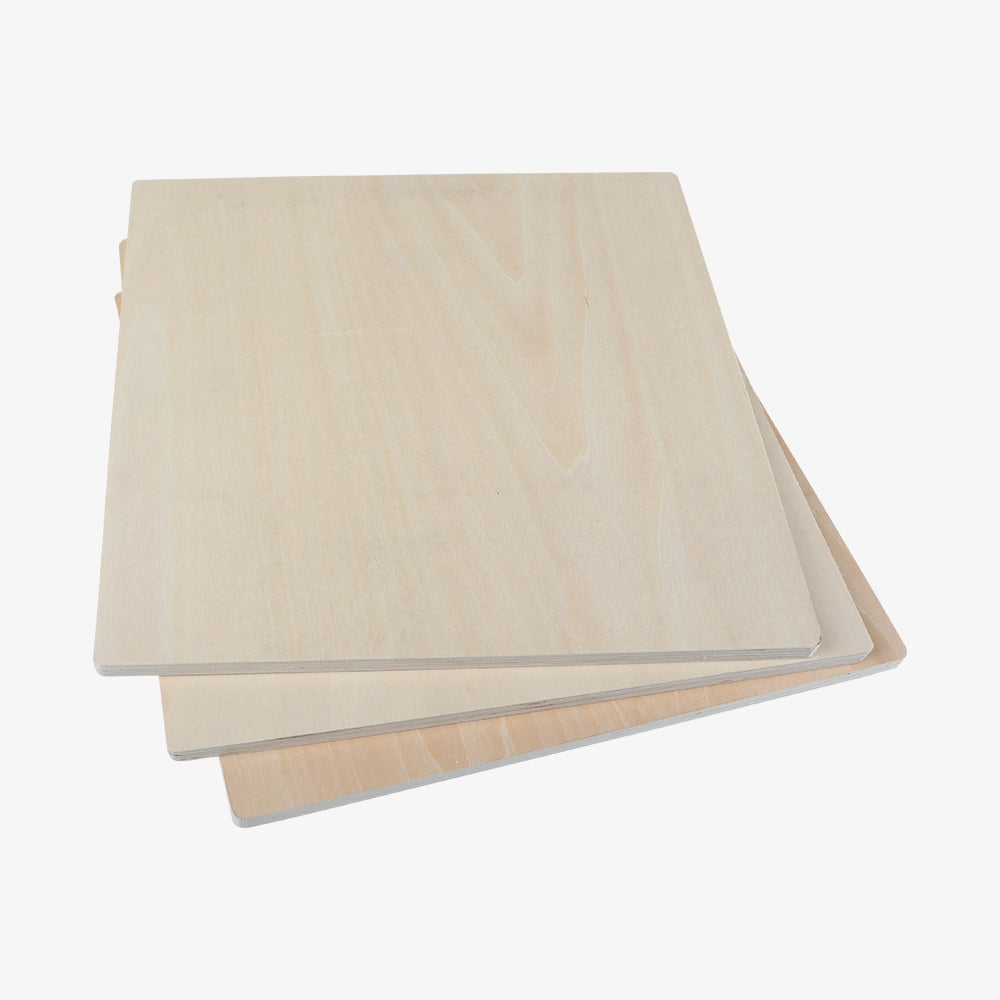
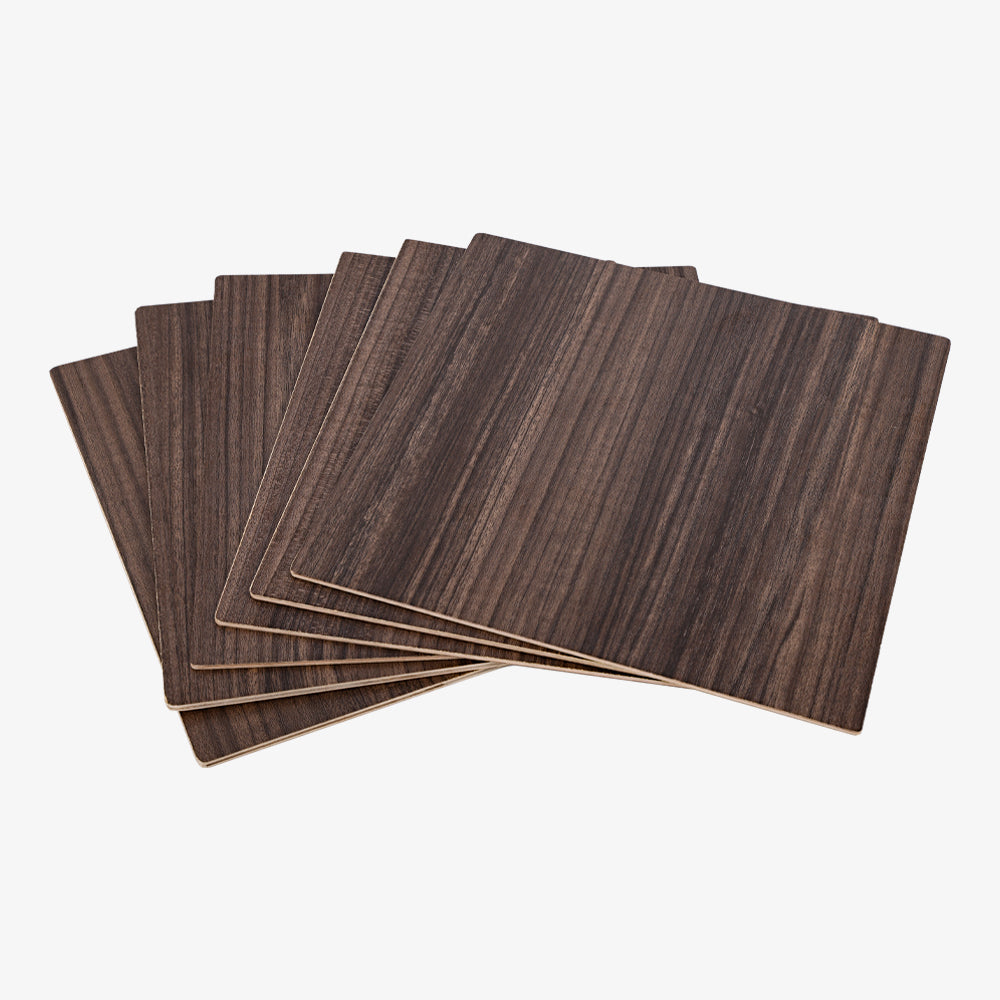
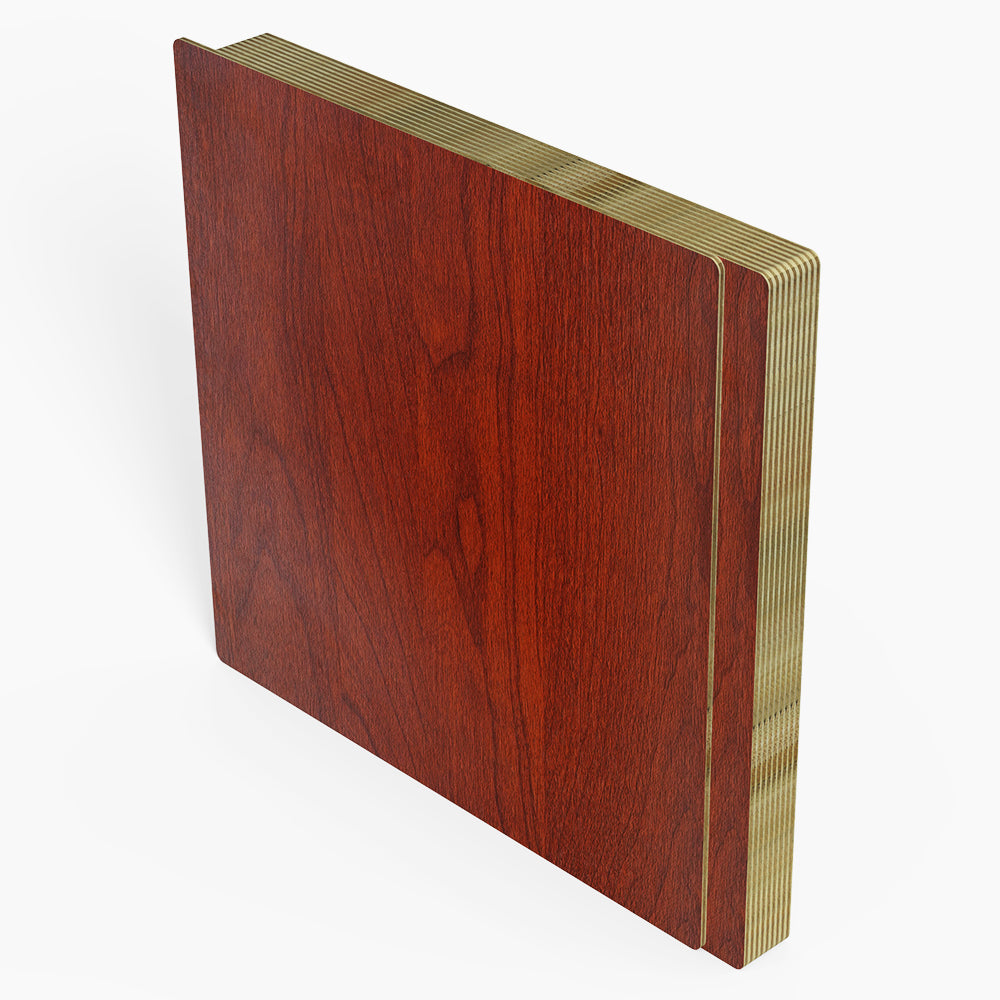
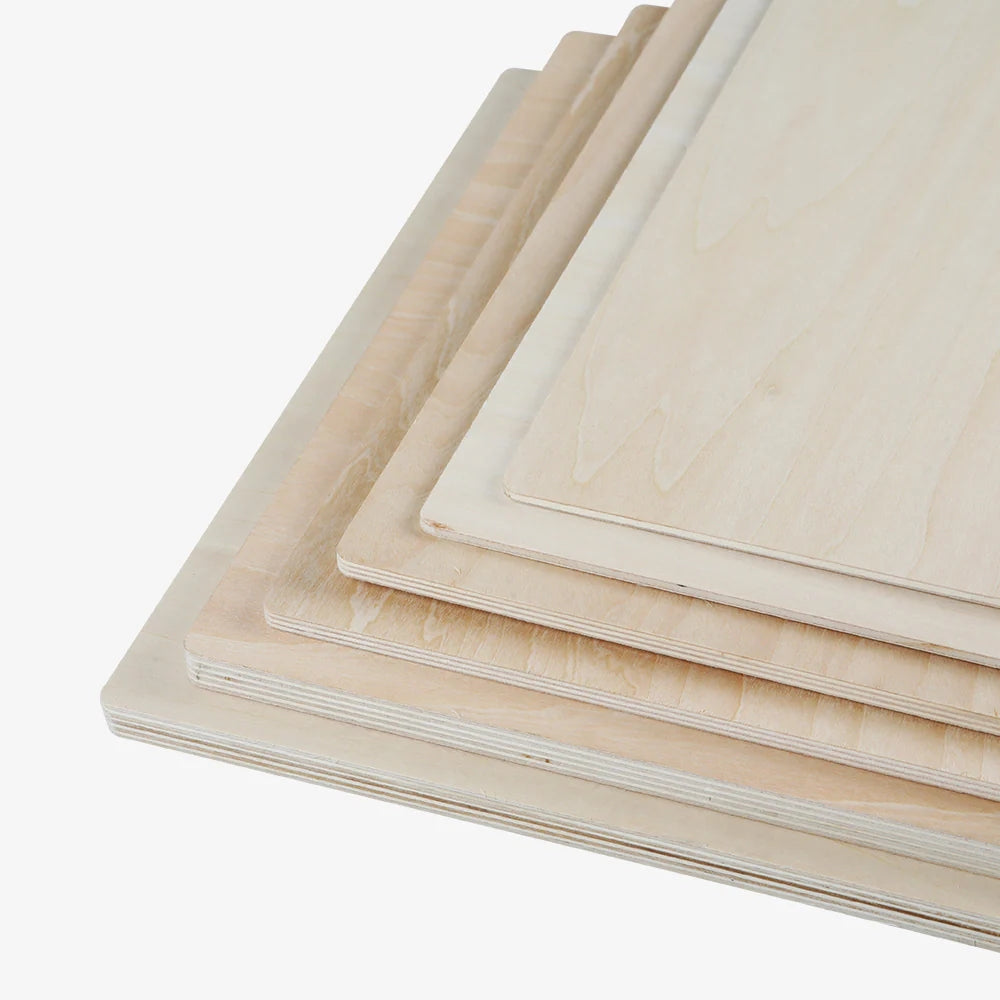
- Wood (plywood, MDF, solid wood, bamboo)
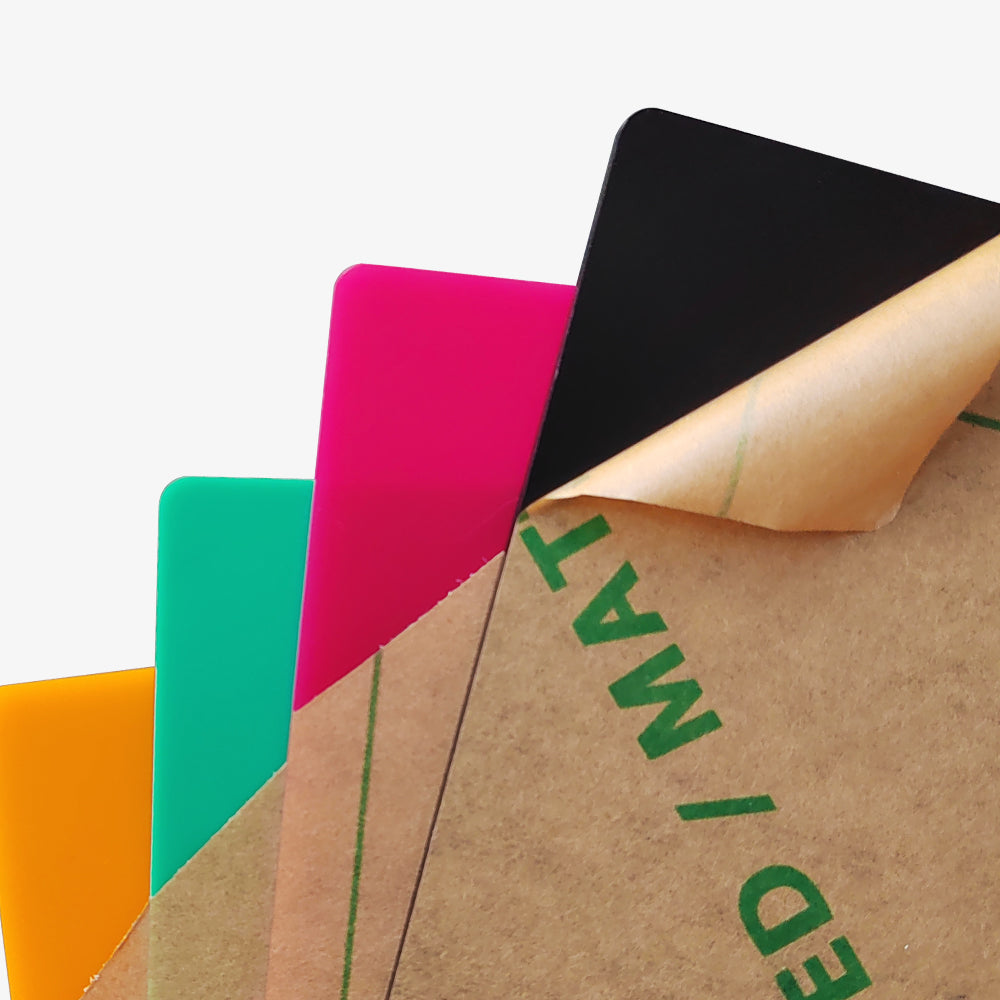
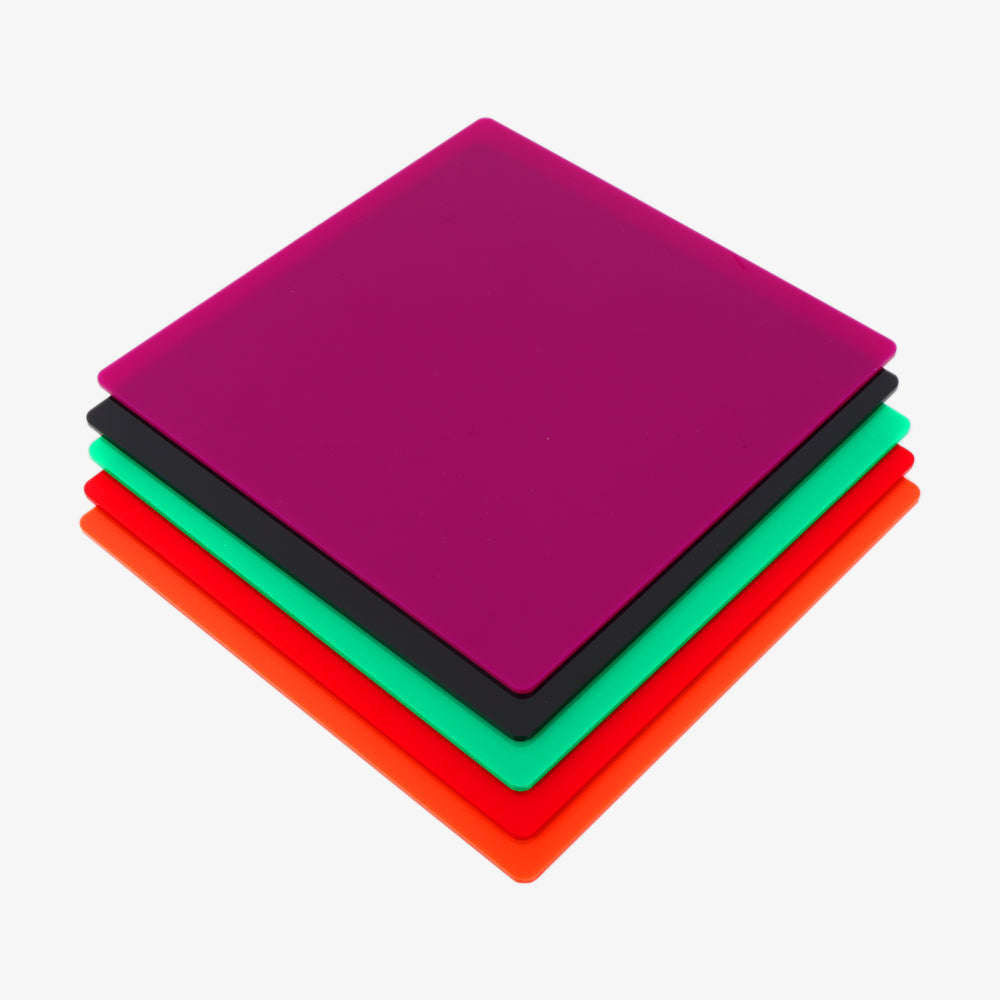
- Acrylic (cast and extruded)
- Leather (genuine and synthetic)
- Paper & Cardboard
- Fabric (cotton, felt, denim, polyester)
- Rubber
Engrave Only
- Glass & Ceramic
- Anodised Aluminium
- Painted or Coated Metals
DO NOT LASER (Safety Critical)
- PVC / Vinyl
- Polycarbonate
- Fibreglass / Carbon Fibre
Pricing & Budget Considerations
Understanding the true cost of a CO₂ laser engraver goes beyond the machine’s sticker price.
A realistic budget should account for both the initial purchase and essential supporting equipment.
Typical Price Ranges
- Entry-level (£300–£1,500): Basic desktop machines suitable for hobby use, light engraving, and DIY-focused users.
- Mid-range (£2,000–£6,000): Well-balanced systems for small businesses, offering higher power, larger work areas, and better reliability.
- Professional (£7,000–£60,000+): Industrial-grade machines designed for continuous operation, maximum precision, and premium support.
Hidden Costs to Consider
- Software: Advanced control software (such as LightBurn) may require a separate license.
- Chiller and Ventilation: Proper cooling and fume extraction are essential for performance, safety, and laser tube lifespan.
- Replacement Laser Tubes: CO₂ laser tubes are consumable components and will need replacement over time.
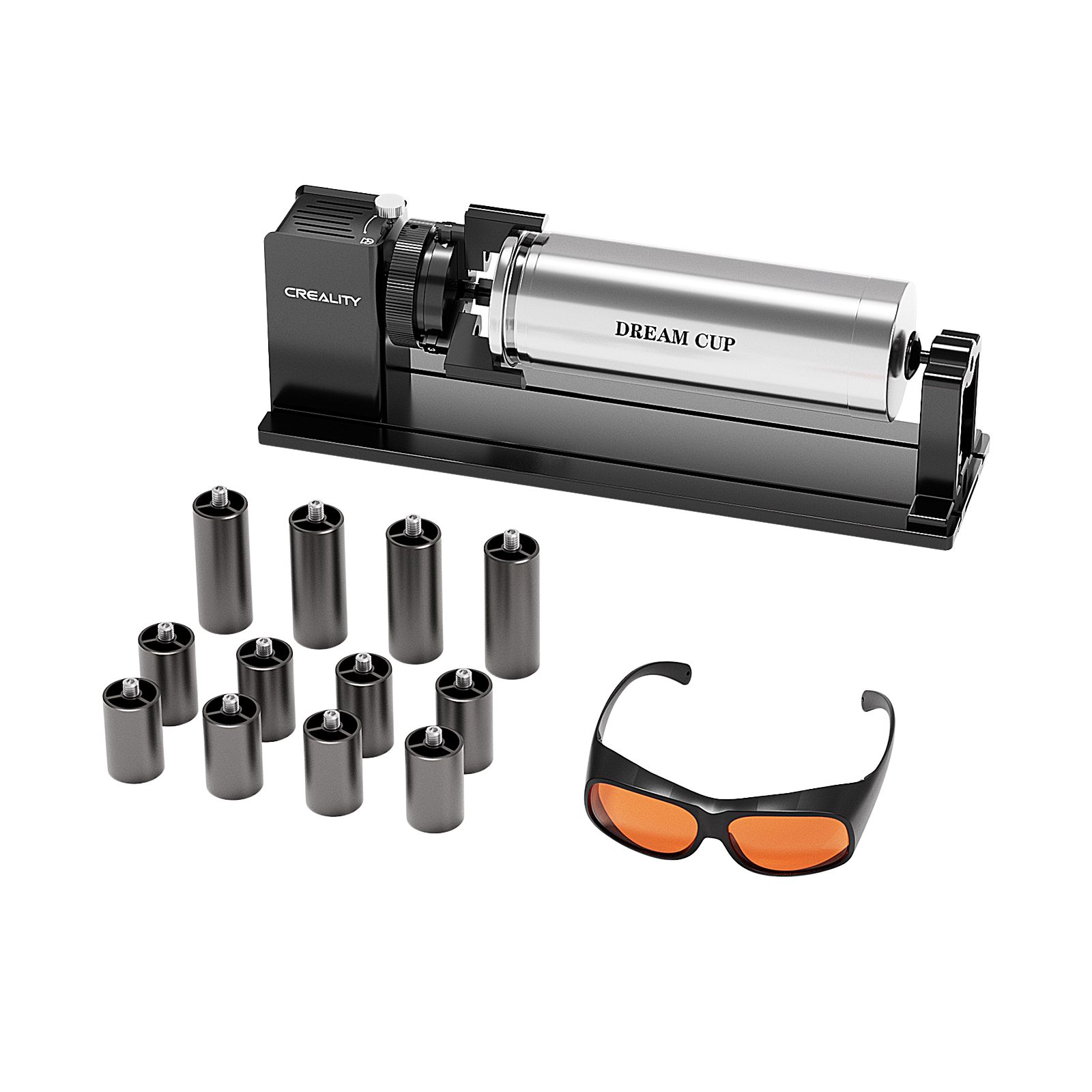
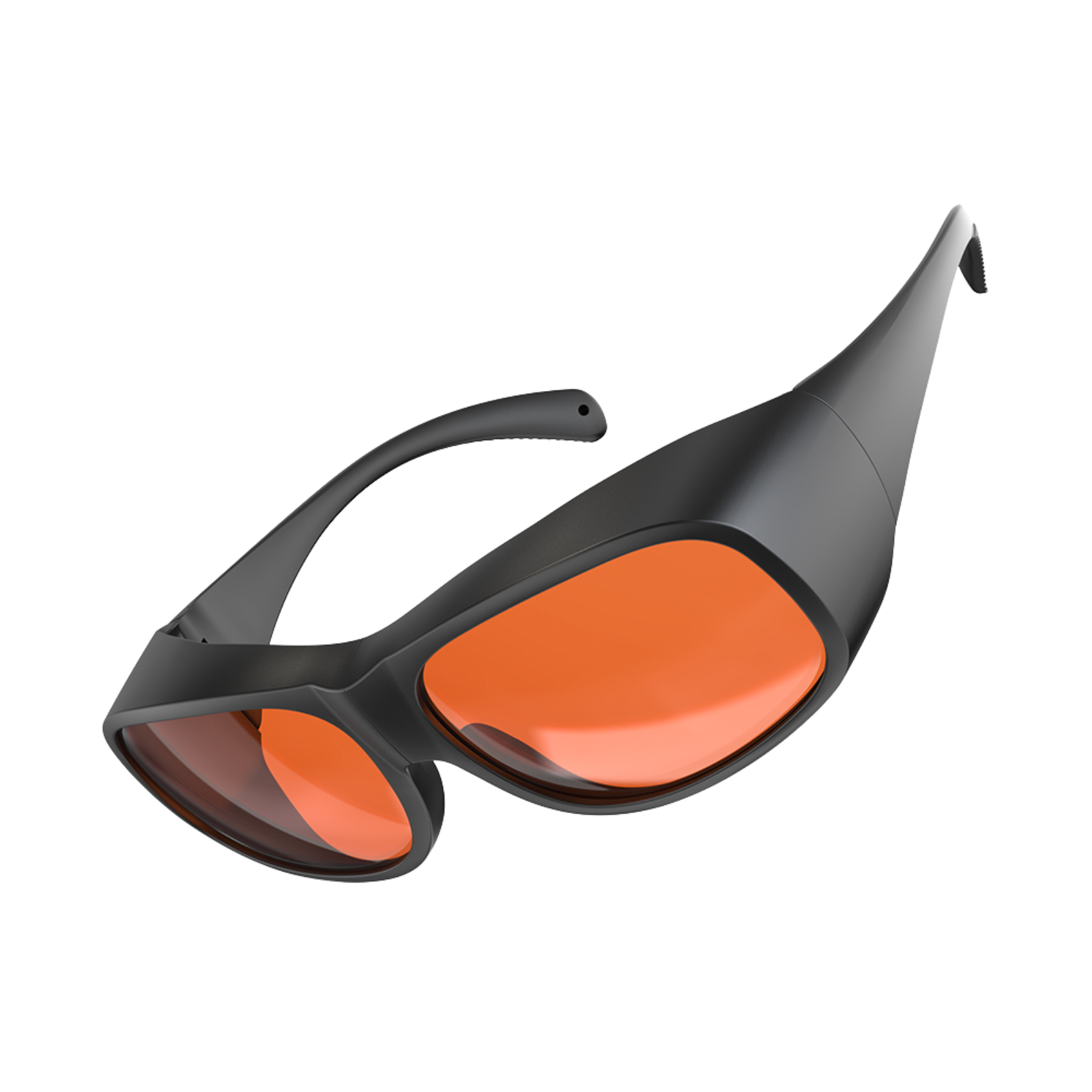
- Safety Gear: Laser safety glasses, fire extinguishers, and proper workspace protection are non-negotiable.
Final Takeaways
If you’re new to CO₂ laser engraving, it’s normal to feel overwhelmed by power ratings, bed sizes, cooling systems, and safety requirements.
The good news is that you don’t need to understand everything at once—you just need to avoid the common mistakes.
Focus on choosing enough power for your materials, a work area that gives you room to grow, proper cooling and ventilation, and a machine with reliable support.
A well-chosen CO₂ laser engraver is not fragile or complicated—it’s a stable, beginner-friendly tool that can grow with your skills.
Recent News

4 Best Home Laser Cutter Machines in the UK
Quick Answer: The best home laser cutter machine UK buyers should choose is usually an enclosed diode laser...

5 Best Hobby Laser Engraving Machines in the UK
Find the best hobby laser engraving machine UK buyers can use for crafts, Etsy products, home studios, safe...

Best Desktop Laser Engraver UK: Buyer Guide and Product Picks
Compare desktop laser engraver UK options for home studios, small workshops, materials, safety, ventilation, and verified UK product...


